
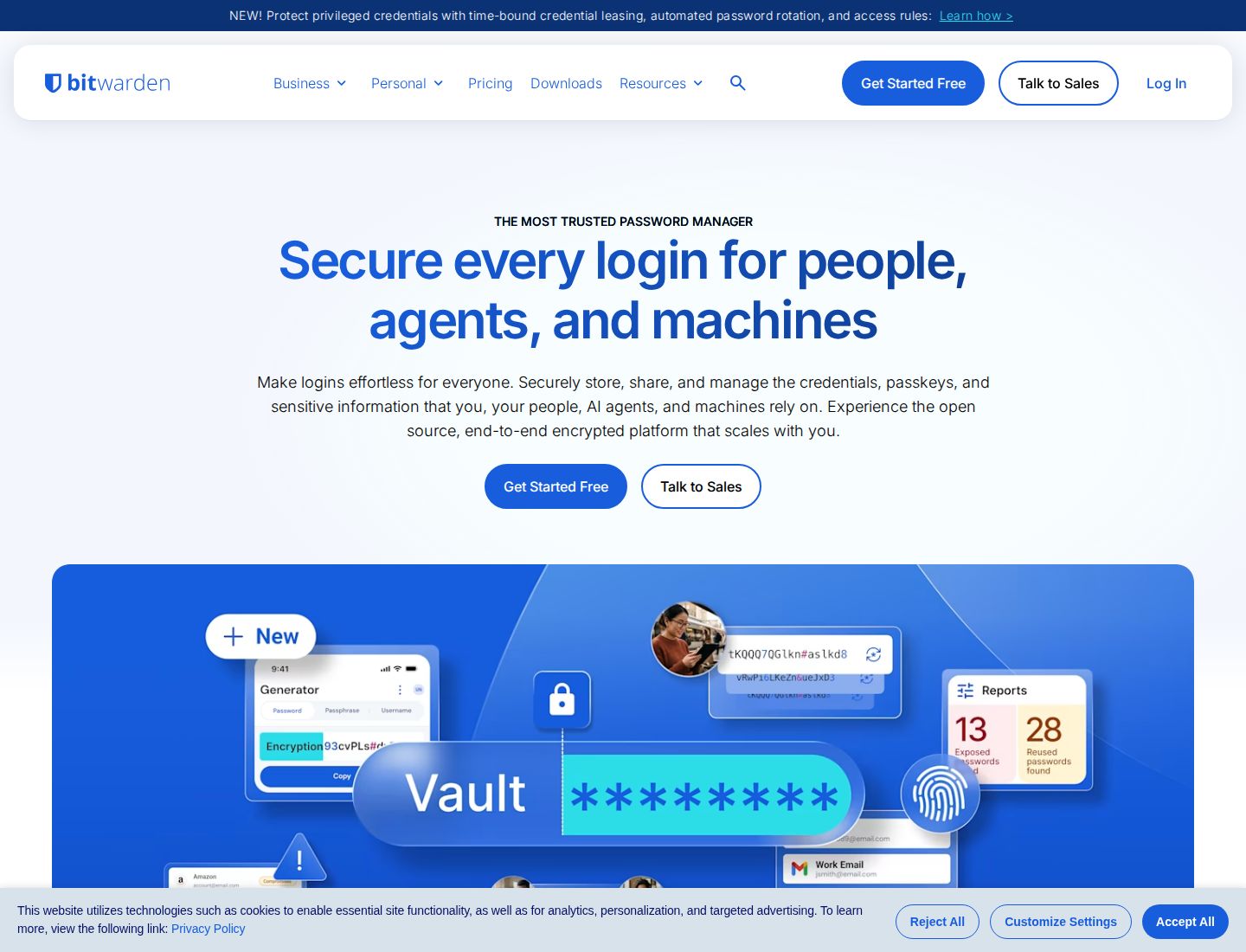
This Bitwarden review is about the password manager that is free in a way the others are not: open source, self-hostable, and genuinely usable on the free tier. The paid plans - 1.65 USD a month for one person, 4 USD per user for a team - buy convenience rather than the ability to store a password, which is the reverse of how most security software is priced.
Prices are from bitwarden.com/pricing and its business page, read 23 November 2026. No account was created, so this is a research-based review with no score - the rule is in how we test.
What Bitwarden is
A password manager with a vault, browser extensions, mobile apps, a web vault and a desktop app, all built on an open-source codebase that anyone can audit or self-host. The company's differentiator has never been the interface - it is plainer than the competition - it is the licensing and the price, and those two things happen to matter more in this category than in most.
For a business, the interesting shape is the tier ladder: a free individual account, cheap Premium and Families plans for humans, and Teams/Enterprise priced per user for organisations that need central control. That means a five-person company can start at 20 USD a month and still have a real admin console.
Pricing, precisely
| Plan | Price | Who |
|---|---|---|
| Free | 0 | one account, unlimited passwords, unlimited devices |
| Premium | 1.65 USD/mo, billed 19.80 USD/year | one account, plus advanced features |
| Families | 3.99 USD/mo, billed 47.88 USD/year | 6 premium accounts |
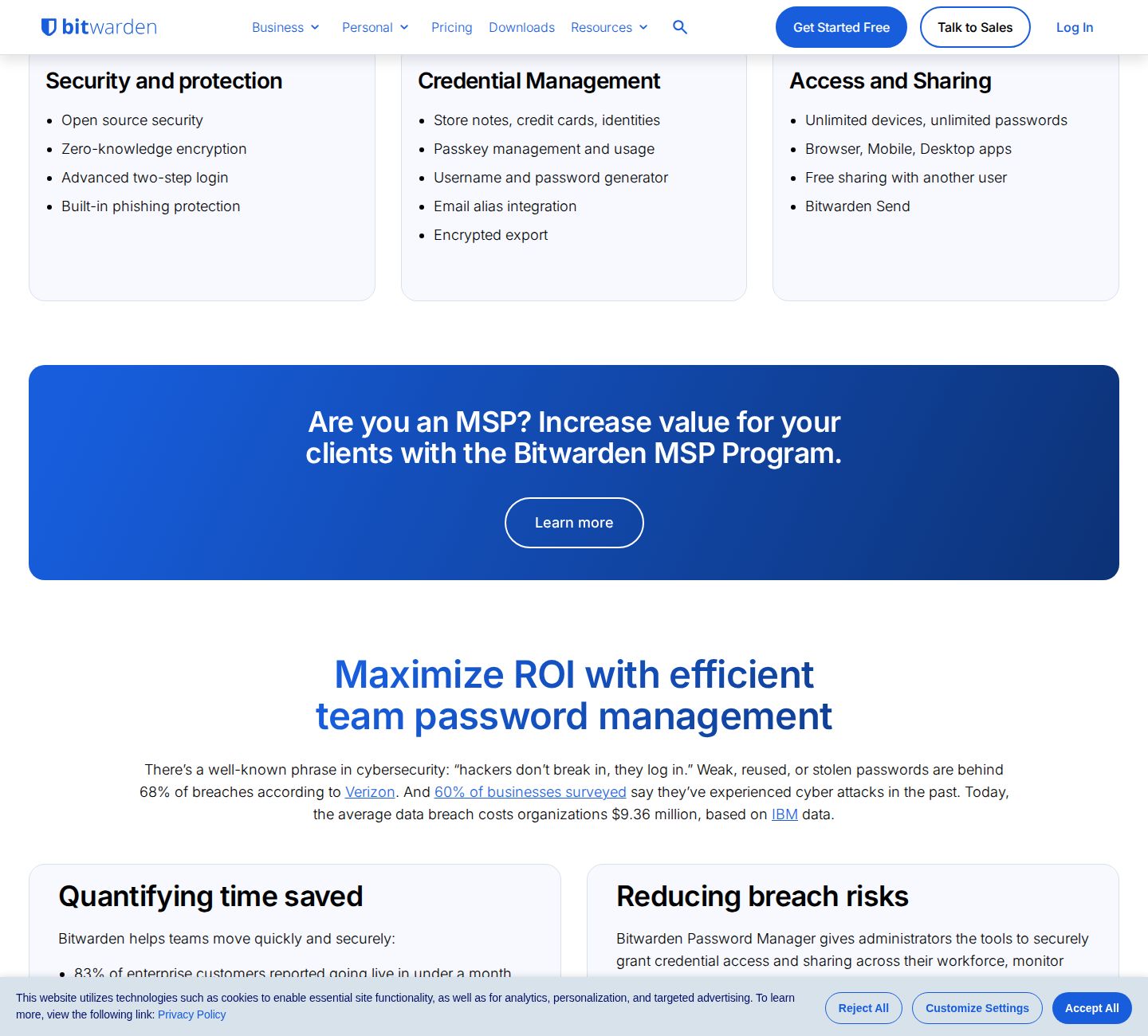
| Teams | 4 USD/user/mo, billed annually | shared collections, admin console |
| Enterprise | 6 USD/user/mo, billed annually | SSO, enterprise policies, deeper controls |
Three things about this table are unusual. The free tier is not crippled - unlimited passwords and unlimited devices, which competitors charge for. Families is cheaper than two Premium accounts, so a couple or a small household is irrational to buy any other way. And the jump from individual to team pricing is small: 4 USD per user is roughly the price of a coffee, which is why Bitwarden gets recommended to small businesses that would never consider an enterprise security vendor.
What the paid tiers actually add
Premium is small and specific: file attachments in the vault, emergency access (a trusted contact can request your vault if you are incapacitated), a security report on weak and reused passwords, and TOTP generation inside the vault - which is the one that changes daily use, because it means the authenticator app can go.
Teams adds the things a company needs and an individual does not: shared collections so a credential can be handed to a role rather than a person, an admin console that can reset and revoke, and event logs that answer "who opened this". Enterprise adds SSO and policy enforcement - the controls an IT department is asked about in a security review.
The honest framing: the free plan covers a single person forever. Everything above it is about coordination, and coordination is exactly what breaks when three people share a spreadsheet called passwords.xlsx.
Self-hosting, and why it matters less than it sounds
Bitwarden can be self-hosted, which is the feature people cite when they want to avoid the cloud. In practice, self-hosting a password manager is a serious commitment: you are running the thing that holds the keys to everything, and an outage at 2 a.m. is an outage of your company's logins. The realistic use is a company with an IT function and a compliance requirement, not a small business looking to save 4 USD a month.
What matters more for most buyers is the open-source code: an independent audit of the client and server is possible, and the encryption model is documented rather than asserted. That is a real advantage over closed competitors, and it is the reason security people recommend it by reflex.
Where it fails
- The interface is plain. Autofill is functional and occasionally slower to recognise a login form than the commercial leaders.
- No serious phishing protection layer beyond matching the stored domain - competitors with browser-level heuristics catch more.
- Family sharing is basic. Six accounts is good value, but the sharing model is collections rather than a family-friendly setup flow.
- Self-hosting is a trap for the unprepared, as above.
- The free tier's generosity means support is thin - which is fair, but it is the trade for zero cost.
How it compares
| Free tier | Entry paid | Team price | Self-host | |
|---|---|---|---|---|
| Bitwarden | unlimited passwords, unlimited devices | 1.65 USD/mo | 4 USD/user/mo | yes |
| NordPass | 1 account, essential features | 1.39 EUR/mo | business quoted | no |
| 1Password | no free plan | quote-based | quote-based | no |
| Browser built-in | free | - | no admin | no |
The comparison that matters for a business is the third column. Four dollars per user for shared collections, an admin console and event logs is the cheapest real answer in this category, and it is low enough that "we will do it next quarter" stops being a defensible position.
Who should buy it
A small business with no security budget. Teams at 4 USD per user is a rounding error next to the cost of one reused password.
Anyone who wants a free password manager they can trust. Unlimited passwords and devices on the free plan is the most honest offer in the category.
A technical team that may need to self-host later. Open source means the exit is real, even if you never take it.
Who should not
Someone who wants the best possible autofill and browser integration and will pay for it - the commercial leaders are more polished. A household that wants a friendly family setup rather than collections. And a company without any IT capacity that nevertheless plans to self-host: that combination fails.
Questions people ask
Is the free plan really unlimited? Yes: unlimited passwords, unlimited devices, one account. Premium adds attachments, emergency access, security reports and built-in TOTP.
What is Families? Six premium accounts for 3.99 USD a month - cheaper than two Premium subscriptions.
Do I need Teams for two people? Two people in a company can run on Families; Teams makes sense when you need shared collections and an admin who can revoke access.
Is Bitwarden audited? The code is open source and the encryption model is published; third-party audits of the clients exist. Check the current audit list before relying on the claim for procurement.
Can I move my vault out? Yes, export is built in - and worth testing before you import 300 passwords.
What we have not tested - and will
No vault was created for this page. What a scored review needs:
- Autofill accuracy across the ten most common login forms, measured by failures rather than by feel
- Recovery after losing a device, including the emergency access flow end to end
- Admin console behaviour when revoking a departing employee mid-session
- Event log completeness for a week of team activity
- Self-hosted installation on a small VPS: time, upgrade path, backup
- Import of a 500-entry vault from a competitor, including folders and TOTP seeds
- Mobile autofill on iOS, which is where every password manager is weakest
Bottom line
Bitwarden is the correct default for a small business that has not yet solved passwords. The free tier is genuinely usable, Teams at 4 USD per user adds the coordination that companies actually need, and the open-source model means you are not renting access to your own secrets.
It is not the prettiest product in the category and it does not try to be. For the money, nothing else here comes close - and in security software, the tool that everyone in the company will actually use beats the one with the better interface.
Every vendor link on this site is disclosed in the affiliate disclosure; a commission never changes a score. Our rules are in the editorial policy, and the rest of the reviews are in the review index.
Sources
All pages read on 23 November 2026:
- Bitwarden pricing: bitwarden.com - Free plan, Premium 1.65 USD per month billed at 19.80 USD annually, Families 3.99 USD for six premium accounts
- Bitwarden business pricing: bitwarden.com - Teams 4 USD per user per month billed annually, Enterprise 6 USD, enterprise policies and SSO







Reader reviews
Loading reader ratings...