OpenArt is the aggregator of this category: one account, one credit balance, and a menu of models that would otherwise require four subscriptions. This openart review is about whether that convenience is worth the credits, where the commercial rights line falls, and who should buy a single-model tool instead.
What OpenArt is
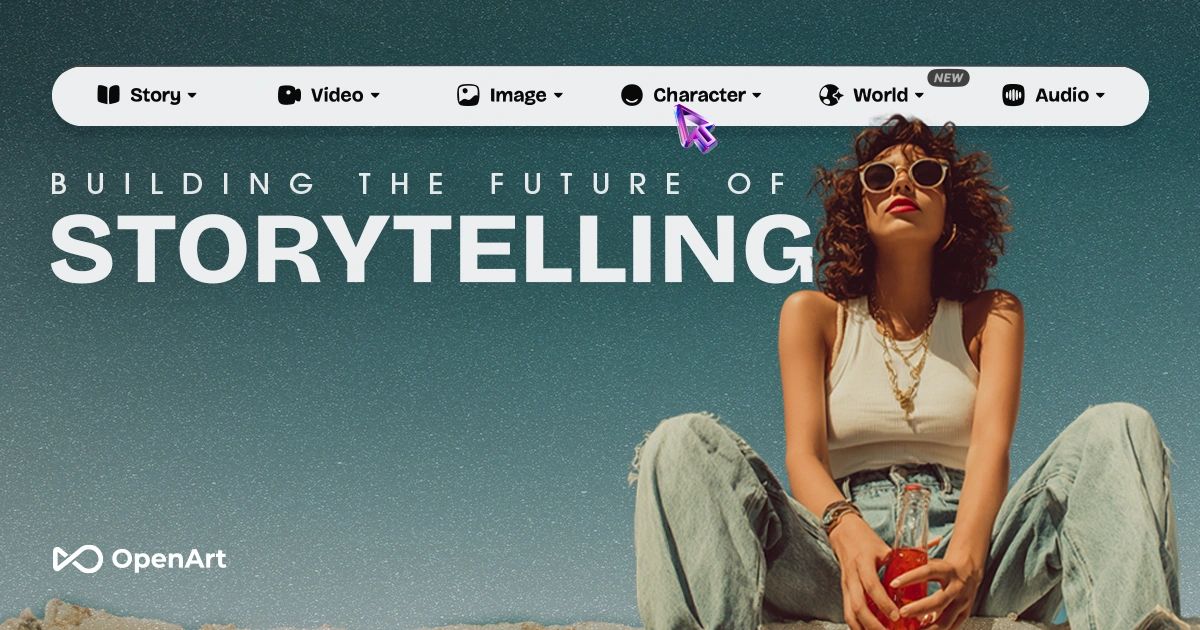
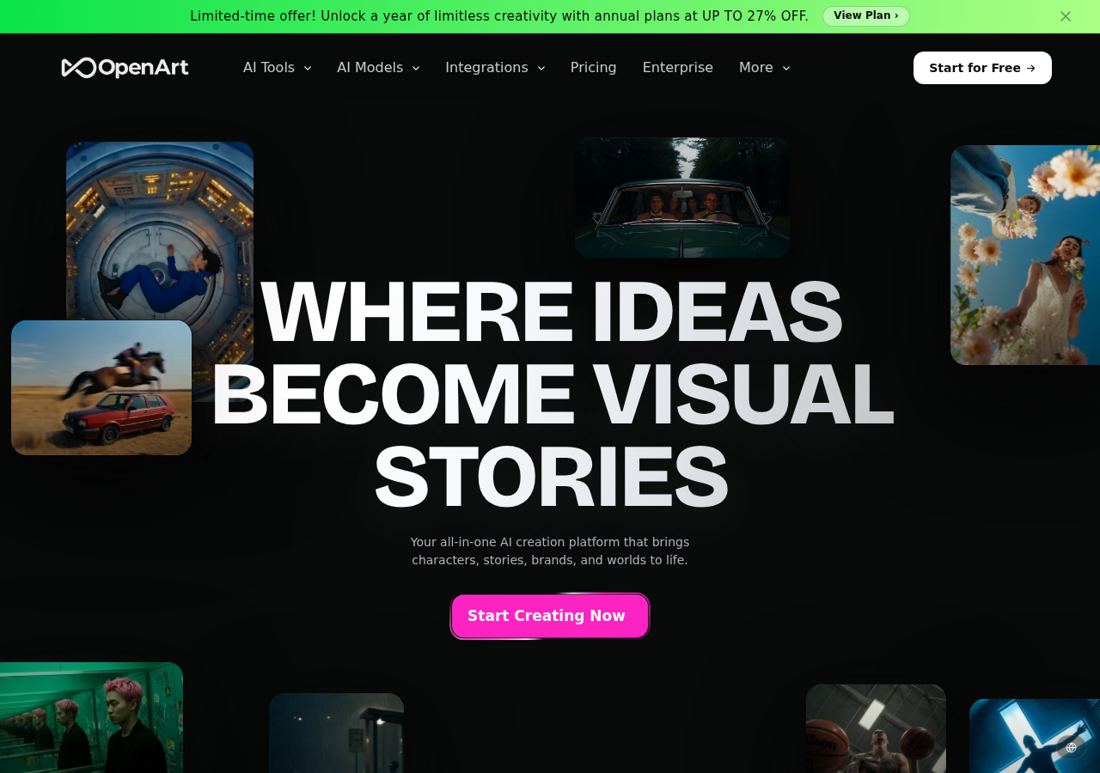
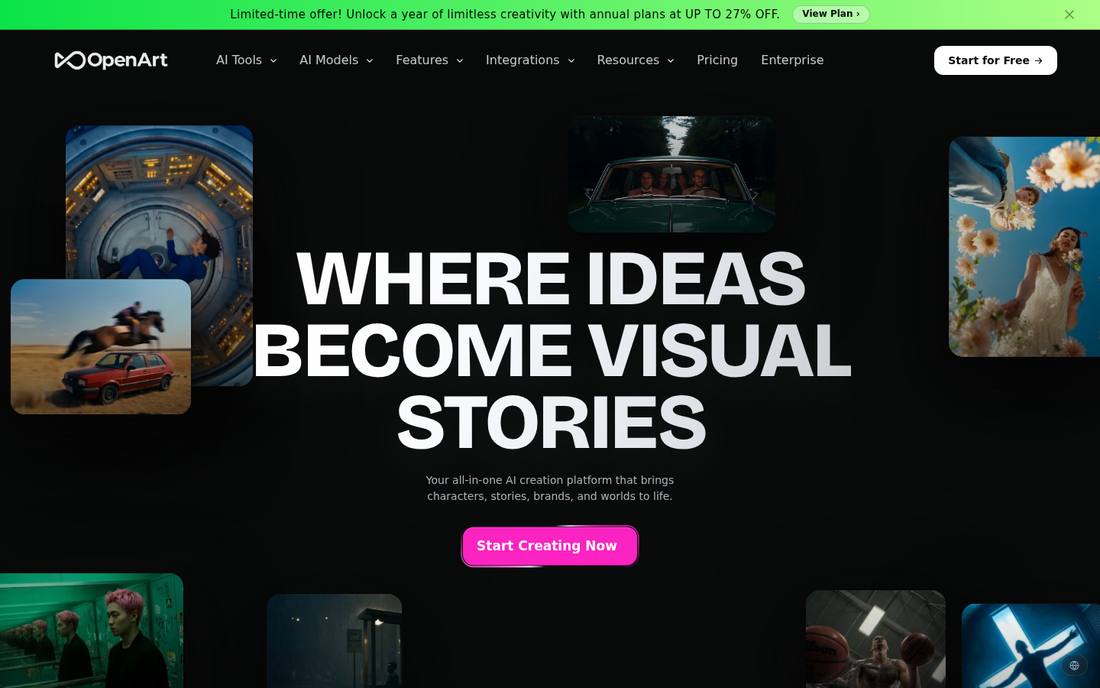
A creative studio built on top of other people's models. It offers 100+ image, video and audio engines behind one interface, plus the workflows that make them usable: consistent characters, trained styles, a storyboard tool called Director, and an MCP endpoint for connecting the whole thing to an assistant.
The value is not the models - most are available elsewhere - it is the single bill, the single library and the ability to switch engines without switching accounts.
What you see before you sign up
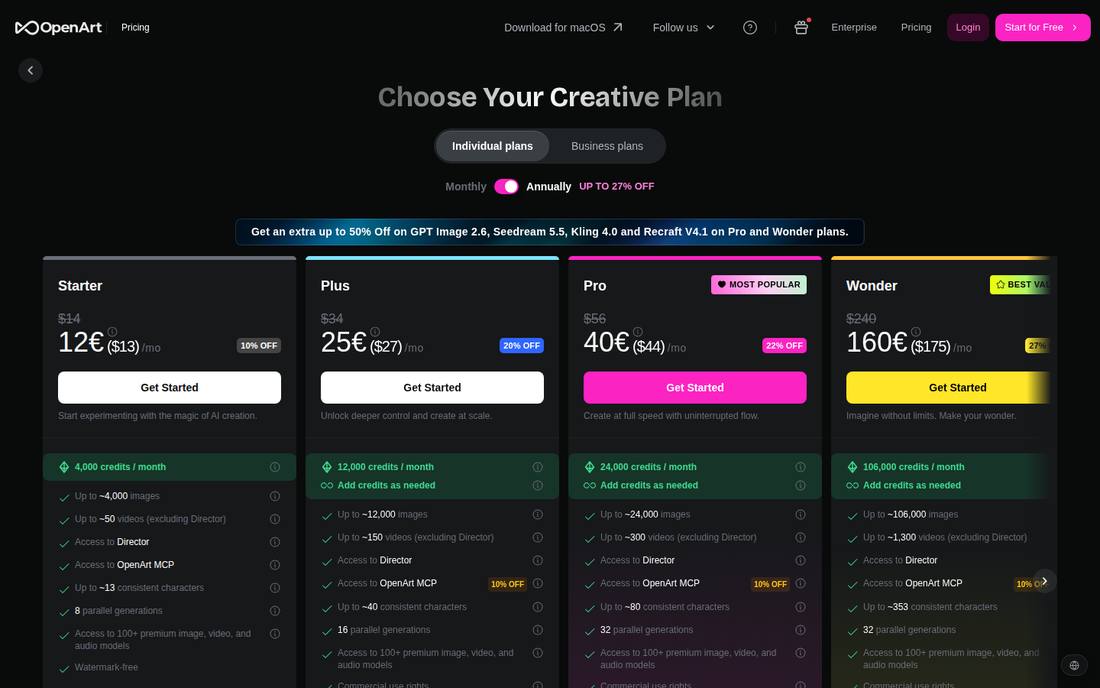
The pricing page is density itself: four tiers, each showing a list price, a discounted annual rate and a credit allowance. Starter at 13 USD after 10 percent off, Plus at 27 after 20, Pro at 44 after 22, Wonder at 175 after 27.
No public affiliate programme was found (404 on the URLs we tried), so this review carries no affiliate link; the affiliate disclosure explains how that is marked if it changes.
The commercial rights line
Starter is for experimenting; commercial use and watermark-free output start on Plus. That is a clean, honest split and it means the real entry price for a freelancer is 27 USD, not 13. Anyone who quotes the 13 USD figure when recommending OpenArt is quoting the wrong tier.
Where it fails
- Credits are the only currency. There is no unlimited tier, so heavy use always has a ceiling.
- Model churn is a feature and a risk. Engines appear, get cheaper, get retired; your saved workflow may not survive a quarter.
- Interface breadth costs focus. A single-model tool is faster to learn; this one rewards exploration.
- Commercial use starts on Plus, so the cheap tier is a demo for professionals.
- No vector output, which rules it out for logo and print work.
Who it is for, and who should skip it
It fits creators who need both images and short video, teams producing a lot of varied visual content, and anyone who wants to test several engines without four subscriptions. The character consistency tools make it useful for anyone building a visual series.
Skip it if you need vectors - Recraft. Skip it if you want to stop counting credits; Playground's unlimited v3 tier does that for 36 USD. And skip the 13 USD tier if you publish commercially, because you will move to Plus in the first week.
How it compares with the other three
Against Playground, OpenArt has more models and video, Playground has a better editor and an unlimited plan. Against Recraft, the split is aggregation versus craft: one gives you everything adequately, the other gives you vectors and brand styles. Against Krea, both aggregate, and Krea's distinguishing feature is real-time canvas generation rather than model count.
The category is compared on /category/ai-images, and the test procedure behind a future score is in how we test.
What a credit buys
Credits are not equal across models: a premium video engine consumes far more than a still image on a cheap model. OpenArt shows the cost per generation before you run it, which is more transparent than most, and it means the 4,000-credit Starter allowance can be four thousand images or a few dozen video clips.
The character tools, which are the real product
Consistent characters are hard: ask any generator for the same person twice and you get two cousins. OpenArt's approach trains a reusable character from a few references and then applies it across images and scenes. For a comic, a children's book or a brand mascot, that is the feature that turns a generator into a production tool.
The caveat is the same as every style training: garbage references produce a garbage character, and the tool will not warn you. Five clean, consistent images beat twenty mixed ones.
Director and video
Director builds multi-scene video from generated stills with camera moves between them. It is not a video model - it is a storyboard that animates - and for social content that is often enough. Expect to pay in credits per scene, and expect the joins to be visible unless the scenes were generated with the same character and style.
What we have not tested - and will
Research-based review: public pages plus our own captures, no account. Open questions:
- Credits consumed by a 20-image character series with two revisions each
- Whether the trained character holds up across different lighting and poses
- Real cost of a 30-second Director video
- How model retirements are communicated to existing workflows
- Quality gap between the top tier's newest models and the Starter menu
Bottom line
OpenArt is the right subscription if you need several engines and both stills and video, and the wrong one if you need a single tool done deeply. The honest entry price for professional work is Plus at 27 USD, not Starter at 13.
Start on Plus for one month with a real project. If the credits run out before the project does, the problem is volume, not the tool - and the credit add-on is cheaper than the next tier.
Sources
- openart.ai/pricing - tiers, discounts, credits and add-on pricing, read 13 November 2026
- openart.ai - model catalogue, character tools and Director, read 13 November 2026
The model menu in practice
Three practical consequences of 100+ models. First, you stop paying for the wrong model's weaknesses: an engine that cannot do hands is not your problem when four others can. Second, output consistency requires discipline - a series built across three engines never looks like a set. Third, subscription fatigue disappears: one bill replaces several.
The cost is decision fatigue. A model picker with a hundred entries is not a feature when you do not know which one to choose, and the recommended defaults are the honest place to start.
Pricing psychology, plainly
The tier names and discount percentages are designed to make Pro look like the rational middle. It often is - 44 USD for a working professional is a normal software line - and the honest advice is to start on Plus, hit the ceiling, and only then move up. Buying Wonder before you have a project is how subscriptions die unused.
Audio and the rest of the catalogue
The catalogue does not stop at stills: audio models sit in the same account, which matters if you produce short video and need a voice or a music bed without another login. Quality varies more between audio models than between image models, so test before you commit a project to one.
Who ends up staying
Small studios producing mixed content - image series, short video, occasional audio - stay because one bill covers three jobs. Solo creators on a strict budget usually leave for the cheapest single-model tool that does their one task well. Both choices are rational; they are just different businesses.
A realistic first month
Week one: run the same prompt through four models and note which suits your subject. Week two: train one character from five clean references and produce a ten-image series. Week three: try Director on a 30-second clip. Week four: look at the credit balance and decide whether Plus is enough.
That sequence costs one month of Plus and answers the three questions this review cannot: whether the models fit your style, whether character training works for your subject, and how fast credits actually disappear.
The short version
If you need breadth - many models, stills and video - OpenArt is the cheapest way to get it in one account. If you need depth in one task, a specialist will beat it.
One closing note: download and archive everything you generate that matters. Models get retired, accounts lapse, and a link to a generation is not an asset.
And keep a plain-text file of the prompts, model names and settings that produced approved images. When a client asks for "the same look" in six months, that file is the difference between a five-minute job and a re-shoot.



Reader reviews
Loading reader ratings...