
Recraft is the image tool that designers recommend to each other, and the reason is not image quality. This recraft review is about vector output, brand consistency, and the credit maths that decides whether 10 USD a month is enough.
What Recraft is
A generative design tool aimed at people who produce commercial visual work. It generates raster images and real SVG vectors, trains styles from a handful of reference images so a set of illustrations looks like one set, and includes a logo tool, mockups, background removal and upscaling.
The vector output is the differentiator. An SVG from Recraft is editable in Illustrator or Figma with real paths, which means it can be used in a logo exploration or a print layout without tracing.
What you see before you sign up
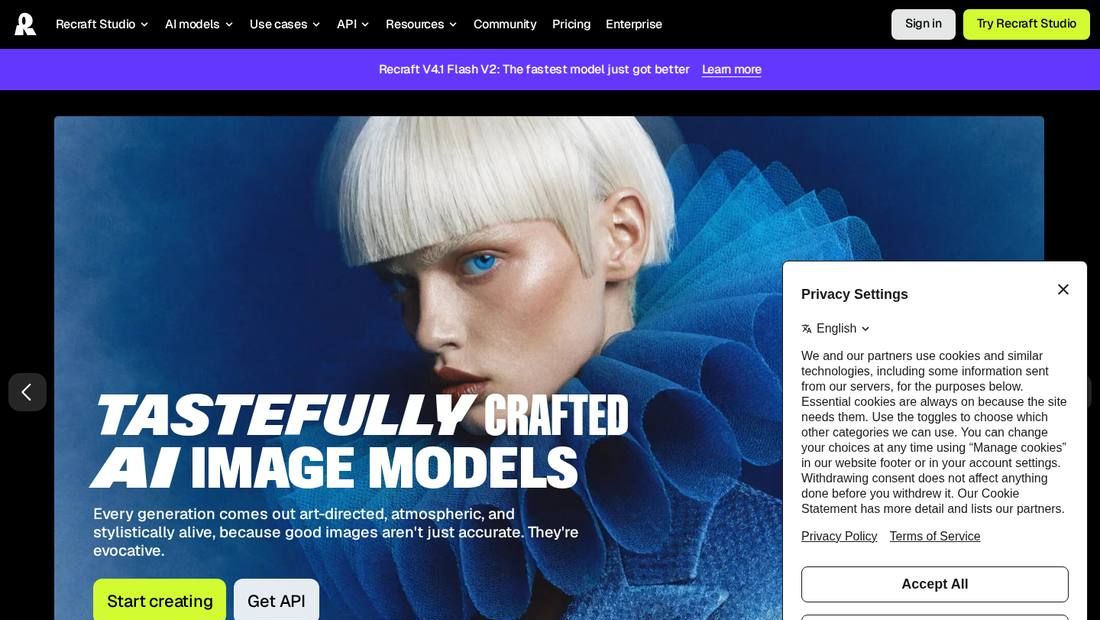
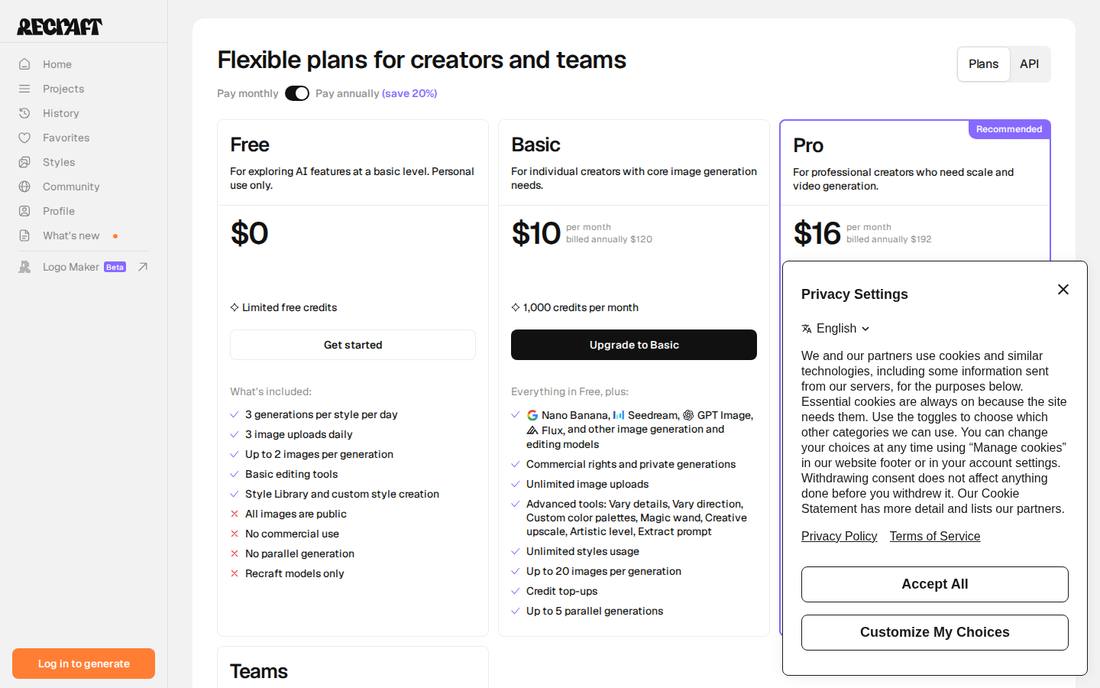
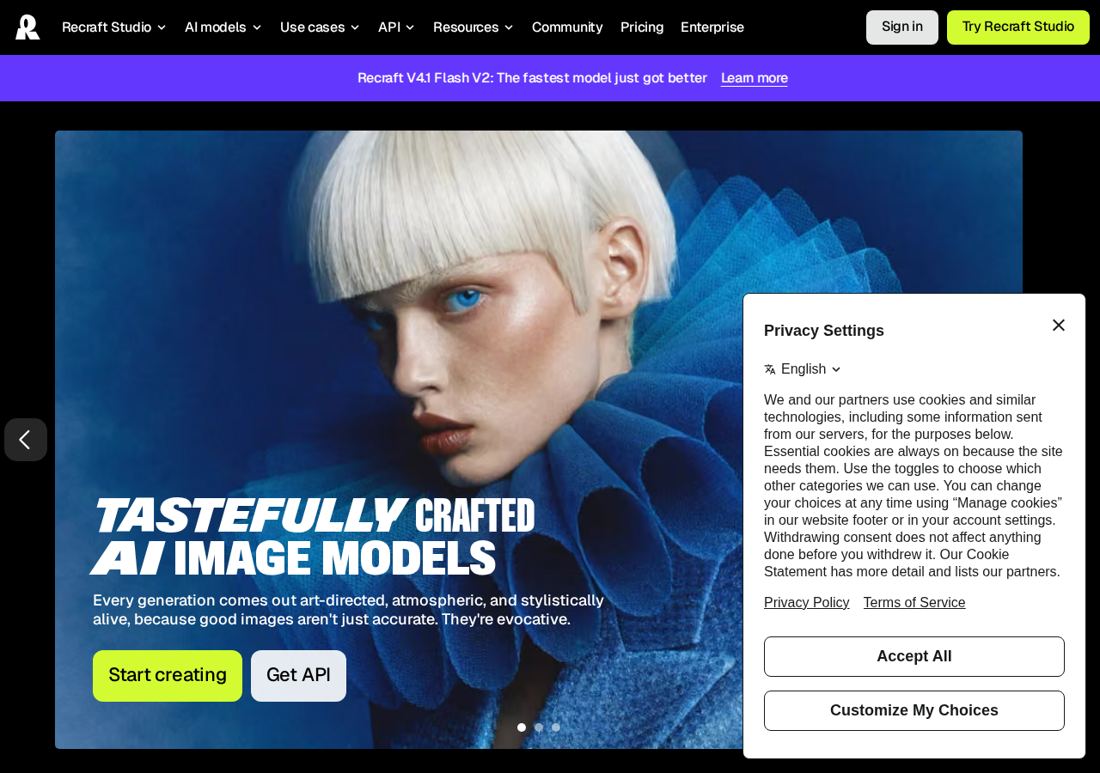
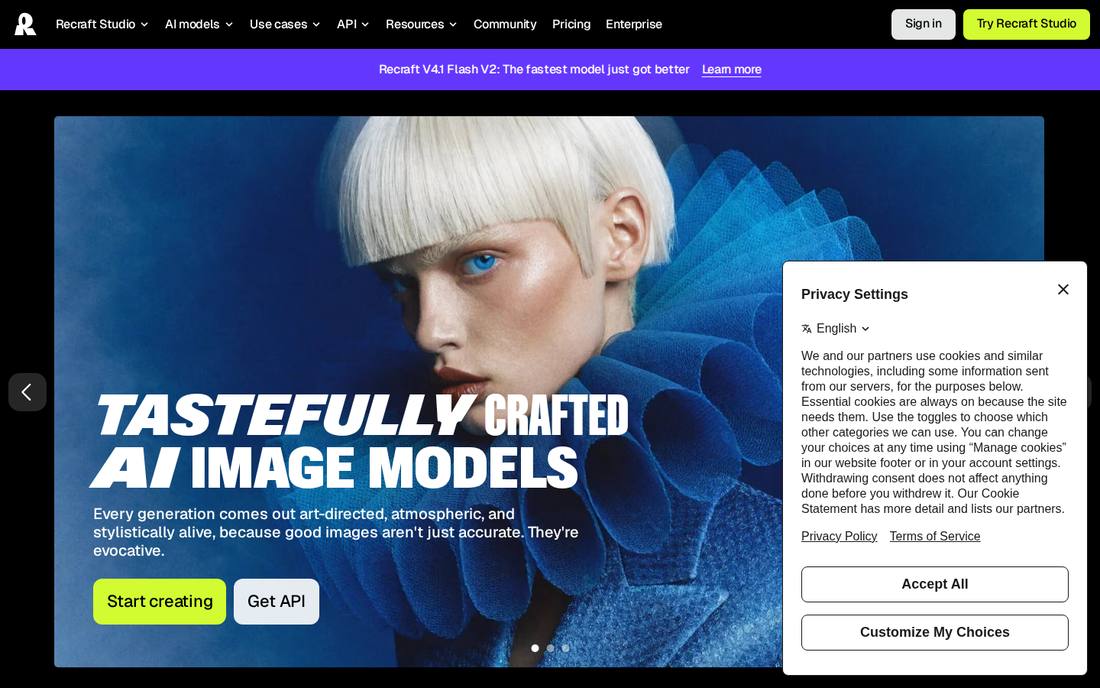
The homepage shows illustration and branding work, not portraits or surreal scenes - an honest signal about which buyer the product is built for. Pricing is per credit with a free tier, and the free tier's limits are stated plainly: images are public and not licensed for commercial use.
The affiliate URL we tried returned 404, so no public programme was found; the affiliate disclosure explains how that is marked if it changes.
The free tier is not a trial, it is a demo
Public images and no commercial licence means the free plan is for evaluating the model and nothing else. For a hobbyist that is fine; for anyone selling design work it is disqualifying, and the 10 USD tier is the real entry point.
Where it fails
- Credits run out on real work. A hundred high-quality images with revisions is a normal client month; 1,000 credits is a light one.
- Photorealism is not its strength. For portraits and product photography other models are better.
- Style training needs discipline. Ten inconsistent references produce an inconsistent style, and the tool will not tell you.
- Free tier is unusable commercially, by design.
- No video. Adjacent tools in this category are adding it.
Who it is for, and who should skip it
It fits brand designers producing illustration sets, agencies that need a consistent look across twenty assets, and anyone who wants an SVG rather than a JPEG. It fits print and packaging work where vectors are mandatory.
Skip it if you need photorealistic images of people or products - Playground or a photo-first model is better. Skip it if you generate for volume rather than quality, because credits become the constraint. And skip it if the free tier is all you need; the licence makes it useless for published work.
How it compares with the other three
Against Playground, Recraft is a production tool for design assets and Playground is a playground of models and controls. Against OpenArt, Recraft is narrower and deeper: OpenArt offers more models and a storyboard mode, Recraft offers vectors and brand styles. Against Krea, the split is workflow - Krea is real-time exploration on a canvas, Recraft is asset production.
The category is compared on /category/ai-images, and the test procedure behind a future score is in how we test.
The currency of credits
One thousand credits a month is not a fixed number of images: quality settings and revisions multiply consumption. The practical way to budget is to pick one real asset - say a five-icon set in one style - and count what it costs before subscribing. That number, times your monthly output, decides the tier faster than any table.
What the vector output changes
Three things become possible that raster tools cannot do. Icons can be resized to a billboard without loss. An illustration can be recoloured by editing paths rather than regenerating. And a client's designer can take the file into their own toolchain without being told "we will redo it at the right size".
For anyone whose deliverable ends in a print file or a design system, that is worth more than a dozen extra generations per month.
The style feature, honestly
Uploading references and generating a consistent style sounds like magic and behaves like a mood board with a memory: it works when the references agree with each other, and it fails when they do not. The discipline is to pick five references of the same visual language, name the style, and never mix it with another.
Who ends up staying
Freelance brand designers and small studios stay, because the output is deliverable rather than a starting point for tracing. Illustration-heavy marketing teams stay for the same reason. Volume generators leave: the credit model punishes them and the tool is not built for that.
What we have not tested - and will
Research-based review: public pages plus our own captures, no account. Open questions:
- Credits consumed by a five-icon set with two revision rounds
- Whether exported SVG opens cleanly in Illustrator and Figma
- Style consistency across twenty assets from five references
- Upscale quality on a 1024 px source
- Time from brief to a deliverable icon set
Bottom line
Recraft earns 10 USD a month for anyone whose work ends in a vector or a brand system. Budget the credits honestly, expect to move to Advanced in a busy month, and do not treat the free tier as anything other than a test drive.
If you need photorealistic images, another tool in this category does it better. If you need an illustration set that looks like one set and can be edited afterwards, this is the one.
Sources
- recraft.ai/pricing - tiers, credits and annual pricing, read 13 November 2026
- recraft.ai - vector output, styles and design tools, read 13 November 2026
The editor, in practice
A canvas with a prompt bar, style selector and a layer-like history. Generation returns four options, and every follow-up edit keeps the prompt context, which makes iteration faster than copying prompts between tools. Text rendering is better than most generators at short labels, and still needs manual fixes on long strings.
The mockup and background tools save a step that used to require Photoshop: put the generated artwork on a shirt, a package or a screen, export, done. For a brand presentation that is a real time saving.
Licensing, which is the first question
Commercial use arrives with the paid tiers. If you generate for a client, confirm the licence terms in writing and keep the account that produced the asset - the paperwork matters more than the image when a brand asks where a logo idea came from.
A note on print work
Vectors solve resolution, not colour. A generated SVG may use RGB values that a printer will convert badly, so treat output as a layout-ready starting point and let the print house convert to CMYK. That is normal workflow, not a defect.
Comparing it with a stock library
A subscription to a stock image site costs more than Recraft and gives you images thousands of other sites already use. Recraft gives you original assets in a consistent style, which is exactly what a small brand needs and cannot afford to commission. That trade - originality versus variety - is the strongest argument for the 10 USD tier.
What a first week looks like
Day one: generate a style from five references. Day two: produce the ten assets you actually need and count the credits. Day three: fix typography by hand in the editor. Day four: export and open the SVGs in your design tool. Day five: decide whether the output is worth 10 USD, which by then you know.
That sequence is cheap and answers the question better than any comparison table.
The short version
If a deliverable has to be editable, scalable or on-brand, Recraft at 10 USD is the cheapest serious option here. If it only has to look good on a screen, a photo-first model will beat it.
And keep a folder of your reference images and a note of the style names you saved. When you come back in three months, that file is worth more than any prompt you can remember.
One last note on annual billing: 120 USD upfront is a commitment to a tool you may use twice. Start monthly if the option exists, and switch to annual once the folder of published assets proves the habit.



Reader reviews
Loading reader ratings...