
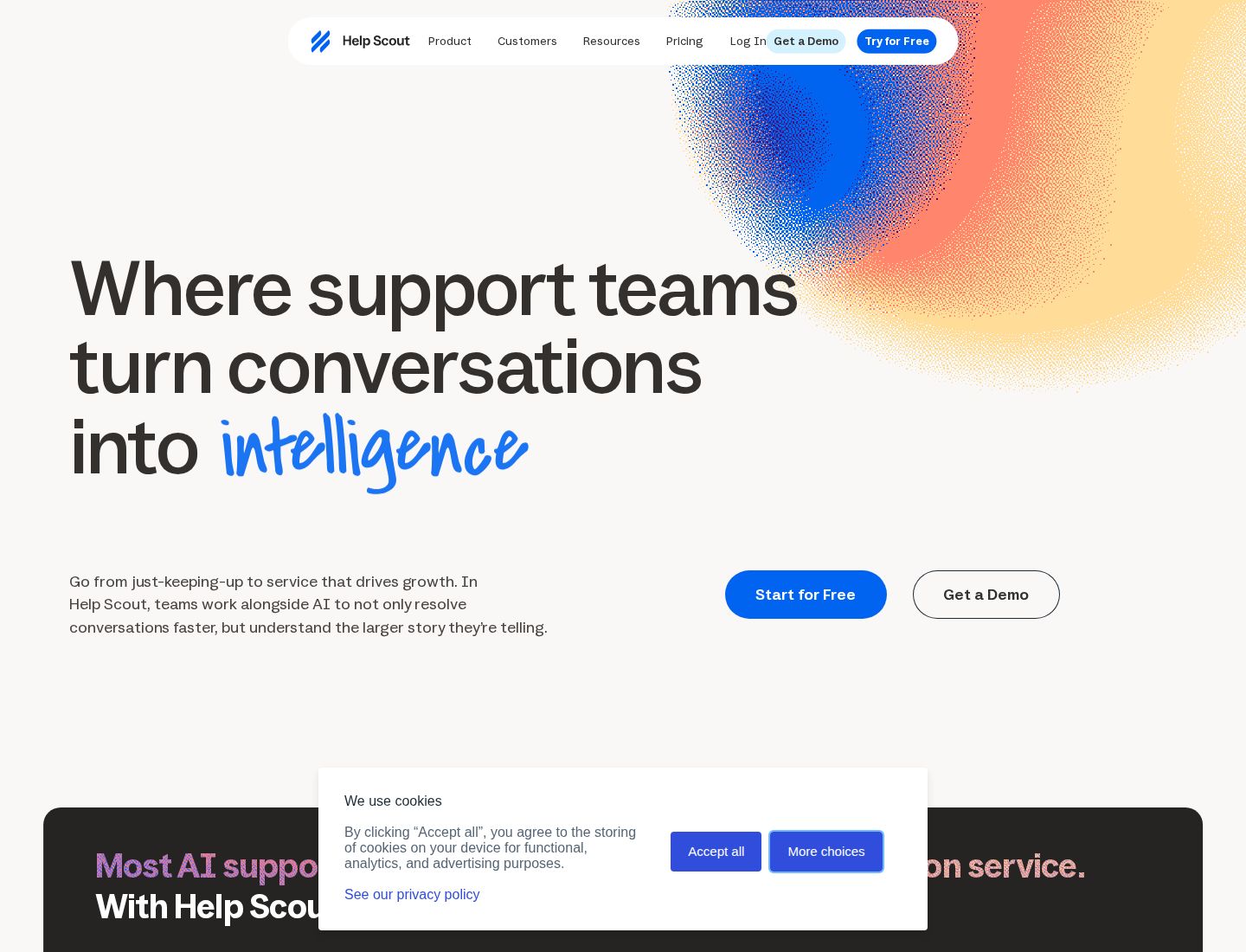
This Help Scout review is about a helpdesk that behaves like email rather than like a chat dashboard: no per-conversation pricing games, a real free plan for five users, and 25 USD per user per month once you outgrow it. For a small company whose support is mostly written, that is often a better fit than the chat-first tools it competes with.
Prices are from helpscout.com/pricing, read 23 November 2026. No account was created, so this is a research-based review with no score - the rule is in how we test.
What Help Scout is
A shared inbox with a knowledge base attached, built around the idea that most support is asynchronous. Customers write, someone answers, the thread stays together. There is a chat widget and a contact form, but they are not the centre - the inbox is, and the product is opinionated about that in ways that show up in the interface.
Three components: Mailboxes (shared inboxes for different addresses), Docs (the public knowledge base), and AI features layered on top for drafting and summarising. This is not a suite with a CRM and a phone system bolted on, and that restraint is either the reason to buy it or the reason to look elsewhere.
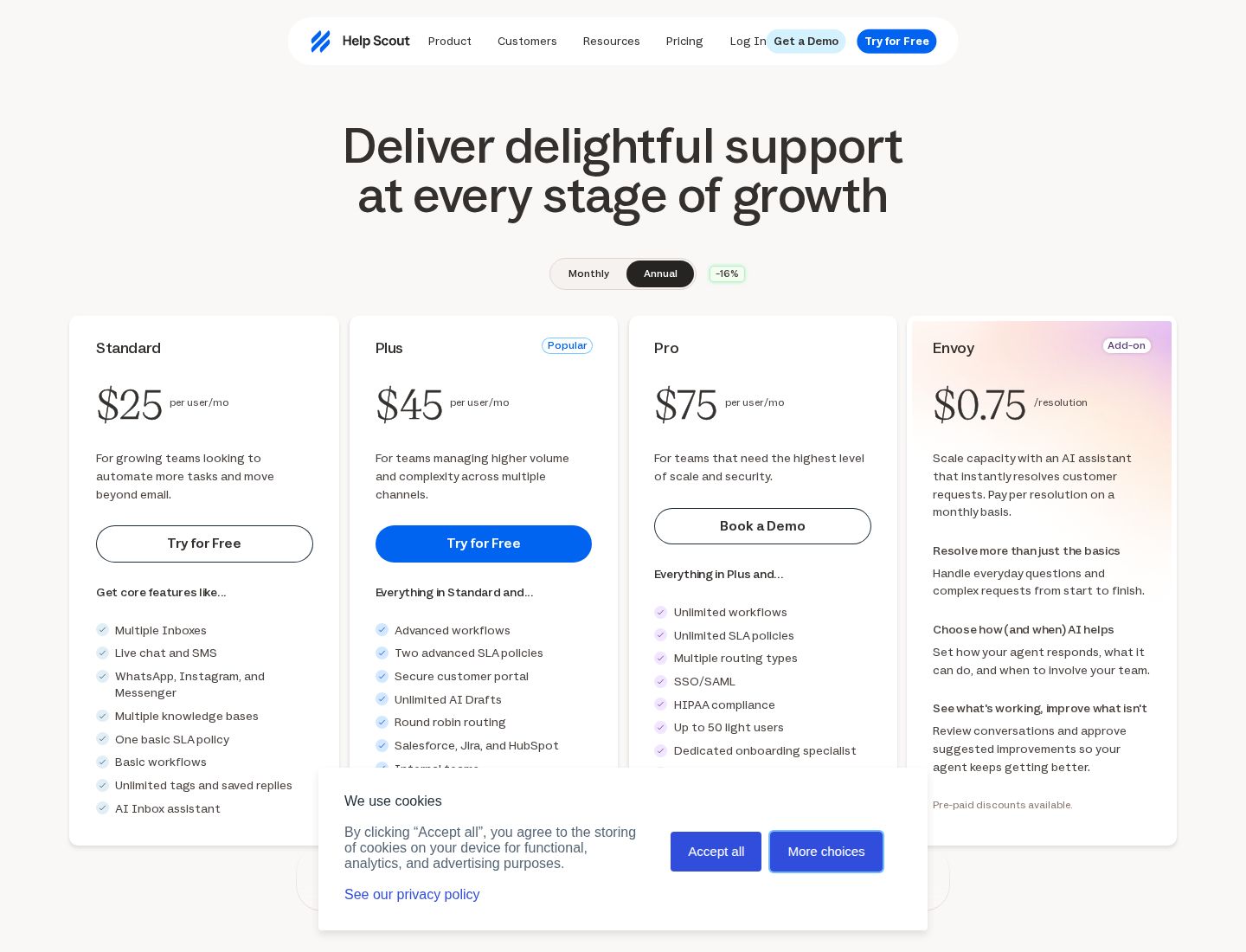
Pricing, precisely
| Plan | Price | For |
|---|---|---|
| Free | 0 | 5 users, 1 inbox, 1 Docs site |
| Standard | 25 USD/user/mo, annual | growing teams, automation beyond email |
| Plus | 45 USD/user/mo, annual | higher volume, multiple channels |
| Pro | 75 USD/user/mo, annual | scale and security features |
Two things about this table deserve attention. First, the free plan is real: five users, one inbox, one Docs site, which covers a small business for as long as it stays small. Most competitors in this category have replaced their free tier with a trial, so this is a genuine differentiator rather than a marketing line.
Second, the per-user model is the opposite of Crisp's per-workspace model - which we reviewed here. At five agents, Help Scout Standard is 125 USD a month; Crisp Mini is 45 EUR for four seats. At two agents, Help Scout is 50 USD and Crisp's free plan covers you. The larger your team, the worse per-seat pricing looks; the more brands you run, the worse per-workspace looks.
Extra inboxes beyond the plan's allowance cost 10 USD per month when paid annually - worth knowing before you plan a structure with one mailbox per product.
What you get for the money
The inbox itself is the best argument. Conversations arrive as threads, internal notes sit beside the customer's view, and assignments are visible without opening a panel. If your team has ever forwarded the same customer email between three people because nobody could see who was answering, that problem disappears on day one.
Workflows are the feature that separates Standard from the free plan: automatic assignment, tagging and snoozing based on conditions, which is what turns an inbox into a process. Saved replies and customer properties make repeated answers fast, and Docs gives you a knowledge base that can be embedded into the chat widget and used to deflect the questions you answer fifty times a month.
The AI layer is where the product is currently least convincing. Drafts are competent, summaries are useful before replying to a long thread, and neither is a reason to buy the product - they are a reason not to switch away from it.
Where it fails
- Per-user pricing at scale. Five agents on Plus is 225 USD a month; that is a real budget line for a small business.
- Chat is secondary. If live chat is your main channel, a chat-first tool will feel better to your customers and to your agents.
- No phone or SMS in the base product. Voice is an integration, not a channel.
- Reporting is good, not analytical. Volume, response times and satisfaction; not the operational dashboards a 30-agent support organisation needs.
- The free plan's limits are structural, not time-based: five users and one inbox is fine until the day it is not, and the jump from free to 25 USD per user is abrupt.
How it compares
| Free tier | Entry paid | Unit | Chat-first | |
|---|---|---|---|---|
| Help Scout | 5 users, 1 inbox | 25 USD/user/mo | seat | no |
| Crisp | 2 seats | 45 EUR/workspace | workspace | yes |
| LiveChat | trial only | 19 USD/user/mo | seat | yes |
| Zendesk | trial only | per agent, higher | seat | both |
The choice between Help Scout and Crisp is a choice about what support is: written conversations handled properly, or live conversations handled quickly. Both claim the other, and both are telling the truth about their centre of gravity.
Who should buy it
A small business whose support is mostly email. Hosting companies, agencies, software with a written support culture: this is the natural home.
A team of two to five that wants a free plan it will not have to leave in a month. Five users is enough room to grow into rather than out of.
Anyone who wants a knowledge base that works with the inbox. Docs being part of the same product is the difference between a help centre nobody maintains and one that deflects tickets.
Who should not
A chat-first business where the widget is the product - Crisp or LiveChat will serve that better. A support organisation of twenty or more agents, where the per-seat price crosses into serious money and the reporting ceiling starts to show. And anyone who needs voice, SMS and social channels in one place, because those are integrations here rather than features.
Questions people ask
Is the free plan really free? Yes: five users, one inbox and one Docs site, with no time limit.
Is pricing annual only? The published prices are billed annually; monthly billing is available at a higher rate. Check the toggle before budgeting.
What counts as an inbox? A shared address with its own workflow - support@, billing@, returns@. Extra inboxes cost 10 USD per month on annual billing.
Does it do live chat? Yes, via the Beacon widget, but the inbox is the product; chat is a channel that feeds it.
How is the AI used? Drafts, summaries and suggested replies on paid plans, plus AI-assisted answers in Docs - useful, not a reason to buy.
What we have not tested - and will
No inbox was set up for this page. The checks that would produce a score:
- Real deflection rate from Docs on a product with 200 common questions
- Whether workflow automation survives a month of messy real tickets without constant repair
- Beacon chat behaviour on mobile, including notifications when the tab is closed
- Response times with 1,000 conversations a month and three agents
- How the AI drafts handle a refund request, which is where tone matters most
- Migration of a Zendesk or Crisp history into Help Scout, thread by thread
- Whether the reporting answers "who is slow this week" without a spreadsheet
Bottom line
Help Scout is the helpdesk for companies that treat support as correspondence rather than as a queue. The free plan is genuinely usable, the paid tiers add process rather than seats-for-the-sake-of-it, and the per-user price is the thing to model before committing a five-person team.
If your support arrives as email and you want the knowledge base in the same tool, this is the best-designed option in the category. If your customers expect a chat window, buy a chat-first product and accept the different centre of gravity.
Every vendor link on this site is disclosed in the affiliate disclosure; a commission never changes a score. Our rules are in the editorial policy, and the rest of the reviews are in the review index.
Sources
All pages read on 23 November 2026:
- Help Scout homepage: helpscout.com - shared inbox, Docs knowledge base, Beacon chat, AI features
- Help Scout pricing: helpscout.com - Free with 5 users and 1 inbox, Standard 25 USD per user per month billed annually, Plus 45, Pro 75, extra inboxes at 10 USD per month






Reader reviews
Loading reader ratings...