
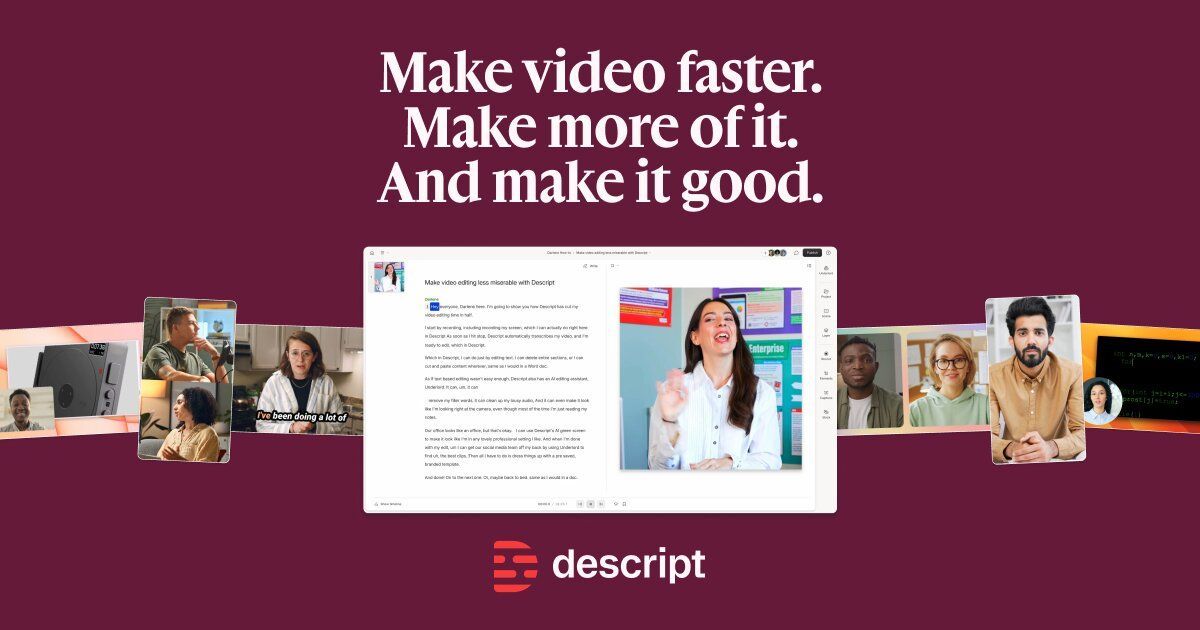
Descript's central idea is simple enough to explain in one sentence: record audio or video, get a transcript, and edit the recording by deleting words in the text. This Descript review is about whether that idea survives contact with a real project, what the plans actually allow, and where the tool still forces you back into a waveform editor.
What Descript is
An editor built around the transcript. You import or record audio and video, Descript transcribes it, and from then on the text and the timeline are the same object: removing a sentence removes the audio, moving a paragraph moves the clip. On top of that sit screen recording, multitrack editing, Studio Sound (a one-click audio cleanup), filler-word removal, and Overdub - voice cloning used to patch a misread line without re-recording.
That combination is why Descript is hard to categorise. It is not a text-to-speech tool like ElevenLabs, and it is not a meeting transcriber like Otter. It is a production editor that happens to use text as its interface.
What you see before you sign up
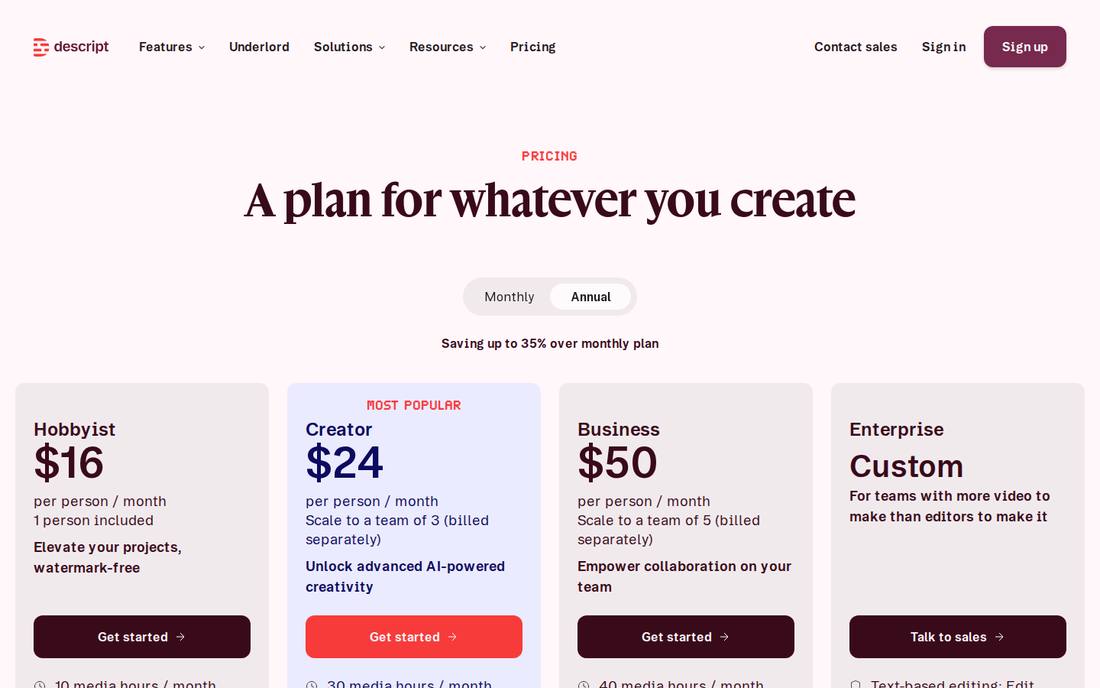
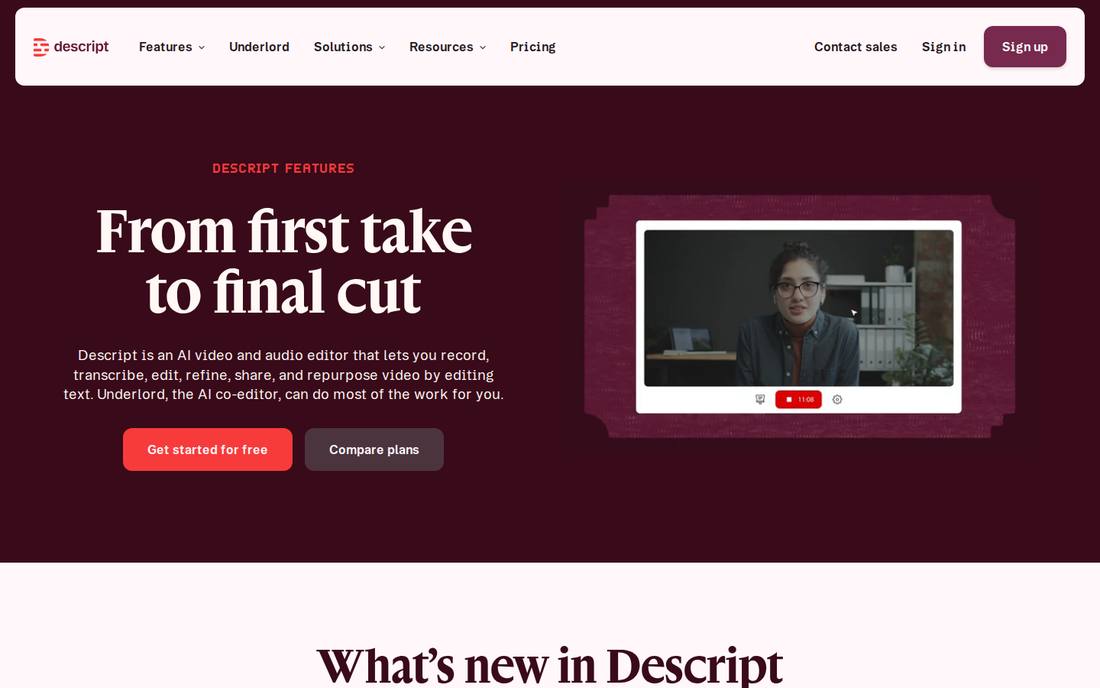
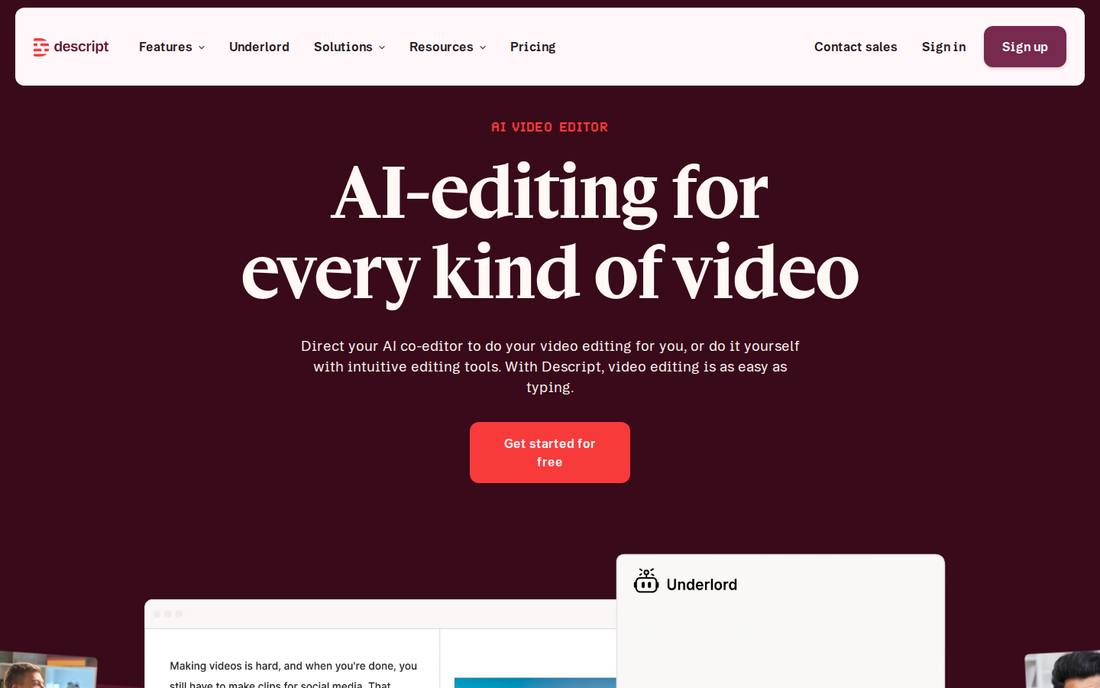
The homepage sells the workflow rather than the model, which is a good sign: no claims about voice quality, just "edit audio like a doc". The pricing page is a three-tier ladder with annual and monthly figures side by side, and the limit that repeats across tiers is transcription hours, not seats. That tells a buyer what the cost driver will be before they ever open the editor.
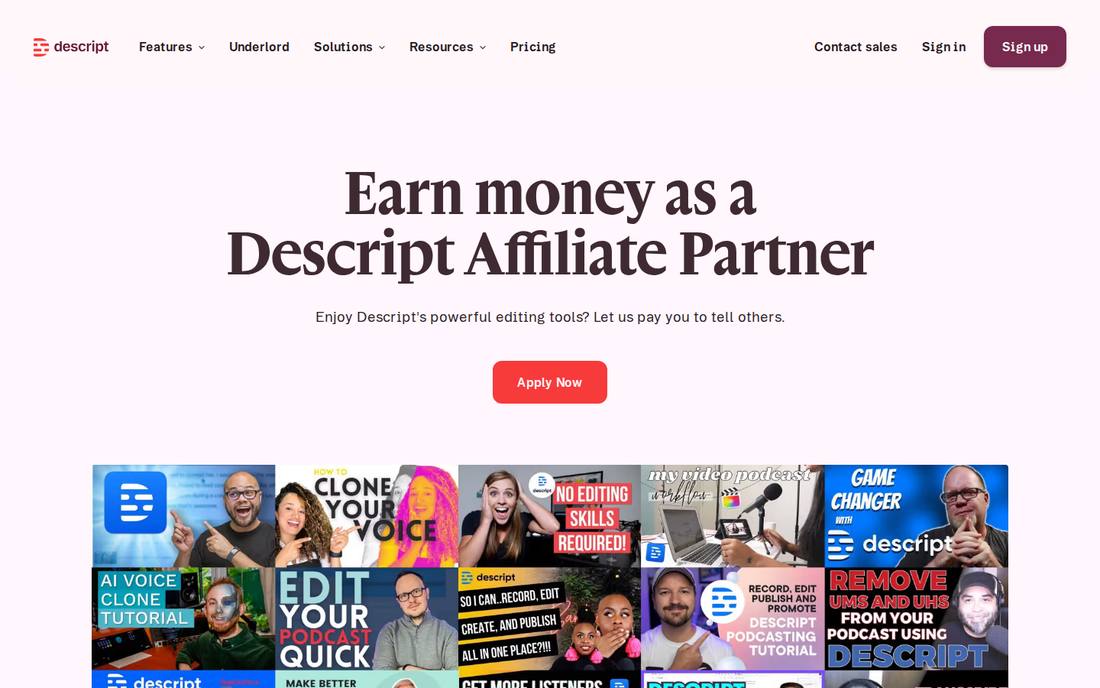
The affiliate page is public, and VerdictMill is now enrolled in the programme: the buttons on this page are affiliate links, and a signup through them earns us a commission. That did not change a word of the review above - this page was written before we joined - and the affiliate disclosure explains the rule.
How editing by transcript actually works
A realistic session has five moves. Import the recording and wait for transcription. Fix the names it got wrong - this is the step that eats time on every project. Delete the filler words and false starts in one pass. Cut whole sections by selecting paragraphs. Then use Overdub to re-record only the sentences that need a second take.
The first three steps are where Descript is faster than a waveform editor by a wide margin, because you are reading instead of scrubbing. The fourth is where the two approaches converge: a cut that has to land on a beat still needs the timeline. The fifth is where you decide whether Overdub is a convenience or a gimmick - it saves a re-record, but the patched line often sounds slightly different from the take around it, and listeners notice in a quiet room.
Where it fails
- Transcription errors on names and jargon. Every project begins with a correction pass; there is no way around it.
- Crosstalk and accents. Two people talking over each other produce a transcript that is unusable exactly where the interesting conversation happened.
- Long projects get heavy. A two-hour recording with multitrack video is not the happy path; the browser editor slows down and the timeline becomes the better tool.
- Overdub mismatches. Cloned speech does not carry the room tone or the energy of the original take.
- Export gating. Watermark-free 1080p is a paid feature, so the free plan is for evaluation rather than delivery.
Who it is for, and who should skip it
It fits podcasters, course creators and marketing teams producing talking-head video, because all three live in the transcript anyway. It fits anyone who has ever re-recorded twenty minutes to fix one sentence.
Skip it if you need synthetic voice for text you never recorded - that is ElevenLabs. Skip it if you only need transcripts - Otter or Notta are cheaper for that. And skip it if you work with music or sound design; Descript edits speech, not audio in general.
How it compares with the other four
Against ElevenLabs, Descript needs a recording to start from; ElevenLabs needs text. Against Otter and Notta, Descript is a production tool with transcription inside it, not a transcription service - it costs more per hour but does more with the result. Against Speechify, there is no overlap: Speechify reads to you, Descript edits what you recorded.
The comparison across the whole category is on /category/ai-audio, and the procedure we will follow when this becomes a hands-on test is in how we test.
The correction pass is the real cost
Every minute of audio needs a minute of correction before the transcript is trustworthy, and that estimate holds across accents, microphones and room quality. A 60-minute interview therefore costs an hour of editing before you cut anything, which sounds bad until you compare it with scrubbing the waveform to find the same sentence - that takes longer still.
Three habits reduce the pass. Upload a short glossary of names and product terms once, so the transcription engine stops guessing. Ask guests to say their own name at the start of the recording, which gives you a correct spelling in the first thirty seconds. And accept that 95% accuracy is the working number: the last five percent is a person reading, not a better model.
What it replaces, and what it does not
It replaces a transcript-plus-waveform workflow: two tools, one export, one round of re-syncing. It replaces the re-record you would otherwise do for a single flubbed sentence. It does not replace an audio engineer for music, mixing or loudness work aimed at broadcast, and it does not replace a video editor for anything with motion graphics or colour grading.
The realistic split for a small team is Descript for talking-head content and a proper editor for anything with a visual design. Teams that try to do both in Descript usually end up exporting to another tool anyway, which is worth knowing before you commit a year to a plan.
Where the pricing decision is made
The annual discount is large enough to matter - roughly a third off - but it also locks the tier for a year. That combination punishes over-buying: if you pick Creator for a busy quarter and go quiet, you have paid twelve months for hours you did not use. Hobbyist first, monthly, then switch to annual once two consecutive months have used most of the allowance. That sequencing costs a little more in month one and almost always saves money over a year.
The one integration question worth asking
If your team already pays for a meeting transcriber, do not cancel it to consolidate. Otter and Notta record conversations you never intend to edit, and Descript is priced for the recordings you do edit. Running both costs less than upgrading Descript's hours to cover meetings you will never open, and the two datasets stay separate, which is usually what a company wants anyway.
The opposite is true for a solo podcaster: one tool, one bill, one workflow. The deciding question is not price per hour, it is whether the recording is a draft you will cut or a record you will search.
A note on the free plan
The free plan exists to prove the workflow, not to produce with it. It gives enough hours for one short project and enough export restrictions to remind you why the paid tiers exist. That is a reasonable design: you can test the central idea - editing text to edit audio - in an afternoon, which is exactly the evaluation that matters before committing to a year at the annual price.
What we have not tested - and will
Research-based review: public pages plus our own captures, no account. Open questions:
- Transcription accuracy on a fixed 20-minute file with two accented speakers
- How many hours a normal edit consumes versus the plan allowance
- Whether Overdub survives a quiet room without audible seams
- Export quality and time for a 1080p ten-minute clip
- Behaviour of the browser editor on a two-hour project
Bottom line
Descript is worth paying for the moment you produce more than one recording a month, because the transcript removes the most tedious part of editing. Start with Hobbyist, count your hours honestly, and move up only when the allowance bites.
If you need a voice but no recording, buy ElevenLabs. If you need transcripts and nothing else, buy Otter. Buying Descript for either of those jobs means paying for an editor you are not using.
Sources
- descript.com/pricing - tiers, hours and annual versus monthly pricing, read 13 November 2026
- descript.com/features - editing, Overdub and Studio Sound, read 13 November 2026
- descript.com/affiliate - affiliate programme, read 13 November 2026




Reader reviews
Loading reader ratings...