
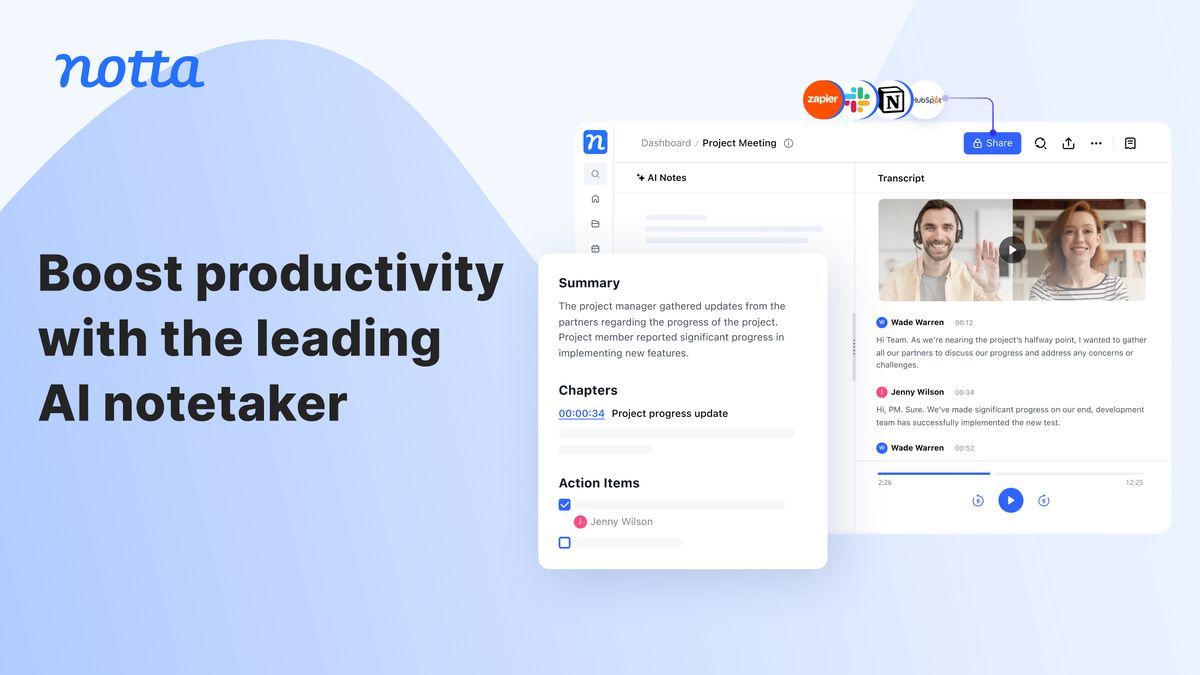
Notta is a transcription service with a translation habit. This Notta review focuses on where that combination is genuinely better than Otter or Descript, and where the free tier is so limited that it can mislead a buyer into thinking the product cannot do the job at all.
What Notta is
A service that takes audio or video - an uploaded file, a pasted link, a recording from the mobile app - and returns a transcript with speaker labels, a summary, and optionally a translation into another language. It supports dozens of languages, and the translation is the feature that distinguishes it from the English-first meeting tools.
There is also hardware in the family: Notta Memo, a small recorder that pairs with the service, aimed at people who record interviews in person rather than on a video call. It shows up on the pricing page as a bundle rather than a separate product, which is easy to miss.
What you see before you sign up
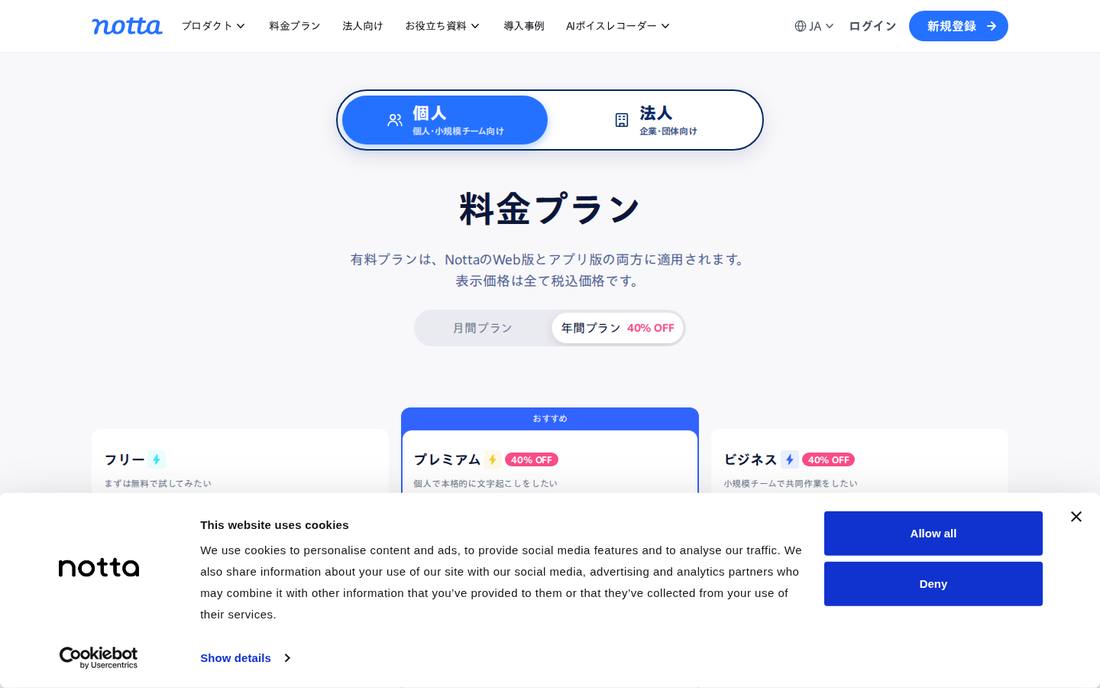
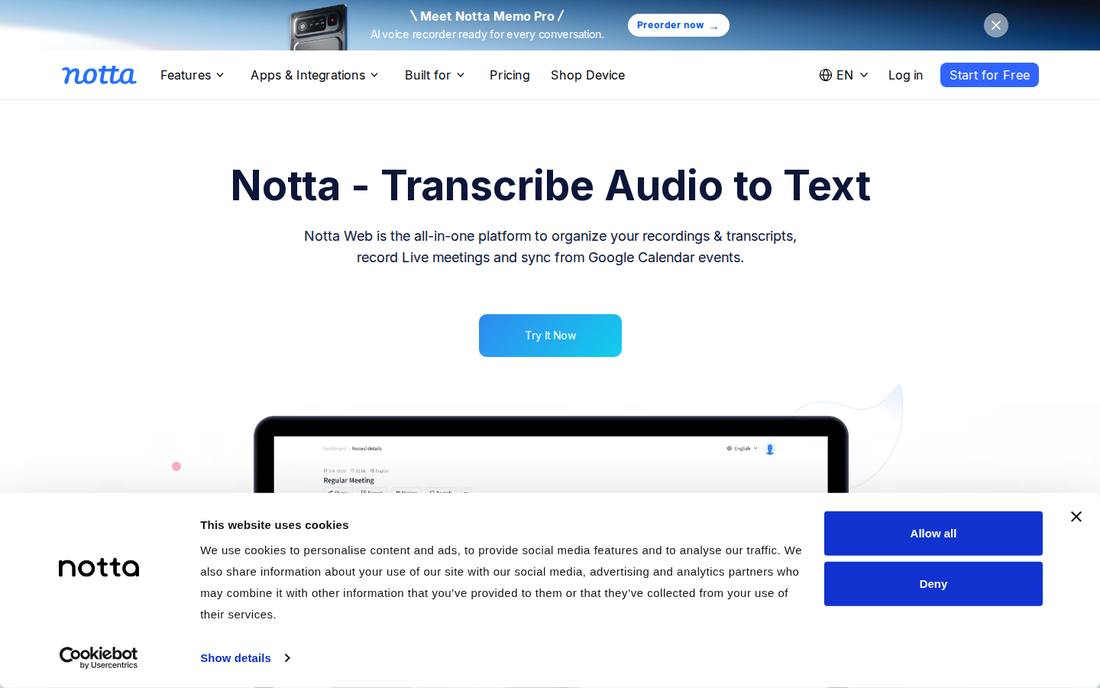
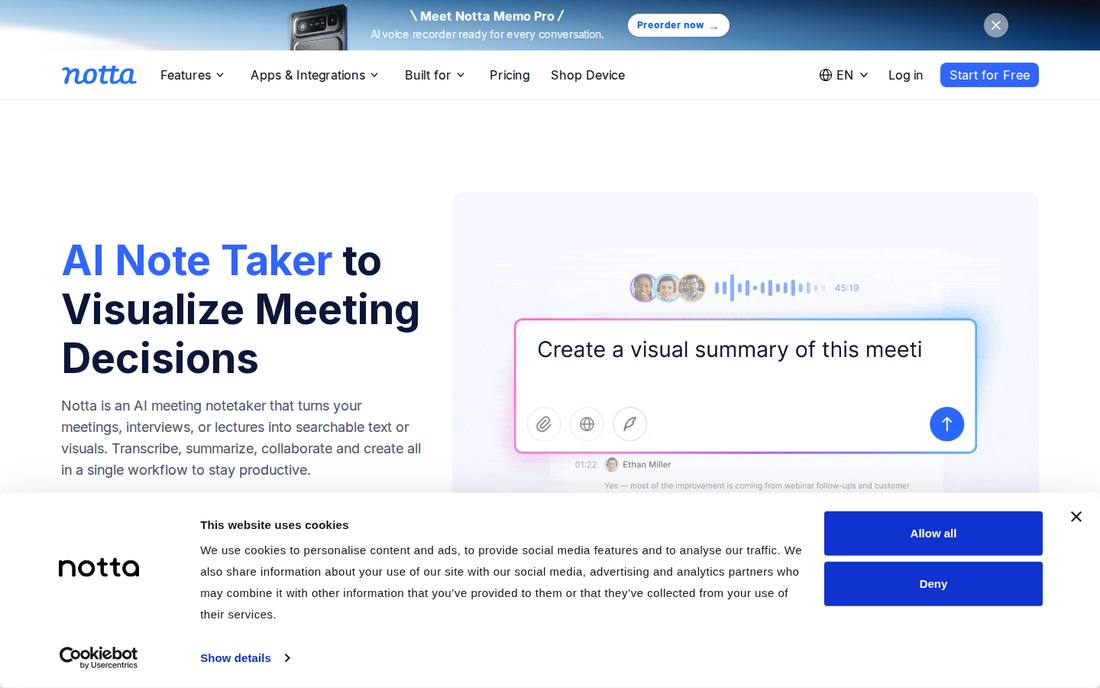
The homepage sells multilingual transcription, which is honest, and the pricing page reveals the detail that decides everything: 120 minutes a month free, limited to three minutes per conversation. Read that twice. It is not a small allowance with a generous cap; it is a small allowance with a cap that excludes the use case most visitors arrive with.
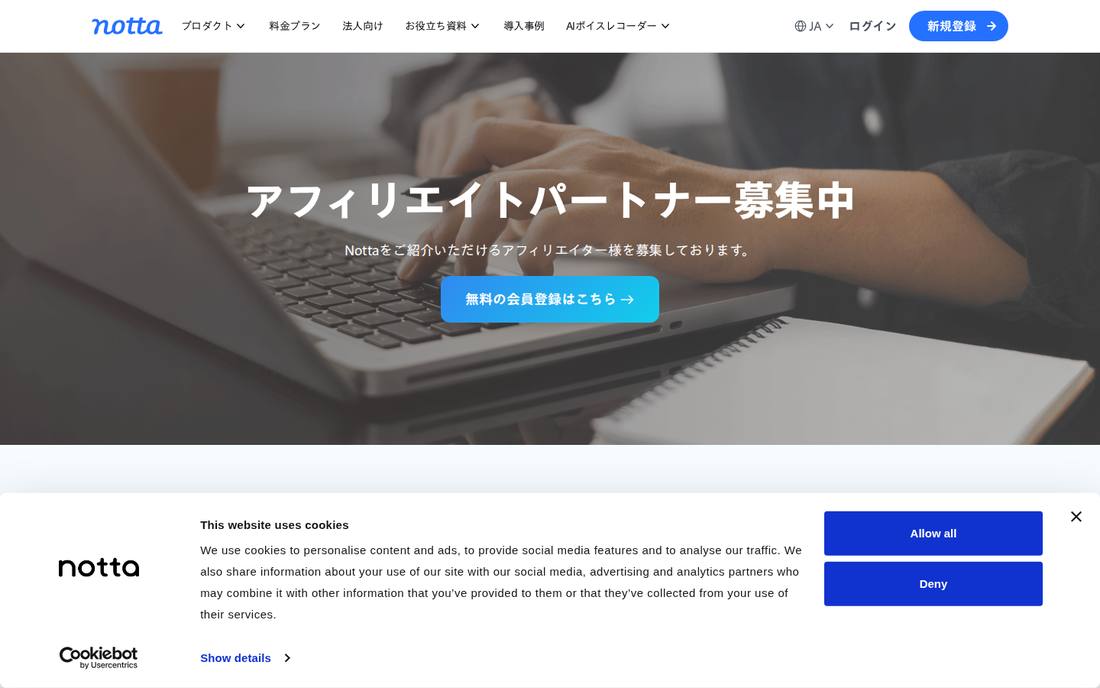
The affiliate page is public, and this review currently carries no affiliate link - we have not been enrolled, and the affiliate disclosure covers how that changes.
The three-minute cap is the whole story
A three-minute limit per conversation means the free plan can transcribe a voice memo, a short clip for a subtitle file, or a fragment of an interview. It cannot transcribe a 30-minute podcast, a client call or a lecture. Anyone who tests Notta on the free tier with a real file will hit the cap and conclude the product does not work, when in fact they have tested a demo mode.
That is a defensible business decision - the free tier exists to show quality on short audio - but it is badly signposted. If you are evaluating Notta, evaluate it on Pro or on a short excerpt and extrapolate, and do not judge the product by what the free plan refuses to do.
What 1,800 minutes buys on Pro
Thirty hours a month. For a podcaster publishing weekly hour-long episodes, that is four episodes with room to spare. For a journalist transcribing interviews, it is roughly 60 half-hour conversations. For a student, it is a semester of lectures with a margin.
The number is generous compared with Otter's 1,200 minutes on Pro, and the two are not directly comparable: Otter's allowance is per user and includes a bot that attends meetings, while Notta's is per account and includes translation. If translation is the job, Notta is cheaper per minute by a wide margin. If meeting attendance is the job, Otter does something Notta does not.
How the translation actually fits
The workflow that works: transcribe in the original language, then translate the transcript rather than the audio. Text translation is faster, cheaper and easier to correct than re-recording or dubbing, and it gives you a document you can hand to a translator for a final pass.
What it does not give you is subtitles that sound natural in the target language. Machine translation of spoken speech keeps the shape of the original sentence, which reads as translated rather than written. For internal use, that is fine; for publishing, budget for a human editor on the target language, and treat Notta's output as the draft.
Where it fails
- The free tier's per-file cap. Already covered, and worth repeating because it is the most common source of a bad first impression.
- Speaker labels on messy audio. Crosstalk, background noise and phone calls produce labels that swap; the transcript survives, the attribution does not.
- Names and jargon. The same correction pass every transcription tool demands, with no glossary that eliminates it.
- Translation reads translated. Fine for internal notes, not for published subtitles without an editor.
- No meeting bot on every tier. If you want a recorder that joins calendar calls automatically, this is not the product - Otter is.
- Regional pricing hides the comparison. The number you see depends on your country, which makes a straight price comparison with Otter harder than it should be.
Who it is for, and who should skip it
It fits journalists, researchers and podcasters who work across languages, and anyone who needs a subtitle draft rather than a meeting record. It fits a team that imports files rather than attending calls, because the workflow is import-and-wait, not join-and-listen.
Skip it if your job is capturing meetings automatically - Otter's bot does that and Notta's does not, at least not as the default workflow. Skip it if you need to edit the audio you transcribed; Descript does that in the same window. And skip it if you need a synthetic voice, which is ElevenLabs' job entirely.
How it compares with the other four
Against Otter, the split is translation versus meeting automation: Notta wins on languages and per-minute value, Otter wins on the calendar workflow and summaries. Against Descript, Notta is a service that hands you text; Descript is an editor that uses text to cut audio. Against Speechify, no overlap - one writes down what was said, the other reads out what was written. Against ElevenLabs, the direction of conversion is opposite: Notta turns speech into text, ElevenLabs turns text into speech.
The whole category is compared on /category/ai-audio, and the test procedure behind a future score is in how we test.
Uploads, links and the hardware question
Notta accepts files and links, which matters more than it sounds: a link import means you can transcribe a video you do not own the file for, which is exactly what a researcher working from public sources needs. File size limits rise with the tier, so a two-hour recording may need Pro rather than free.
The hardware is the part to think about twice. A dedicated recorder solves a real problem - in-person interviews where a laptop is intrusive - but it adds a device to charge, a file to transfer, and a second workflow to learn. If you already record on a phone, the app is enough and the hardware is a purchase you will not use.
Privacy and where the text goes
Transcripts are stored in the account, and the practical questions are who else can read them and how long they stay. For interviews with sources, or client calls under an agreement, upload only what you are allowed to upload and delete the file once the transcript is exported. The export is the artefact; the cloud copy is the liability.
What we have not tested - and will
Research-based review: public pages plus our own captures, no account. Open questions:
- Word error rate on the same 30-minute multilingual file across Notta, Otter and Descript
- How good the translation is from a less common language pair, checked by a native speaker
- Whether the three-minute cap applies per file or per conversation when splitting audio
- How long a two-hour upload takes to process on Pro
- Subtitle export quality against a human-edited reference
Bottom line
Notta is the right buy for transcription plus translation, and the wrong buy for meeting capture. Judge it on Pro with a real file, not on the free tier with a three-minute clip, and check the price from the country you will pay from.
If your need is minutes of meetings you attend, buy Otter. If it is editing recordings, buy Descript. If it is voice, buy ElevenLabs. Notta's edge is narrow and real: many languages, generous Pro minutes, and a translation step that turns one transcript into two documents.
The comparison nobody makes: cost per usable hour
Per-minute pricing hides a second variable - how much of the output you can use without correction. If a tool returns a transcript that needs twenty minutes of editing per hour of audio, the effective cost is the subscription plus your time, and time is the expensive part. Notta's output on clean audio is good enough to skim and correct quickly; on a noisy room recording it is not, and no tier fixes that.
The practical test is the one we describe in how we test: the same 30-minute file through three tools, corrected by the same person, timed. Until that exists, the honest advice is to transcribe ten minutes of your own worst audio before paying for a year, because that recording - not the clean studio sample - is what your subscription will be spent on.
Sources
- notta.ai/pricing - free and Pro allowances, per-file cap, read 13 November 2026
- notta.ai/features - transcription, translation and summaries, read 13 November 2026
- notta.ai/affiliate - affiliate programme, read 13 November 2026



Reader reviews
Loading reader ratings...