
Otter.ai is the product that normalised a bot joining your call. This Otter.ai review is about what that bot is worth after the novelty wears off: whether the transcript is good enough to search, whether the summary is trustworthy, and how the minute allowance behaves once a team actually uses it.
What Otter.ai is
A meeting assistant that records, transcribes and summarises conversations. OtterPilot joins Zoom, Google Meet and Teams calls on a schedule, produces a live transcript with speaker labels, and afterwards generates a summary and a list of action items. On top of that sits a searchable archive and an AI chat that answers questions about what was said in past meetings.
It also transcribes uploaded audio and video, which is how most individuals first use it. The distinction matters for pricing: the allowance counts minutes either way, but the value is very different depending on whether you are capturing meetings you would have recorded anyway or uploading files you would otherwise transcribe by hand.
What you see before you sign up
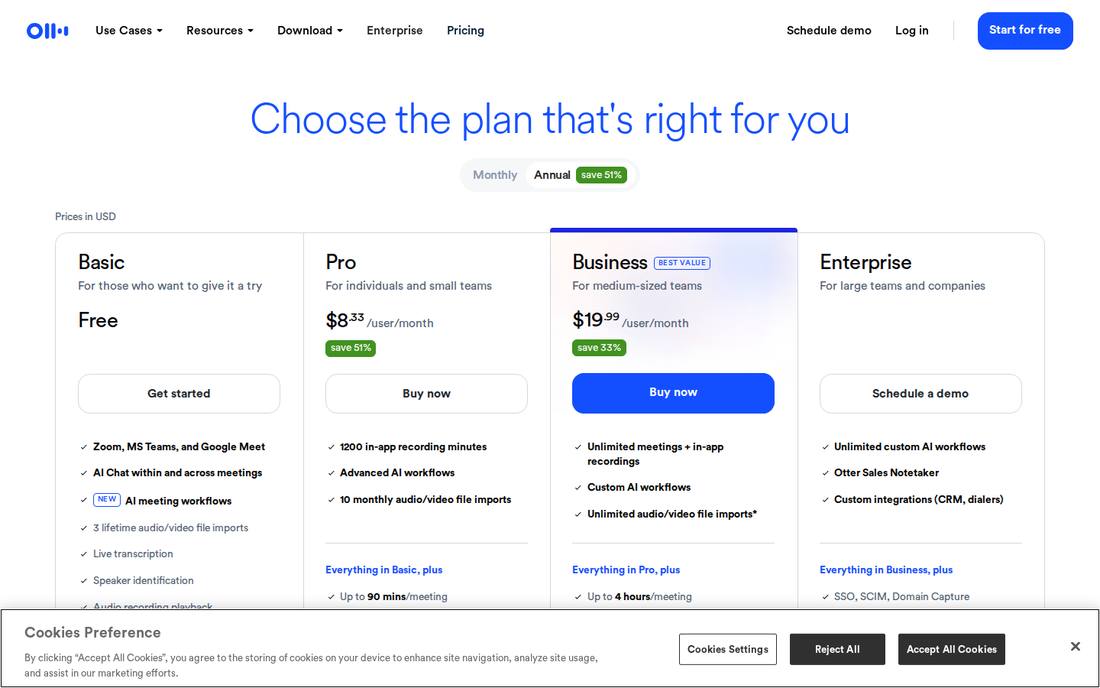
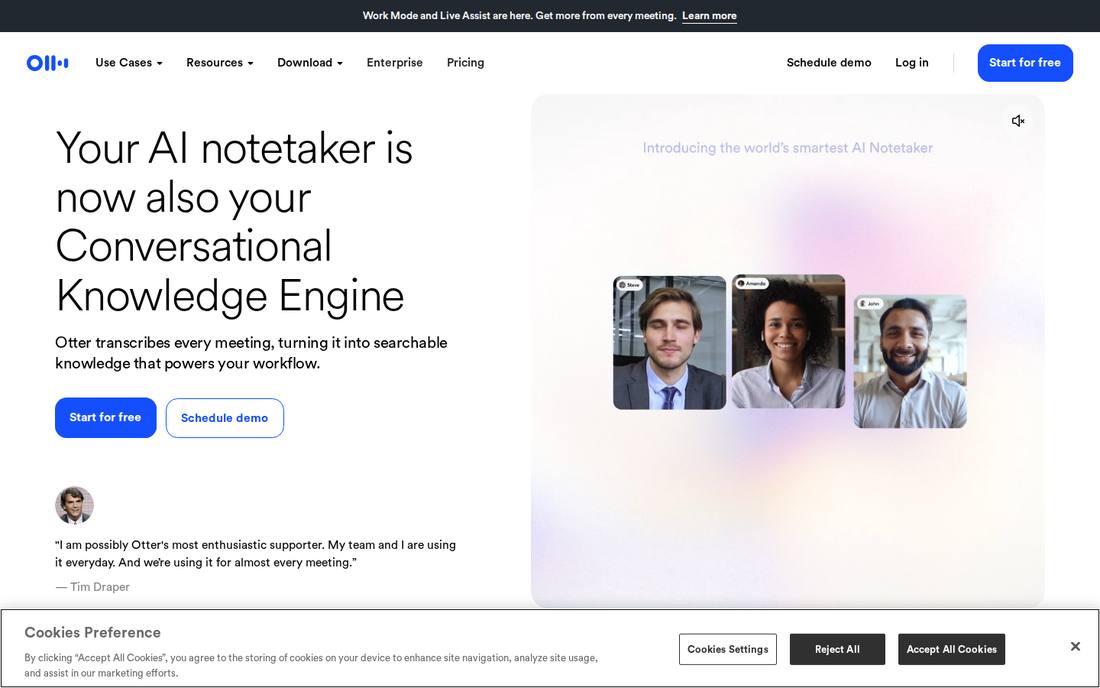
The homepage is built around meetings, not transcription, which is the right framing for a product whose main competitor is a note-taking habit. Pricing is a three-tier ladder with the free tier stated as 300 monthly transcription minutes - a number concrete enough to plan around.
The affiliate page is public and this review carries no affiliate link yet, because we have not been enrolled; the affiliate disclosure explains how that is marked when it changes.
What a real meeting looks like
Four things happen in order. The bot appears in the participant list, which somebody always comments on. A live transcript runs during the call, useful mainly for catching a number you missed. After the call, a summary arrives with decisions and action items. Later, the value shows up in search - you remember a phrase, search it, and land on the moment.
The summary is the part people over-trust. It is good at structure and bad at nuance: it will report that a decision was made when the room only agreed to revisit the topic, because the sentence that sounds like a decision is the one it keeps. Treat it as minutes drafted by an attentive intern, not as a record.
Where it fails
- Crosstalk. Two people talking at once produces a transcript that is unusable exactly where the disagreement was.
- Accents and jargon. Names, product terms and non-native speakers need a correction pass; there is no glossary that fixes it entirely.
- Speaker labels drift. In a five-person call, labels swap after a pause, and the summary attributes a point to the wrong person.
- Minute accounting surprises. Recording a call and uploading a file both consume minutes, so a heavy week can exhaust a tier faster than the meeting count suggests.
- The bot changes the room. Some guests speak differently when they know a recorder is present, and some decline the invitation.
Who it is for, and who should skip it
It fits teams that meet often and forget what was decided - product, sales, client services - and individuals who interview people for a living. It fits anyone who wants a searchable archive rather than a folder of recordings.
Skip it if you need to produce audio rather than capture it: ElevenLabs generates voice, Descript edits recordings. Skip it if your meetings are mostly in a language outside Otter's stronger set, where Notta's translation focus serves better. And skip it if your free usage is a handful of one-hour calls a month, because 300 minutes will not cover them.
How it compares with the other four
Against Notta, Otter is stronger on the meeting workflow and summaries, and Notta is stronger on translation and per-file transcription. Against Descript, Otter captures, Descript produces: if the recording is a draft you will cut, Descript; if it is a record you will search, Otter. Against ElevenLabs and Speechify there is no overlap - one generates speech, the other reads it aloud.
The category table lives on /category/ai-audio, and the procedure behind a future score is in how we test.
The minute arithmetic for a real team
A five-person team that meets one hour a week burns 260 minutes a month per meeting series - four series and the free tier is gone. Pro's 1,200 minutes covers roughly 20 hours of recording per user, which sounds generous until you count the calls nobody thinks of as meetings: client check-ins, interviews, vendor demos. The tier is sized for people who record most of their working conversations, not for people who record the occasional important one.
Pooling is the practical wrinkle. Minutes belong to the account that records, not to a shared workspace, so the colleague who runs all the calls runs out first while everyone else's allowance sits unused. The fix is cultural rather than technical: schedule the bot from the account that has room, or accept that the heaviest user needs Pro while the rest stay free.
Privacy, consent and the bot in the room
The bot announces itself, which is the correct default and still not enough. In many jurisdictions recording a call requires everyone's consent, and a participant list entry is not consent. Teams that use Otter well add one sentence to the start of external calls - "this is recorded and transcribed for notes" - and let anyone object before the content starts.
Two further questions come up in procurement. Where transcripts are stored, and who can read them, is an admin setting on Business rather than something the user controls. And the honest answer to "can we delete a meeting?" is yes for the record, no for the fact that someone may have exported it - which is a policy problem, not a product one.
What it changes about meeting culture
The measurable change is that nobody takes minutes any more, which is good, and that some people stop listening because the transcript will catch it, which is not. The second effect is worth naming before you roll it out: a team that outsources attention to a bot produces shorter meetings and worse decisions, and the summary cannot tell the difference.
What the export gives you
Every meeting exports as text, and the text is the useful artefact: a document you can paste into a client file, a ticket or a project update. The recording itself is a convenience for checking a quote, not the deliverable. That ordering is worth internalising, because teams that treat Otter as a recording archive fill storage and never search it, while teams that treat it as a note-generation engine get value from week one.
A note on the free tier's real purpose
Three hundred minutes is not a trial, it is a working allowance for one person who records two or three meetings a month. That is a deliberate design: Otter would rather you form the habit on the free tier and upgrade when the archive becomes valuable than convert you in a fourteen-day window. The consequence for a buyer is that the free tier tells you almost nothing about team pricing - by the time you know what you need, you are already past it.
What we have not tested - and will
Research-based review: public pages plus our own captures, no account. Open questions:
- Word error rate on a fixed 30-minute call with three speakers and one accent
- How often summaries misstate a decision versus the transcript
- Whether speaker labels stay stable across a 60-minute call
- What a month of normal team use actually consumes in minutes
- Search quality on a 200-meeting archive
Bottom line
Otter.ai is worth the 8.33 USD per user if your team meets weekly and nobody writes down what was decided. Start free, count minutes for a month, and upgrade when the archive starts being useful - not before.
If your need is a transcript of a file you already have, Notta or Descript may be cheaper. If your need is a voice, neither of these is the tool. The mistake to avoid is buying a meeting recorder for a production job, or a voice generator for a meeting habit.
Sources
- otter.ai/pricing - tiers, minute allowances and per-user prices, read 13 November 2026
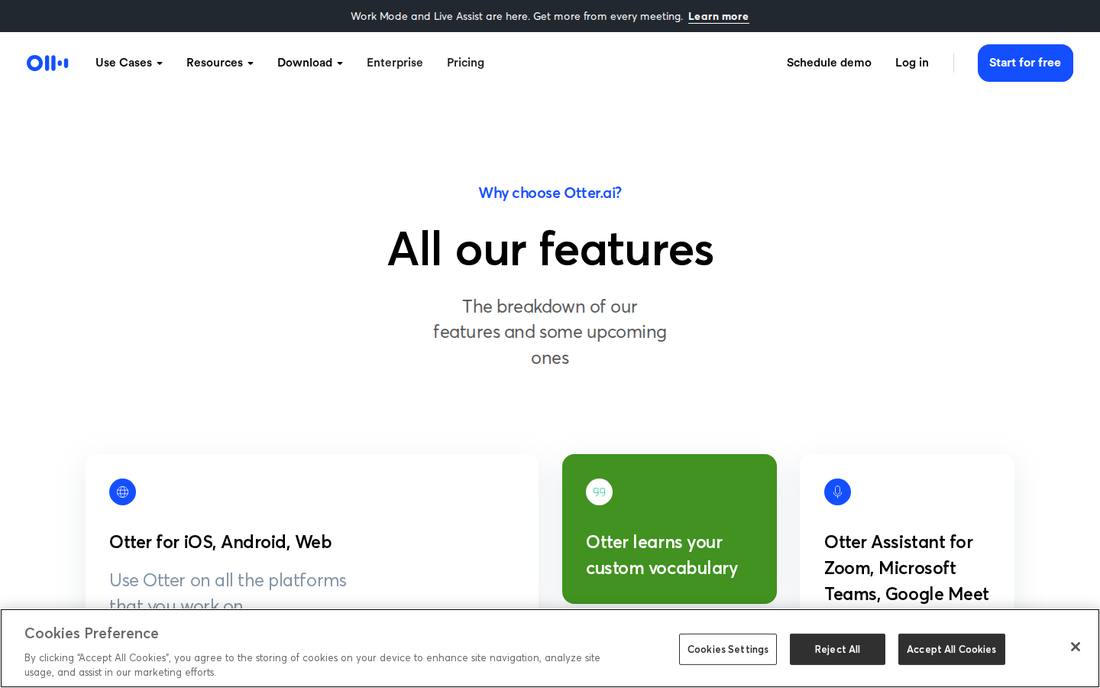
- otter.ai/features - OtterPilot, summaries and action items, read 13 November 2026
- otter.ai/affiliate - affiliate programme, read 13 November 2026




Reader reviews
Loading reader ratings...