
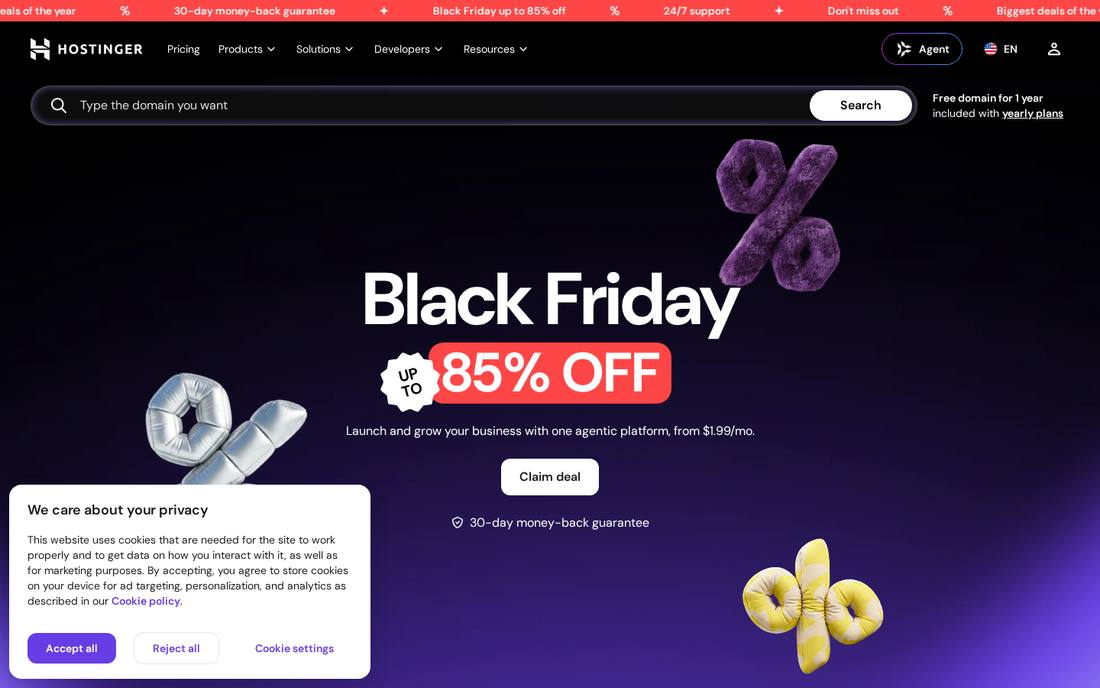
Hostinger is the host most people meet through a YouTube sponsor or a 1.99 USD banner. This hostinger review is about what that price actually buys, what it costs after the promotional period, and which workloads should not be put on it.
What Hostinger is
A budget hosting provider with three product lines: shared hosting on its own panel, VPS servers, and a cloud tier. For a WordPress site the relevant product is the shared plan, which includes a free domain for the first year, business email, SSL, a CDN and a control panel called hPanel that replaces cPanel with something simpler.
The company also sells a website builder and an AI assistant, which is why the homepage looks more like a website product than a hosting product. The hosting is still the thing you are buying; the extras are how it competes on price.
What you see before you sign up
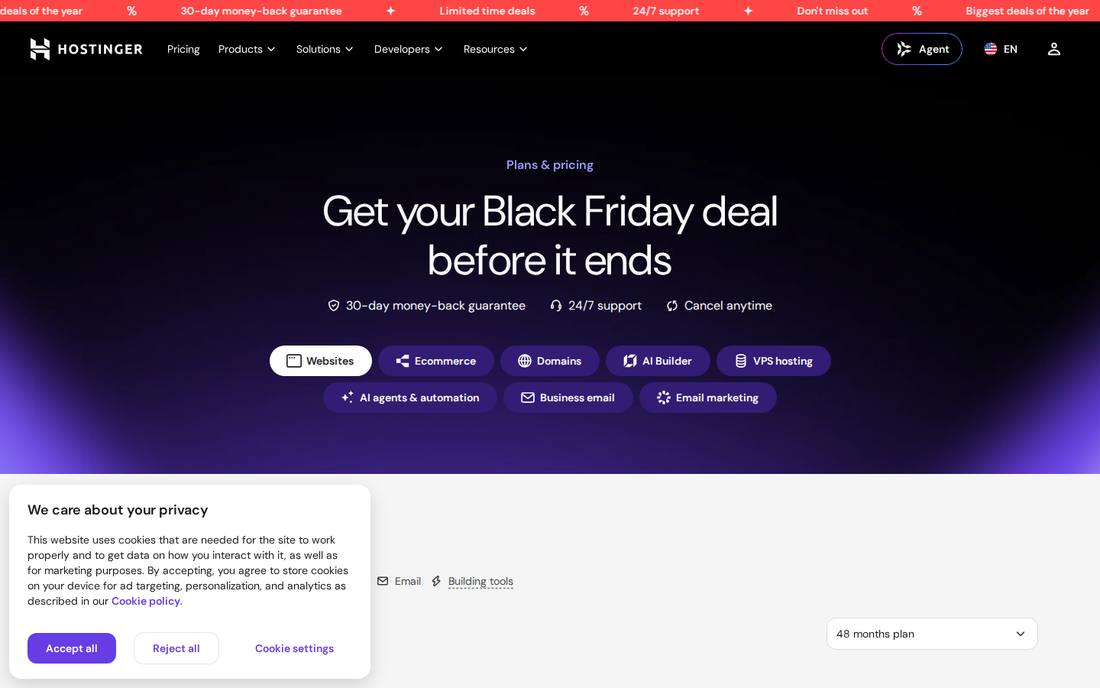
The pricing page leads with a monthly figure and hides the term in smaller type. That figure requires the longest prepayment - 48 months, 95.52 USD today - and the page does show the renewal rate next to it, around 10.99 USD a month. Both numbers are there; only one is large.
We are not enrolled in Hostinger's affiliate programme, so nothing here earns a commission; the affiliate disclosure explains how that is marked if it changes.
The arithmetic of prepaying
Four years at 1.99 is roughly 96 USD. Four years at the renewal rate is roughly 528 USD. The promotional period is the minority of the contract, and the honest way to compare against a managed host is to use the renewal number, not the banner.
That said, 10.99 a month is still cheap for a site that needs a domain, email and reasonable speed. The mistake is budgeting 24 USD a year when the site will cost about 130 after year one.
How it performs in practice
Shared hosting performs well when the site is small and cached. A WordPress site with a caching plugin, compressed images and a CDN in front loads quickly from European and North American locations; the same site with a page builder and no cache will feel slow at peak times, because the CPU quota is shared.
The limits that bite are not bandwidth but process and inode counts, plus the CPU seconds your account is allowed. A site with 30 plugins and no cache will hit them. A site with 12 plugins and a cache will not.
Where it fails
- The renewal gap. 1.99 becomes about 10.99, and the difference is the actual cost of the service.
- Support is ticket and chat, and the first line answers from scripts; plugin-level problems are yours.
- Shared CPU limits. Busy sites get throttled before they get fast; the fix is a VPS, which is a different product at a different price.
- No managed WordPress layer. No automatic plugin updates with rollback, no staging on the cheapest tier, no performance tuning done for you.
- Email is basic. It works; deliverability is your responsibility, not the host's.
Who it is for, and who should skip it
It fits a first website, a small business brochure site, a portfolio, a low-traffic blog, and anyone who wants domain, hosting and email in one 50 EUR order. It fits a developer who needs a cheap sandbox with a real domain.
Skip it if the site is a shop with traffic, because shared CPU throttling shows up exactly when sales do. Skip it if you cannot debug a plugin conflict. Skip it if your time is worth more than the difference between 130 and 350 USD a year - managed hosting exists for that trade.
How it compares with the other three
Against SiteGround, both use aggressive first-year pricing; SiteGround renews higher (17.99) and includes better WordPress tooling, so the cheaper renewal and the weaker tooling belong to Hostinger. Against Kinsta and WP Engine, the difference is category: those are managed platforms with staging, backups, caching and support included, priced from 28 to 35 a month, and they are worth it when downtime or debugging costs more than hosting.
The category is compared on /category/hosting, and the test procedure behind a future score is in how we test.
What to check before buying
Four things decide whether the cheap plan is enough: the number of websites included, whether daily backups are included or extra, whether staging exists on your tier, and which data centre you can choose. The last one matters most for a local business - a site hosted in the wrong region loses more time to latency than it saves on the invoice.
The domain and email trap
The free domain is a genuine saving in year one and a renewal in year two, charged at the registrar rate with no drama. The email is where more people get caught: it is included, it works, and it is not a deliverability service. Sending newsletters from shared hosting is the fastest way to land in spam, because the IP is shared with everyone else on the server.
The fix is to keep the mailbox for human replies and send bulk mail through a dedicated provider - the same conclusion we reached building this site, where mail goes out through a transactional service rather than through the host.
Data centres and latency
Hostinger runs data centres in Europe, North America, Asia and South America. For a local business the choice matters more than the plan: a site hosted in the wrong continent adds 150 to 300 milliseconds to every request, which is measurable in Core Web Vitals and invisible on the pricing page.
Pick the region your customers are in, not the region that is cheapest to serve, and check it after signup - migrations between data centres are possible and rarely quick.
Who ends up staying
Two profiles renew happily. A small business that needed a domain, a mailbox and a five-page site, and got all three for the price of a dinner. And a developer running side projects, where 10.99 a month per account is cheaper than any managed alternative.
Two profiles leave. A shop that outgrew shared CPU during its first good month. And an owner who never learned to debug and spent a year paying somebody else to fix plugin conflicts on hosting that promised to be simple.
What we have not tested - and will
Research-based review: public pages plus our own captures, no plan purchased. Open questions:
- TTFB and LCP for the same cached page on shared, VPS and cloud tiers
- Where CPU throttling starts under a realistic traffic spike
- Whether the AI builder produces a page worth publishing
- Backup restore time for a 2 GB site
- Support first-response time on the cheapest tier versus business
Bottom line
Hostinger is the right first host and a poor long-term host for anything that grows. The 1.99 headline is a four-year commitment, the renewal is about 10.99, and both numbers belong in the same sentence when you decide.
If the site is a brochure, a portfolio or a side project, buy the long term and enjoy it. If the site is a business with revenue attached, pay for managed hosting or a VPS and stop thinking about CPU quotas.
Sources
- hostinger.com/pricing - promotional prices, 48-month total and renewal rates, read 13 November 2026
- hostinger.com/vps-hosting - VPS and cloud line, read 13 November 2026
- hostinger.com/affiliates - affiliate programme, read 13 November 2026
A note on the VPS upsell
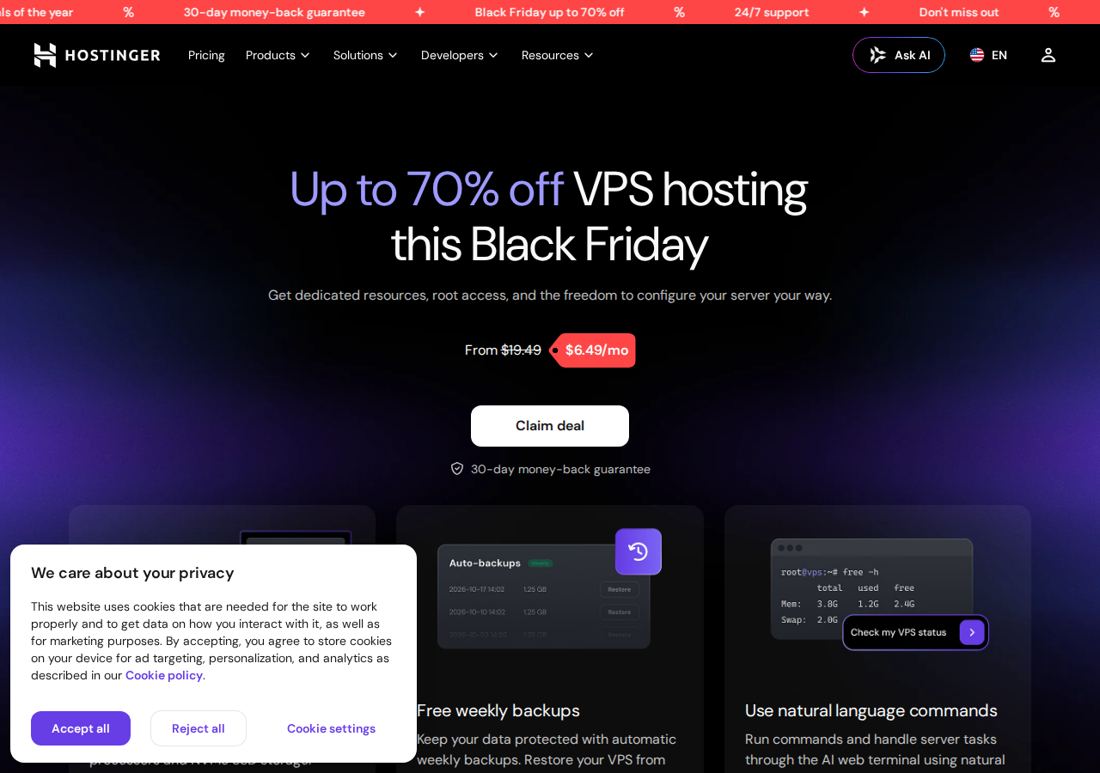
Halfway down the funnel Hostinger offers a VPS for a price that looks like the shared plan. It is not the same product: a VPS is unmanaged, which means you own the operating system, the web server and the updates. If the word "SSH" is not in your vocabulary, the cheap VPS is the most expensive decision on the page.
How the control panel compares
hPanel is the pleasant surprise: file manager, databases, SSL, email and staging in one interface that loads faster than cPanel and does not hide the domain settings three menus deep. What it lacks is the ecosystem - no one-click install of the long tail of scripts, and fewer third-party integrations. For WordPress that does not matter, because the installer and the plugin directory cover it.
















Reader reviews
Loading reader ratings...