
SiteGround is the host that sells tooling rather than a price, and then prices the first year like everyone else. This siteground review is about which of those two facts should decide your purchase.
What SiteGround is
Shared hosting with a better panel than most. Site Tools replaces cPanel with a cleaner interface for files, databases, email, SSL, redirects and staging, and it is the main reason customers stay after the promotional year ends. Three shared plans sit under a cloud tier: StartUp for one site, GrowBig which adds staging and more resources, GoGeek for bigger stores and more concurrent visitors.
There is no managed WordPress product in the Kinsta sense. SiteGround manages the server; you manage WordPress.
What you see before you sign up
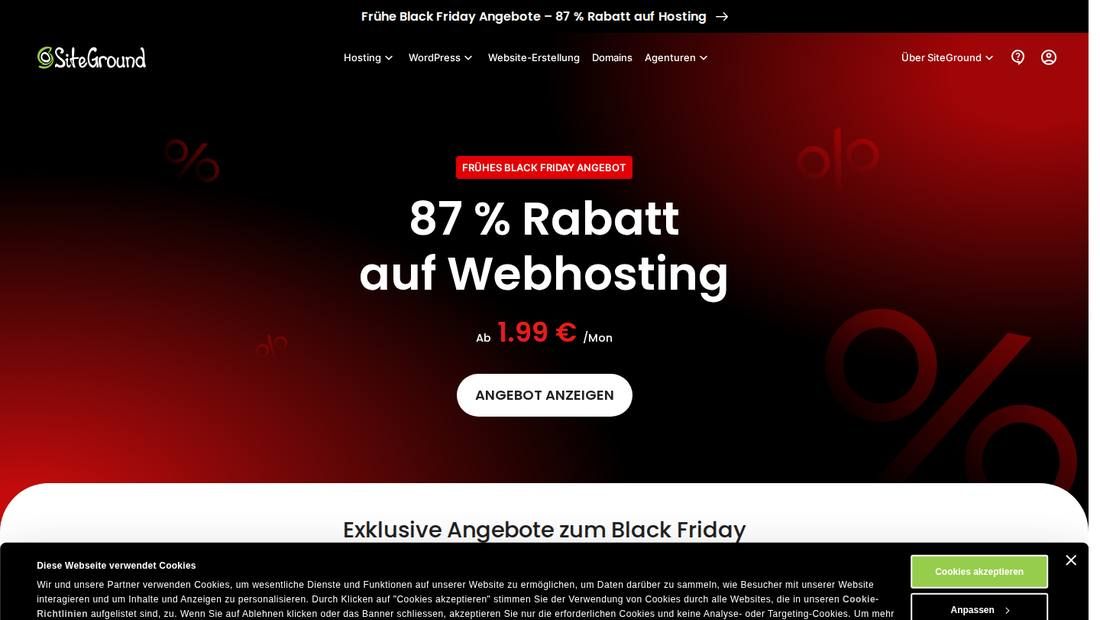
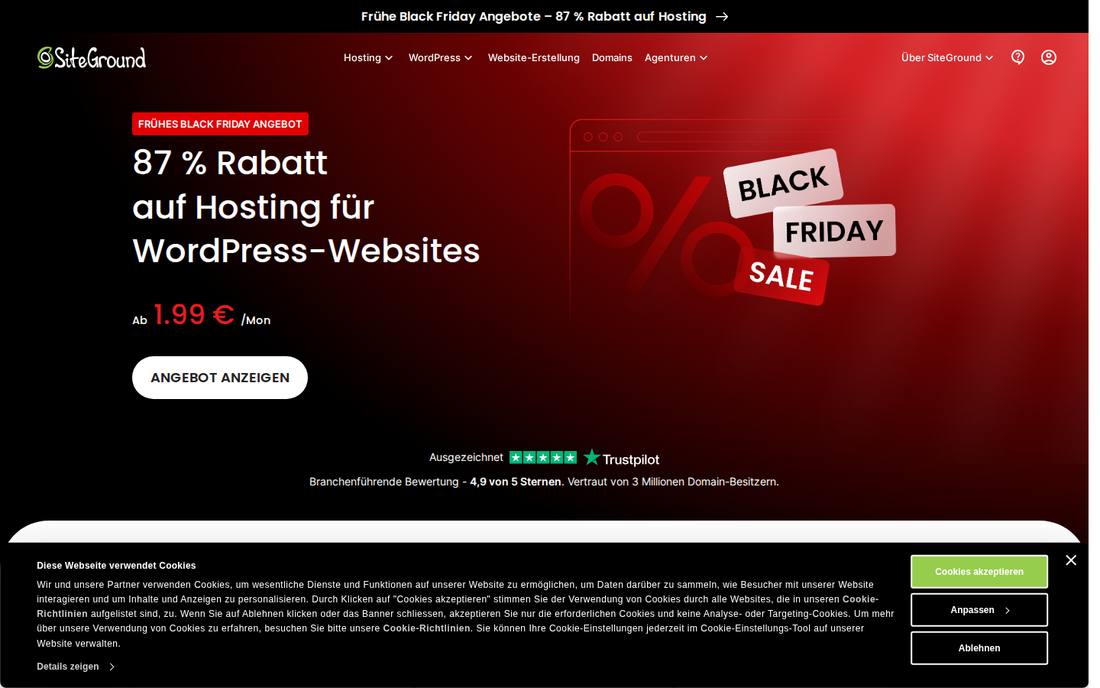
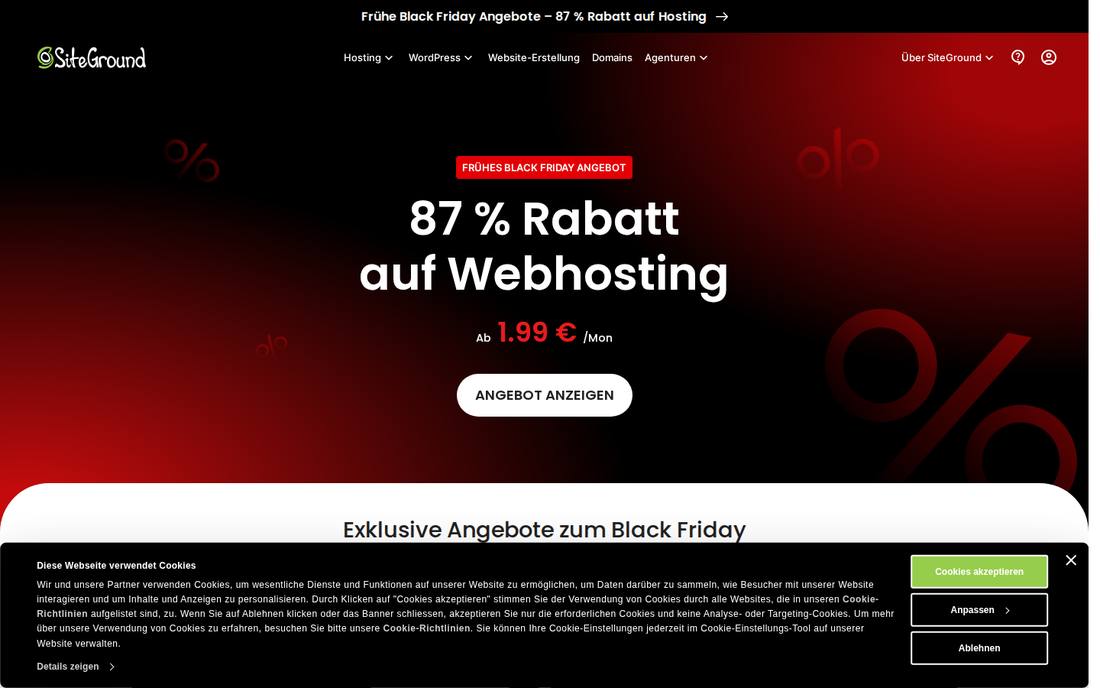
The pricing page is unusually explicit for this segment: the promotional monthly price, the percentage saved, the renewal rate and the prepaid total all appear in the same card. That transparency is worth something - you are not going to be surprised by the renewal if you read the page you bought from.
We are not enrolled in SiteGround's affiliate programme, so nothing here earns a commission; the affiliate disclosure explains how that is marked if it changes.
The first year versus the second
StartUp: 1.99 then 17.99. GrowBig: 3.99 then 29.99. GoGeek: 5.99 then 44.99. In year one the site costs about 24 USD; in year two about 216 USD, or 360 for GrowBig. Those are the numbers to compare against a managed host at 336 to 420 a year.
The conclusion is uncomfortable and honest: from year two, SiteGround's shared hosting is priced close to managed WordPress hosting, and the managed product removes more work. The first year is a genuine bargain; the renewal is a decision to re-evaluate rather than accept.
What Site Tools is actually like
Fast to load and logically arranged. File manager with an editor, database access, one-click SSL, redirects, DNS, email accounts and a staging tool that clones a site in a couple of minutes on GrowBig. The staging copy is the feature that saves the most time: test a plugin update, then push it live.
What it does not do is automate WordPress maintenance. Backups run daily and restores work, but updates, plugin conflicts and performance tuning remain yours.
Where it fails
- The renewal jump. 1.99 to 17.99 is ambitious, and the second year is where most customers reconsider.
- Staging is paywalled. The cheapest tier, the one most people buy, has no staging.
- Fixed site limits. StartUp is one site; a second project means a new plan.
- Support quality varies by tier. Priority support exists because the standard queue is slower.
- No managed layer. Plugin conflicts, PHP upgrades and caching remain your problems.
Who it is for, and who should skip it
It fits a small business that wants good tooling without a systems administrator, a first WordPress site where the first-year price matters, and anyone who values a panel they can use without a manual.
Skip it from year two if your site has grown - that is the moment to price managed hosting against the renewal. Skip the StartUp tier if you need staging, because you will buy GrowBig for one feature. And skip it if email deliverability matters, since shared hosting mail lands in spam more often than dedicated senders.
How it compares with the other three
Against Hostinger, SiteGround is better to use and more expensive to renew: 17.99 against roughly 10.99, for tooling that saves an afternoon a month. Against Kinsta and WP Engine, the comparison only holds from year two, when the price converges but the service level does not - managed hosts include the maintenance that SiteGround leaves to you.
The category is compared on /category/hosting, and the test procedure behind a future score is in how we test.
The email question
SiteGround includes unlimited mailboxes, which is generous and misleading: shared hosting IPs are shared reputation, and newsletters sent from them land in spam. Keep the mailboxes for human correspondence, send bulk mail through a dedicated provider. That combination costs little and removes the most common deliverability complaint in this segment.
What we have not tested - and will
Research-based review: public pages plus our own captures, no plan purchased. Open questions:
- TTFB and LCP on the same cached page across all three plans
- Where concurrent-visitor limits actually bite on GoGeek
- Staging clone time for a 3 GB site
- Support response at the standard tier versus priority
- Renewal invoice behaviour on a multi-year term
Bottom line
SiteGround is a good first year and an average second one. Buy it for the tooling and the first-year price, then make the renewal a conscious decision rather than an automatic charge.
If you will not maintain WordPress yourself, put the money into a managed host from the start. If you will, SiteGround's tools are the most pleasant way to do it in this price range.
Sources
- siteground.com/wordpress-hosting.htm - plans, promotional prices and renewal rates, read 13 November 2026
- siteground.com/web-hosting.htm - Site Tools and included features, read 13 November 2026
- siteground.com/affiliates - affiliate programme, read 13 November 2026
The cloud tier, briefly
SiteGround also sells cloud hosting with dedicated resources and autoscaling, priced well above the shared plans. It exists for shops that outgrow shared CPU and do not want a managed WordPress platform. For most readers of this review it is irrelevant: if you are considering cloud at that price, compare it against Kinsta and WP Engine, where the maintenance is included rather than rented separately.
Migration and the DNS step
The free migration moves the files and the database; the DNS change is yours, and it is where most downtime happens. Two habits make it uneventful: lower the TTL on the domain a day before, and export the mail records from the old host before touching the nameservers. The third habit is patience - wait for propagation before deciding the site is broken.
What a support ticket looks like
First response is fast and scripted: they will confirm the site is up, ask for the URL and check the platform. For a platform problem that is enough. For a plugin conflict you will be told it is outside scope, politely, and you will fix it yourself. That boundary is normal in shared hosting and worth knowing before you rely on it.
The year-two decision, written down
Renewal on StartUp is 17.99 a month, about 216 a year. A managed entry plan is roughly 336 to 420 a year and includes staging, maintenance and support that actually debugs. The gap is smaller than it looks once you price an afternoon of your own time. Make the comparison in month eleven, with your own numbers, not in month one with a discount in front of you.
Speed, with the caveats that matter
Shared hosting speed is mostly a function of three things: how close the data centre is to your visitors, whether pages are cached, and how heavy your images are. SiteGround includes a CDN and a cache, which handles the first two; the third is yours. A site with compressed images and a cache on SiteGround feels fast in Europe and acceptable elsewhere.
The number that decides a shared plan is not average speed, it is speed under load. A promotional post that brings 5,000 visitors in an hour will hit concurrency limits on any shared plan, including this one. That is not a fault, it is the category - and it is the honest reason managed hosting exists.
Who renews and who leaves
The customers who renew are the ones who use Site Tools weekly, because switching hosts means learning a different panel. The ones who leave are the ones who bought the cheapest tier, needed staging, and discovered the feature is one plan up. Both outcomes are predictable from the pricing page; only one of them feels like a surprise.
A short checklist before checkout
Confirm the data centre region, the renewal rate, whether staging is included on the tier you are buying, and how many sites you get. Those four answers, not the percentage saved, decide whether the plan fits. If any of them is unclear on the page, ask support before paying - the answer will tell you as much about the queue as about the plan.


















Reader reviews
Loading reader ratings...