

Kinsta is what managed hosting looks like when the vendor assumes you have a business, not a hobby. This kinsta review is about what 35 USD a month actually removes from your working week, and the one number - visits - that decides whether the plan fits.
What Kinsta is
Managed WordPress hosting on Google Cloud. Kinsta runs the servers, the PHP versions, the caching layer and the CDN, and you get a dashboard for sites, environments, backups and logs. Every plan includes staging, daily backups, free migrations and support, and the difference between plans is capacity: installs, storage, CDN bandwidth and monthly visits.
There is no cPanel and no email hosting. The panel is Kinsta's own and the mail is somebody else's job, which is the correct split: hosts that also do mail usually do it badly.
What you see before you sign up
The homepage sells uptime and performance, with numbers from third-party monitoring. That is a harder claim to fake than a design, and it tells you the target buyer: someone whose site being down costs money.
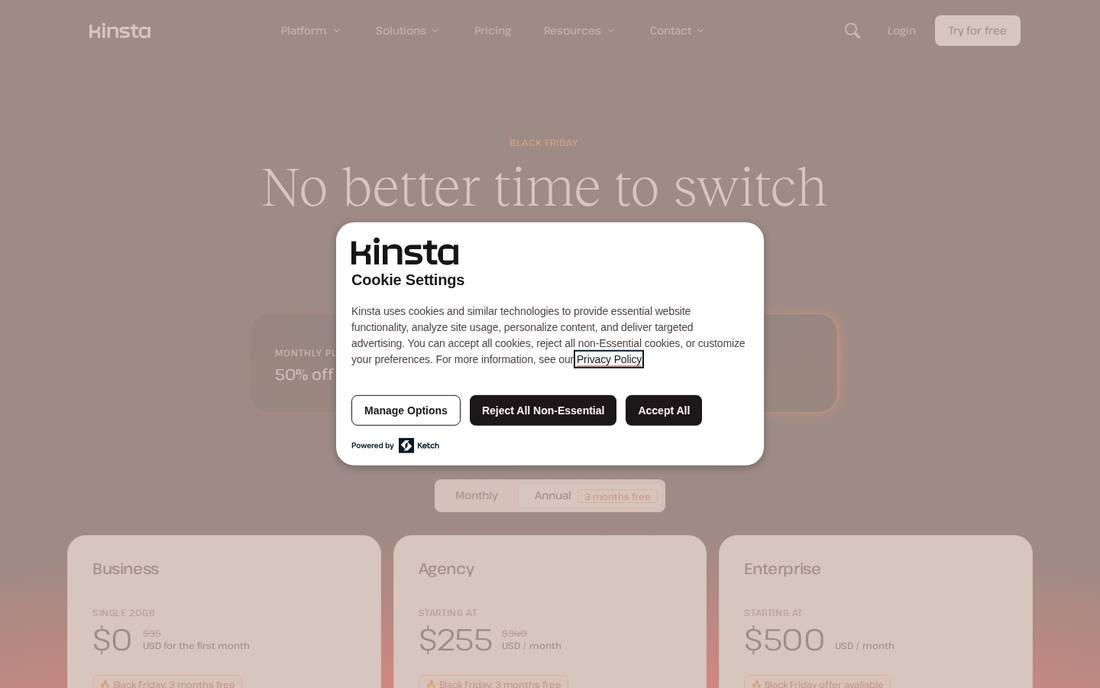
The pricing page lists plans by visits and storage with the monthly price large and the annual price mentioned beside it - about 30 USD a month when paid yearly. A promotional offer of three free months was running on 13 November 2026, which is worth watching for but not worth waiting for.
We are not enrolled in Kinsta's affiliate programme, so nothing here earns a commission; the affiliate disclosure explains how that is marked if it changes.
What the money actually removes
Four jobs disappear from your week. Server updates and PHP version management. Cache configuration, because the platform caches and purges for you. Backup scheduling and restore testing, because daily backups are included and restores are a button. And performance debugging, because the APM data shows which plugin is slow before you start guessing.
For a developer that is convenience. For a business owner it is the difference between having a site and maintaining one.
The visit allowance, honestly
Kinsta counts visits, not pageviews, and a visit is a session. Twenty-five thousand visits a month is about 800 a day - comfortable for a business site, thin for a blog that gets one viral post. The overage policy matters more than the list price: check what happens at 110% before you need to know.
Two mitigations work. Serve cached pages through the CDN so bots and repeat readers cost less, and move heavy assets to storage outside the plan. Neither changes the visit count itself, which is the point - capacity is the product, and the product is priced honestly.
Where it fails
- Price floor. 35 USD is a floor, not an average; a serious site lands on a higher tier.
- No email. Another bill and another DNS setup.
- Panel lock-in. The tooling is Kinsta's own, so skills do not transfer to another host.
- Visit-based billing punishes exactly the success you are trying to create.
- Plugin restrictions. Some caching and backup plugins are banned because they duplicate the platform.
Who it is for, and who should skip it
It fits agencies with client sites, businesses where downtime has a cost, and developers who would rather not administer a server. It fits anyone who has spent a weekend fixing a crashed site on cheap hosting and decided never again.
Skip it for a hobby blog, a staging-only sandbox, or a site with no revenue and no traffic. Skip it if you need email included. And skip it if you enjoy server administration - a VPS at a fifth of the price gives you the same performance with your own weekends attached.
How it compares with the other three
Against WP Engine, both are managed WordPress and the differences are infrastructure and price: Kinsta runs on Google Cloud with a visit-based model, WP Engine starts lower at 28 USD on annual billing with its own platform. Against SiteGround, the category differs - SiteGround is shared hosting with good tooling at a promotional price that renews at 17.99, while Kinsta is managed and priced accordingly. Against Hostinger, no real comparison beyond both running WordPress; one is 1.99 with your own maintenance, the other is 35 with it included.
The category is compared on /category/hosting, and the test procedure behind a future score is in how we test.
What we have not tested - and will
Research-based review: public pages plus our own captures, no plan purchased. Open questions:
- TTFB from three regions on the same cached page
- Where the visit counter actually lands after a traffic spike
- Restore time for a 5 GB site
- Support first response at 2 a.m. on the entry plan
- Whether the banned plugin list blocks a common stack
Bottom line
Kinsta is worth 35 USD a month when the site earns more than that, and not before. The product is not speed - plenty of hosts are fast - it is the removal of maintenance from your week, priced openly and without a renewal surprise.
If you have traffic and revenue, buy it and stop thinking about hosting. If you have neither, buy the 10.99 host, learn what breaks, and come back when the site can pay for the upgrade.
Sources
- kinsta.com/pricing/ - plans, visit allowances and annual pricing, read 13 November 2026
- kinsta.com/features/ - infrastructure, staging, backups and APM, read 13 November 2026
- kinsta.com/affiliate-program/ - affiliate programme, read 13 November 2026
The migration question
Migrations are free and handled by the support team, which removes the main practical objection to switching. In practice you file a request, they copy the site, you test on a temporary domain, then you point DNS. For a business site the risk is not the copy, it is the DNS change and the mail records that live in the same zone - check those records before the switch, not after.
Caching and plugins
Kinsta caches at the server and CDN level and forbids plugins that duplicate it. That sounds restrictive and is actually helpful: the two most common causes of a broken WordPress cache are two caching layers fighting and a plugin that clears the wrong thing. One layer, managed by the platform, is fewer variables.
What you still need is image optimisation and a disciplined plugin list. Caching cannot fix a 3 MB hero image, and no managed host will stop you installing twelve plugins that each add a script.
Support, in practice
Support is 24/7 by chat and it is the part customers mention when they renew. The honest expectation: they will diagnose platform issues quickly and will tell you which plugin is slow, but they will not fix your theme. That is the correct boundary and worth knowing before an incident.
The annual maths
At 30 USD a month billed yearly the entry plan is 360 USD. That is roughly three times the cost of a cheap shared host after renewal and about a third of a freelance developer's day. If one avoided incident a year pays for it, the maths is settled; if nothing ever breaks, you are buying insurance.
Who should not move to managed hosting yet
If the site has fewer than a thousand visits a month and no revenue, managed hosting is a subscription that buys peace of mind you have not earned a reason to need. The cheaper path is a 10 USD plan, a caching plugin and one evening of learning what a plugin conflict looks like. Come back when the site pays for the upgrade out of its own income.
That is not a criticism of Kinsta. It is the difference between buying capacity and buying comfort, and only one of them is measurable on the pricing page.
A note on the promotional months
Three free months is a real discount - about 90 USD on the entry plan - and it is worth taking when it is available. The trap is signing an annual contract for capacity you do not yet need because the discount made it feel cheaper. Capacity decisions should follow traffic; discounts should not lead them.
The short version for a busy reader
If the site earns money and you do not want to administer a server, Kinsta at 35 USD is a reasonable answer and the annual plan is slightly better value. If neither of those is true, the same money buys a year of a cheap host plus a caching plugin, and the difference goes into content - which is what actually brings the traffic that would justify the upgrade.
















Reader reviews
Loading reader ratings...