
Trigger.dev answers a problem the no-code tools in this category do not have: what happens when a task takes forty minutes, fails at minute thirty, and must not start over. This trigger.dev review is about that problem, the compute pricing that follows from it, and the projects where it is the wrong tool entirely.
What Trigger.dev is
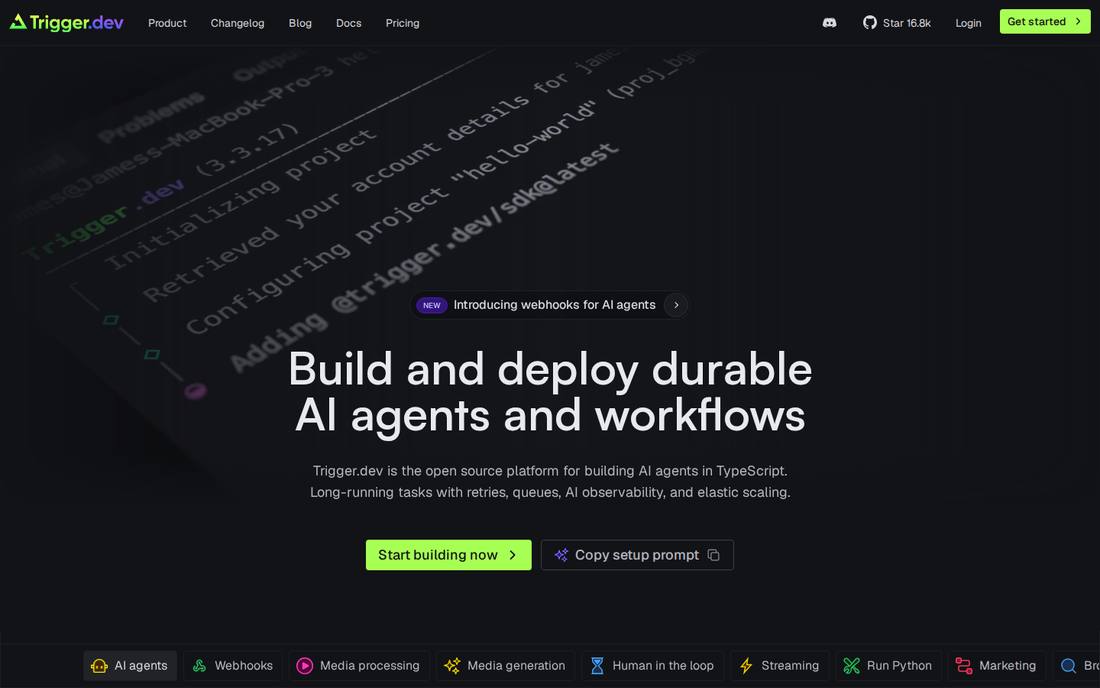
Infrastructure for durable background tasks. You write functions in TypeScript or Python inside your own repository, deploy them, and the platform runs them with retries, queues, concurrency limits, schedules and full traces. A run keeps its state; if a deploy happens mid-execution, the task resumes rather than disappearing.
It is open source and self-hostable, which is the reason some teams read this page at all. There is no canvas and no integration catalogue - it runs your code, not connectors.
What you see before you sign up
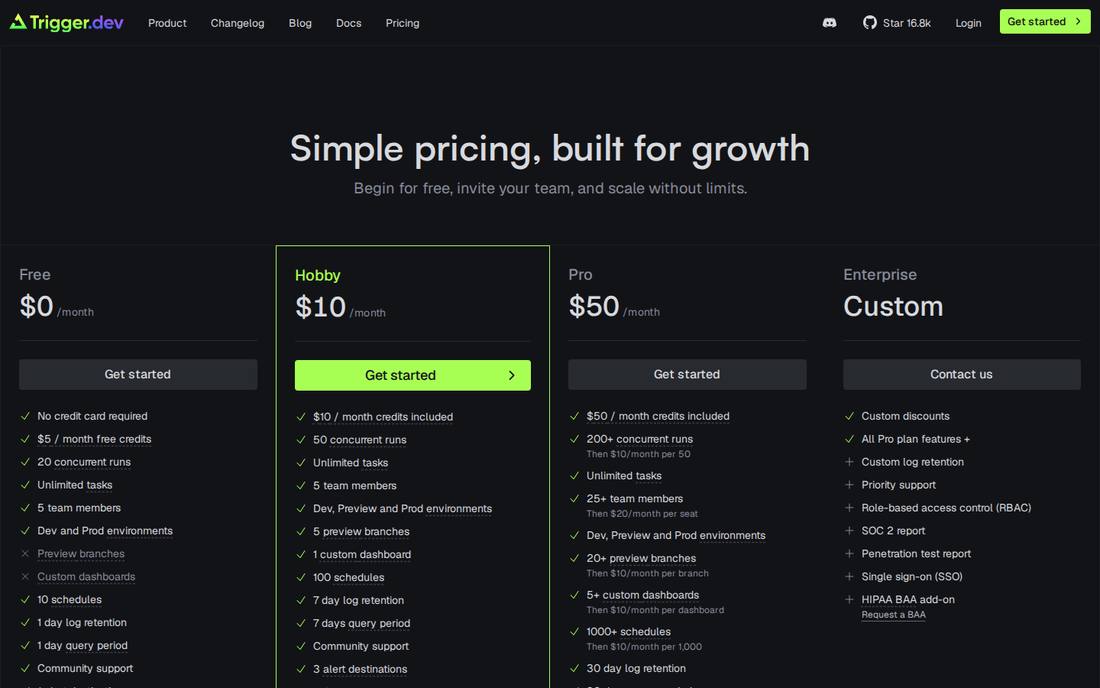
The pricing page is unusually technical for this category: two tiers, then a table of machine sizes with per-second rates. Free gives 5 USD of credit a month and 20 concurrent runs; Hobby gives 10 USD of credit and 50 concurrent runs for 10 USD a month. Above that you pay for compute, measured in seconds.
We did not find a public affiliate programme at the URL we tried, so this review carries no affiliate link; the affiliate disclosure explains how that is marked if it changes.
Why durability costs money and is worth it
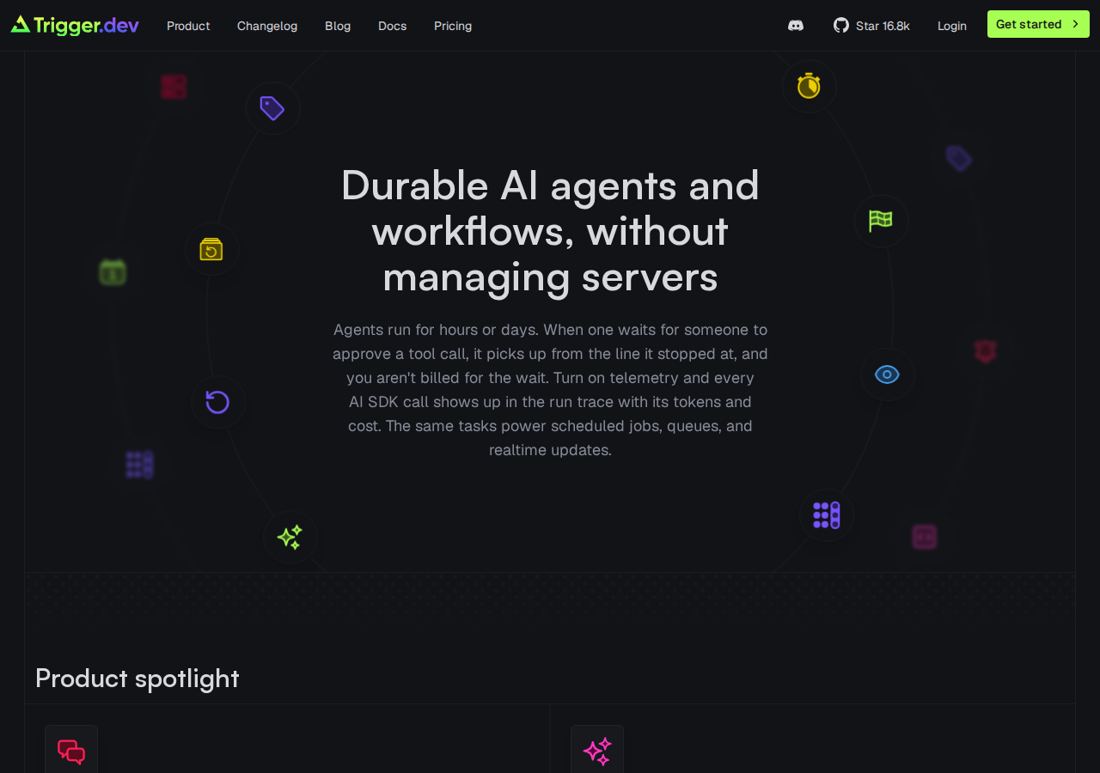
A webhook handler that takes two seconds is easy. A job that calls an API, waits for a human, calls a model, writes to three systems and must not duplicate any of it is hard - and it is what most AI workflows actually are. Durable execution means the platform remembers where the run is, so a failure resumes from the last completed step instead of repeating the whole thing.
That is the product. Everything else - logs, retries, queues - exists to support it, and no amount of Zapier Zaps replaces it.
Where it fails
- It is not an automation tool for operators. No canvas, no connectors, no clicking - a developer is mandatory.
- Compute pricing is invisible until you run things. A model call that waits 90 seconds still bills as compute time.
- Two tiers then meters leaves no middle option for a small production app that runs a few jobs a day.
- Self-hosting is real work, and the docs assume familiarity with queues and containers.
- The ecosystem is smaller than n8n's; there is no template library to shortcut the first build.
Who it is for, and who should skip it
It fits teams building AI features: an agent that researches for ten minutes, a pipeline that summarises and routes documents, a sync that must not double-write. It fits developers who want queue infrastructure without running Redis and a worker fleet.
Skip it if the automation is app-to-app and takes seconds - Zapier or Activepieces. Skip it if nobody writes code. And skip it if your jobs are short and rare; the platform is engineered for the hard case and you would be paying for guarantees you do not need.
How it compares with the other three
Against Pipedream, both are developer platforms and the difference is the unit of work: Pipedream is event-driven integrations with a 99 USD production gate, Trigger.dev is long-running tasks priced by compute. Against n8n and Activepieces, the comparison is category - those connect apps visually, this runs your code reliably.
The category is compared on /category/ai-automation, and the test procedure behind a future score is in how we test.
The self-hosting question
Self-hosting Trigger.dev means running the platform, its database and its workers - a real deployment, not a single container. For a team that already operates infrastructure, that is a reasonable trade for data residency and cost. For anyone else, the free tier plus Hobby is cheaper than the engineering time.
A realistic first task
A document arrives, a task extracts text, calls a model to classify it, writes the result to a database, and notifies a Slack channel. Total runtime: ninety seconds. With a naive script, a failure at the Slack step means redoing the model call. With a durable task, the retry starts at the Slack step and the model bill does not double.
That reframing is the whole value proposition, and it becomes obvious the first time a run fails halfway through work that cost money.
The cost of a model-heavy workflow
Compute is billed by the second, and waiting for an API response is still time. A workflow that spends four minutes waiting on model calls across a thousand runs is roughly 67 hours of compute a month, which on the smallest machine is about four dollars. The arithmetic is friendly at low volume and needs watching at high volume - the same shape as any serverless bill.
Who ends up staying
Teams shipping AI features to users stay, because the alternative is building a queue, a scheduler and a retry policy - two weeks of work and a permanent maintenance tax. Teams that wanted to connect a form to a spreadsheet leave within a week, usually to Activepieces or Zapier, and they are right to.
What we have not tested - and will
Research-based review: public pages plus our own captures, no account. Open questions:
- Compute cost of a 90-second task across 1,000 runs
- Whether a deploy mid-run genuinely resumes without duplicate side effects
- Retry behaviour when a third-party API returns rate limits
- Self-hosting effort from scratch on a single VPS
- Trace readability for a workflow with eight nested steps
Bottom line
Trigger.dev is the right tool when the job is long, fallible and expensive to repeat. The free tier is enough to prove it, Hobby at 10 USD covers a side project, and compute pricing is honest rather than hidden.
If your automation is a webhook and a spreadsheet row, this is overkill. If your automation is an AI pipeline that must not lose work, it is the cheapest reliable option in this comparison.
Sources
- trigger.dev/pricing - tiers, credits, concurrency and per-second compute rates, read 13 November 2026
- trigger.dev/product - durable runs, retries, queues and observability, read 13 November 2026
The observability angle
Every run is traceable: inputs, outputs, durations and retries per step, in a timeline you can read without adding logging. For AI workflows that is the difference between debugging a prompt by guesswork and seeing exactly which step produced the bad output. Teams that ship AI features usually discover this feature matters more than they expected, and it is the second reason they stay.
Concurrency, which is the hidden limit
The tiers differ by concurrent runs rather than total runs: 20 on Free, 50 on Hobby. That number decides whether a burst of traffic queues politely or fails, and it is the metric to watch when a launch doubles your volume overnight.
The developer experience, briefly
Tasks live in your repository, deploy with your code, and run in an environment that mirrors production. That means one workflow, one review process, one place to look when something fails - a genuine improvement over a no-code platform where the logic lives in a vendor dashboard that nobody versions.
The trade is that every schedule, queue and retry policy is code you maintain. For a team that already ships TypeScript, that is normal; for anyone else it is the reason this product exists for a narrow audience.
A note on the free credits
Five dollars of compute a month sounds small and covers a surprising amount of development: the smallest machine at six cents an hour is eighty hours of continuous running, and real tasks are measured in seconds. Use the free tier to build, and decide on Hobby only when real users depend on the runs.
The short version
If a failed job costs money or duplicates work, pay for durability. If a failed job costs a retry, do not.
And if you are unsure which side you are on, add up the money one duplicated run would cost. The answer usually settles the question faster than any feature comparison.
Practically: build one task on the free tier, force it to fail midway, and watch what the platform does. That single test tells you whether this category is worth its price for your work.






Reader reviews
Loading reader ratings...