
Zapier is the default answer to "can these two apps talk to each other". This zapier review is about what that default costs, how tasks are counted, and when a cheaper engine with more setup is the better buy.
What Zapier is
A cloud automation platform. A Zap is a trigger plus one or more actions: a form submission creates a row, a new row sends an email, a refund tags a customer. Multi-step Zaps add filters, paths and formatting between those steps, and the platform covers more than 7,000 apps, which is the number that made it the default.
Around the core sit Tables for lightweight data, Interfaces for forms and internal tools, Chatbots, and AI steps that call a model inside a workflow. Those extras matter for small teams that would otherwise buy three tools.
What you see before you sign up
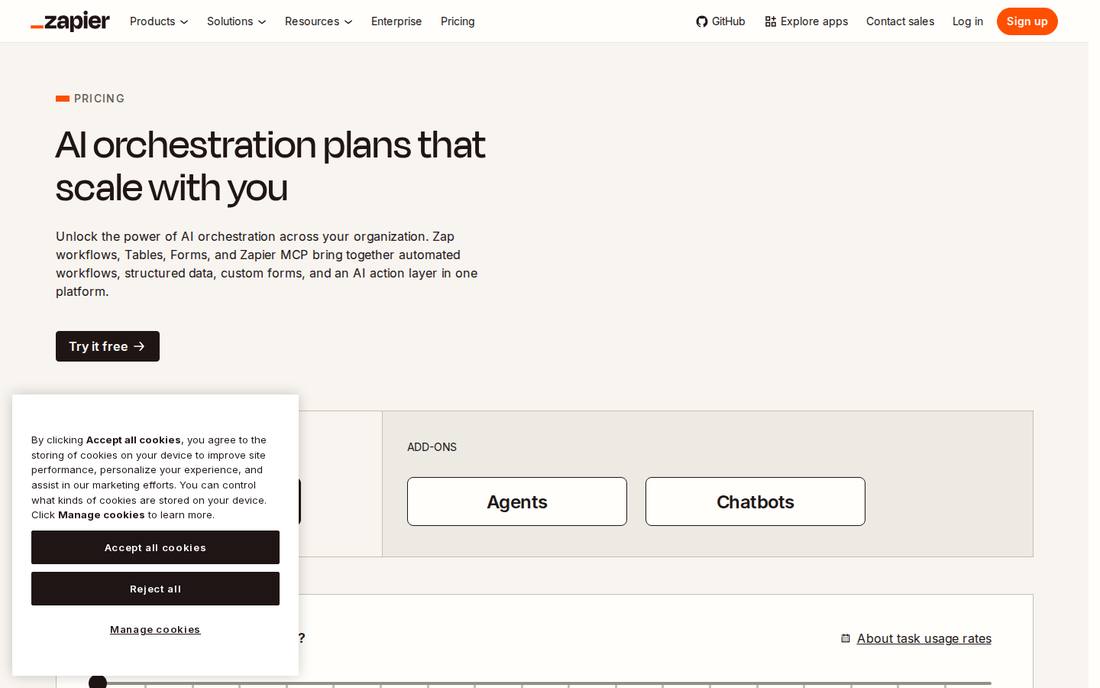
The homepage sells breadth and speed, and the pricing page is task-based: free with 100 tasks, Professional at 19.99 USD with 750, Team at 69 USD with more. Both numbers are monthly and both are stated clearly, which is better than most usage-priced products manage.
We are not enrolled in any affiliate programme for this product, so nothing here earns a commission; the affiliate disclosure explains how that is marked if it changes.
How tasks are actually counted
Every successful action consumes a task; a trigger does not, and a filter that stops the Zap early does not. A three-step Zap that runs 300 times consumes 900 tasks, so the Professional allowance is roughly 250 completed workflows.
That single multiplication is the whole pricing conversation. Before choosing a tier, count the steps in your busiest workflow and multiply by monthly runs - the answer is usually two to three times higher than the Zap count suggests.
Where it fails
- Task arithmetic at volume. A busy workflow on a cheap engine costs a fraction of the same workflow on Zapier.
- Debugging is shallow. You see the run history, and you cannot step through a workflow the way a developer would.
- Pricing by task rewards fewer steps, which pushes you towards worse architecture - three Zaps chained instead of one clean flow.
- No self-hosting. Data leaves your infrastructure on every run, which rules it out for some regulated work.
- Interfaces and Tables are conveniences, not replacements for a real database or form builder.
Who it is for, and who should skip it
It fits a small business connecting the tools it already pays for: a form to a CRM, an order to an invoice, a support ticket to a Slack channel. It fits marketers and operators who will never open a code editor, and teams that value a supported integration over a cheaper one.
Skip it if you run more than a few thousand tasks a month and have anyone technical - n8n or Activepieces will cost less. Skip it if the workflow needs real branching, loops and error handling; that is a developer's engine. And skip it if data cannot leave your servers.
How it compares with the other three
Against n8n, the trade is convenience against cost and control: n8n self-hosted is free and unlimited, Zapier is maintained for you at 19.99 a month. Against Activepieces, the same split with a friendlier interface and fewer integrations. Against Pipedream, Zapier is the no-code product and Pipedream the developer platform, priced per usage instead of per task.
The category is compared on /category/ai-automation, and the test procedure behind a future score is in how we test.
The integration count, honestly
Seven thousand apps sounds decisive and is less so in practice: most users need eight to twelve integrations, and they are the same ones on every platform. The real differentiator is depth - whether the integration supports the fields you need, not whether the app exists.
Check the specific action before subscribing. A shallow integration that only creates a contact but cannot update a custom field will push you into a webhook anyway.
A realistic first automation
Pick one workflow that already happens by hand and takes ten minutes: a new form submission being copied into a spreadsheet and announced in Slack. Build it as one multi-step Zap, run it ten times, and watch the task count. That exercise tells you more about the pricing than any comparison table, and it usually takes twenty minutes.
Then resist the temptation to automate everything in week one. Three working Zaps beat fifteen half-configured ones, and every broken Zap is a silent failure that loses data.
Error handling, which nobody sets up
Zaps fail quietly when an app changes a field or rate-limits a request. Two habits help: enable email alerts for failed runs, and add a step that writes failures into a table or sheet so you notice a pattern. Zapier's own error handling is adequate for simple flows and thin for anything with dependencies.
Who ends up staying
Small teams whose workflows are simple and whose time is expensive stay happily for years. Anyone whose automation became the business - order routing, invoice generation, customer onboarding - eventually moves to an engine where a thousand runs cost cents, and usually keeps one or two Zaps for tools that only Zapier connects properly.
What we have not tested - and will
Research-based review: public pages plus our own captures, no account. Open questions:
- Tasks consumed by a five-step Zap over 100 runs, measured in the dashboard
- How quickly the free tier hits its 100-task limit in a real week
- Whether error alerts reach an inbox reliably on the cheapest tier
- Latency between trigger and action on a busy app
- Whether Tables can replace a small Airtable base without pain
Bottom line
Zapier is worth 19.99 USD when the alternative is an hour of manual work per week and nobody on the team wants to touch an API. The free tier is a real test, the pricing is honest about tasks, and the integration breadth is unmatched.
If you automate more than a few thousand tasks a month, move to n8n or Activepieces and keep Zapier for the two integrations that only work there. The tools are not rivals so much as different price points on the same idea.
Sources
- zapier.com/pricing - tiers, task allowances and prices, read 13 November 2026
- zapier.com/features - Zaps, Tables, Interfaces and AI steps, read 13 November 2026
- zapier.com/pricing - task-based tiers, read 23 November 2026
The workflow engine, briefly
Zapier's editor is a linear builder: trigger, then steps in order, with filters and paths that branch. It is easy to learn and awkward for anything that needs loops, parallel branches or bulk processing. Developers notice the ceiling within a week; operators never hit it because they design around it.
Code steps support Python and JavaScript, which is the escape hatch for formatting and API calls the integrations do not cover. That one feature moves Zapier from no-code to low-code and is underused.
Data and privacy in one paragraph
Every run sends payload data through Zapier's servers, and the retention window depends on your plan. If you automate customer records, read the data-processing terms before the first run rather than after an audit asks. Self-hosted engines avoid the question entirely, which is the honest reason some teams choose them despite the setup cost.
A note on the free tier
One hundred tasks a month is about three runs a day on a simple Zap, or one run a day on a three-step one. It is a genuine demonstration and not a working allowance for a business - which is fine, as long as nobody plans around it.
The short version
If your automation is a handful of simple workflows and nobody on the team writes code, pay the 19.99 and stop thinking about it. If automation becomes infrastructure, the task model will price you out - and you will know exactly when.
One practical test before you subscribe: list every manual copy-paste you did last week, count them, and multiply by four. If the number is under a hundred a month, the free tier plus one careful Zap will cover it and the subscription can wait.
And when the bill does grow, do not cancel in anger: keep the three Zaps that save the most time, move the rest to a cheaper engine, and the subscription pays for itself with the difference in maintenance.





Reader reviews
Loading reader ratings...