
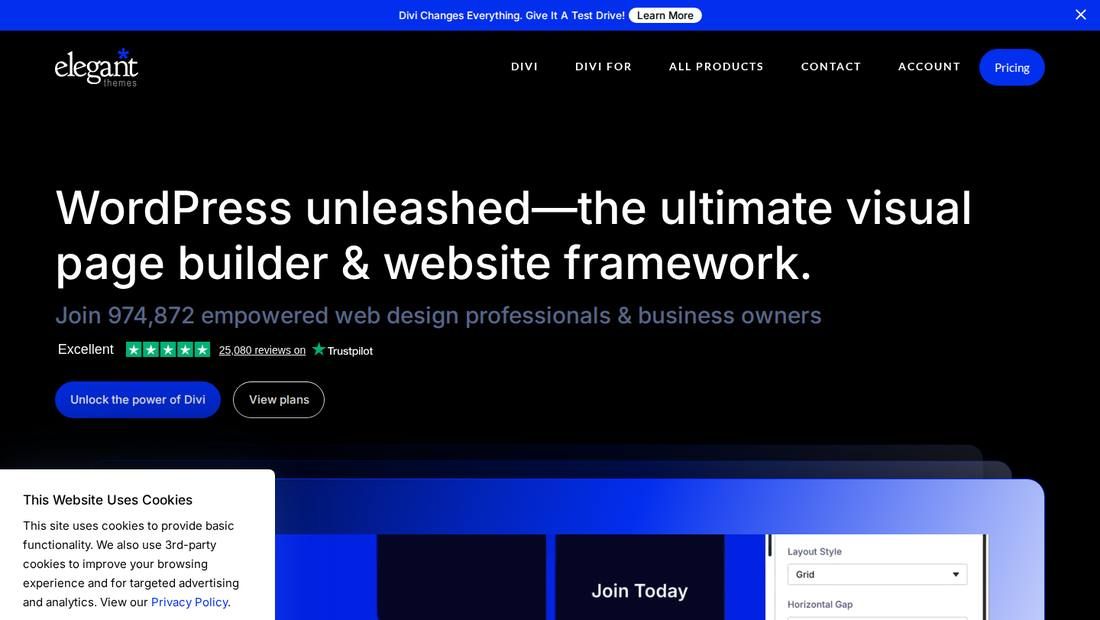
Divi is the oldest argument in WordPress: one subscription, everything included, build anything. This divi review is about whether that bargain still holds against a plugin you can start free with, and what the lock-in costs when you want to leave.
What Divi is
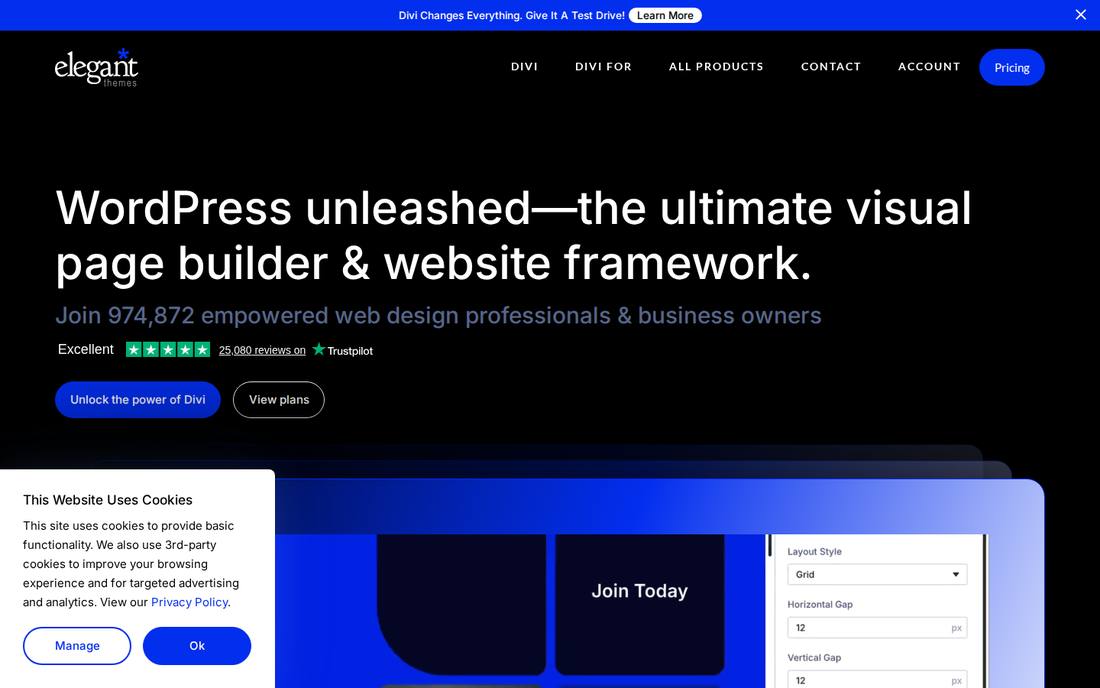
Two products sold together: a theme and a visual builder. The builder works with sections, rows and modules, and it stores what you build as shortcodes in the post content rather than as blocks. Around that sit the Theme Builder for headers, footers and archive templates, a library of premade layouts, cloud storage for layouts you want to reuse across sites, WooCommerce modules and split testing.
That bundling is the product's identity. You are not buying a builder and choosing a theme; you are buying an ecosystem that expects to be the theme.
What you see before you sign up
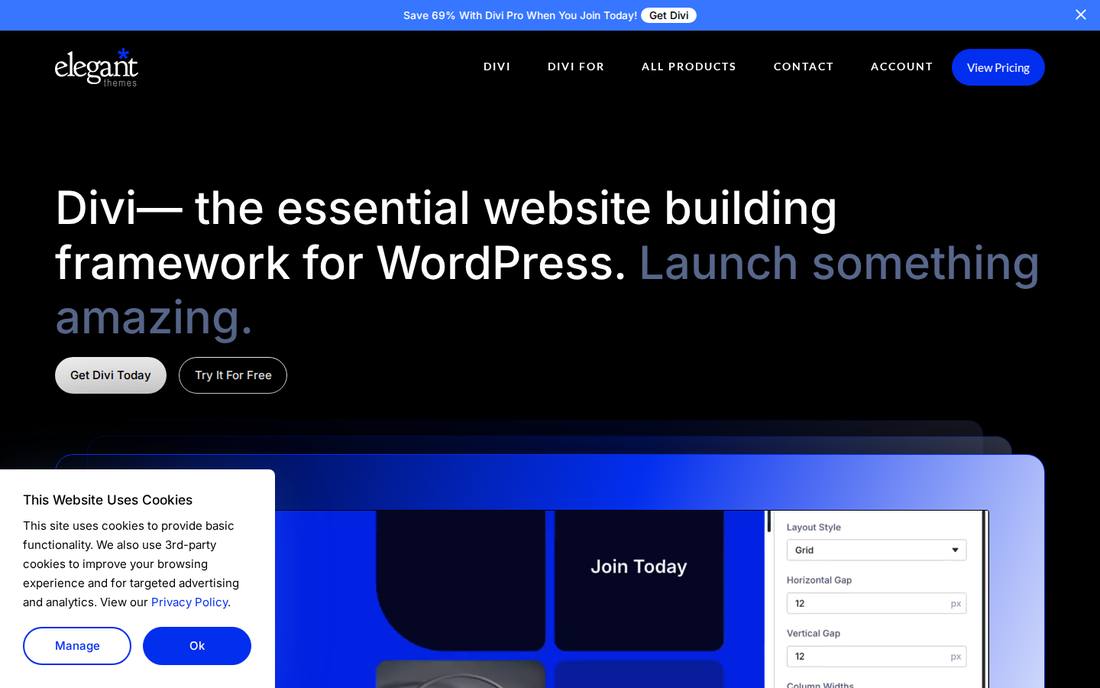
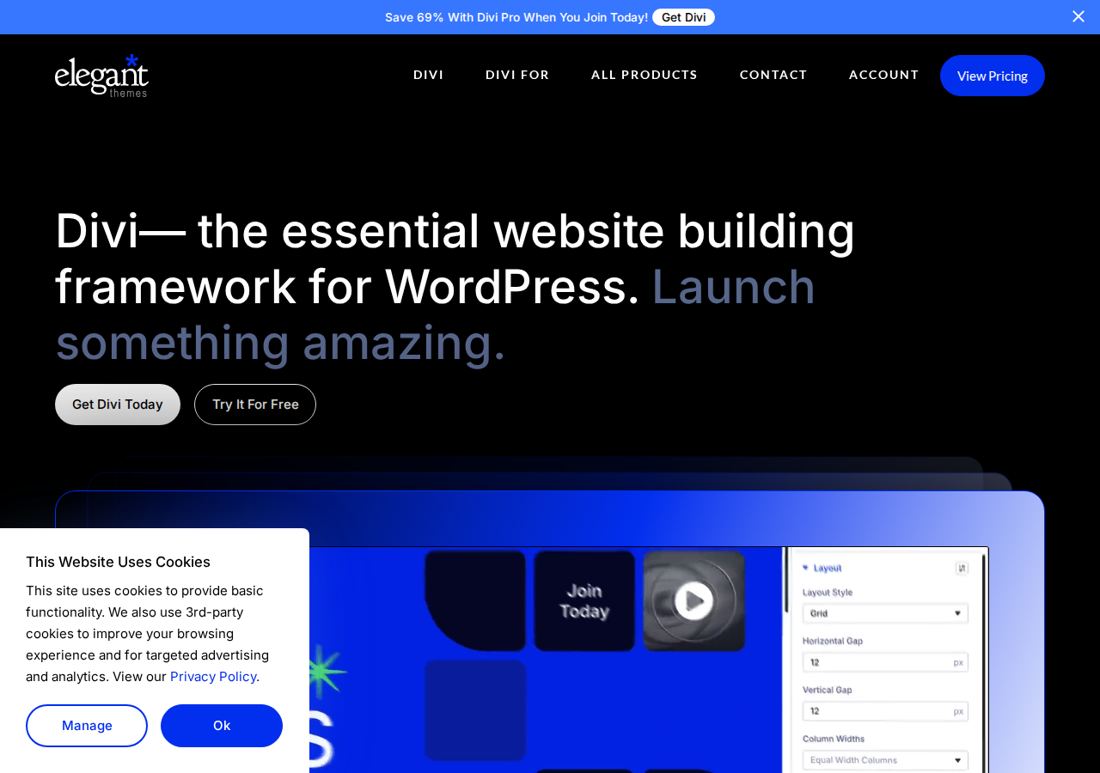
No free version, which is the first thing to understand: there is no way to open the builder without paying. What the vendor does instead is show the layout library and a demo, which is a reasonable proxy and not the same as trying it on your own content.
The pricing page presents one headline number - 277 USD a year, shown as 23.08 a month - with services and add-ons beside it. Compared with Elementor's 60 EUR entry, it looks expensive; compared with the per-site licences of everything else, unlimited sites makes it cheap for anyone building more than three.
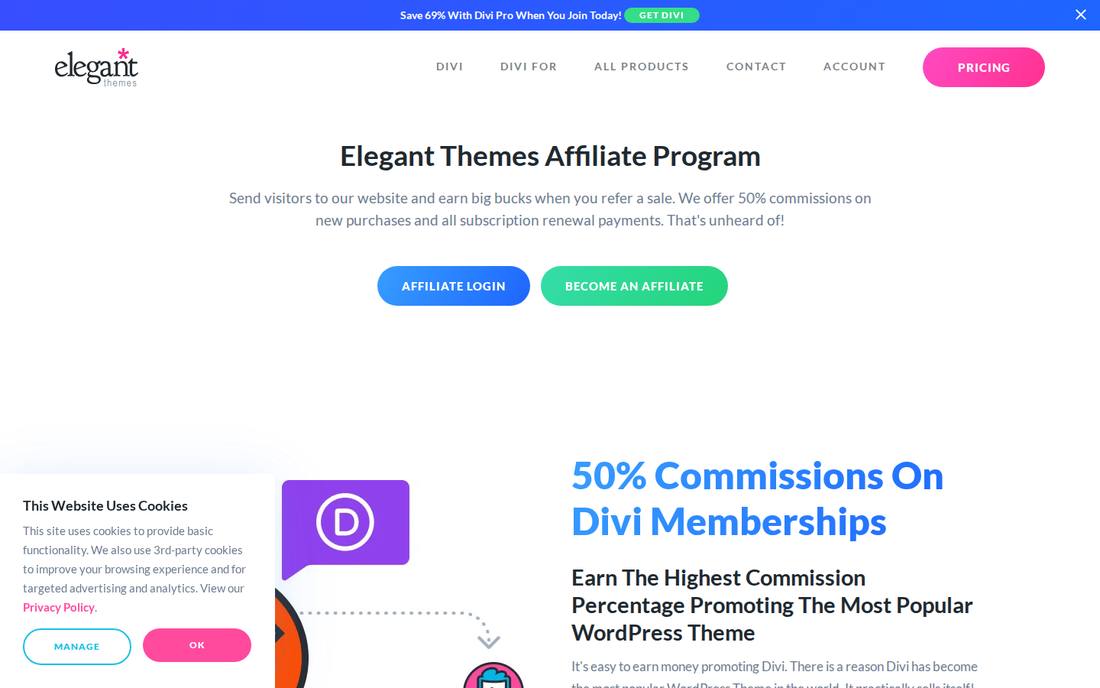
We are not enrolled in Divi's affiliate programme, so nothing here earns a commission; the affiliate disclosure explains how that is marked if it changes.
How building with it actually feels
Fast for layout, slow for typography. Dragging sections and rows is quick, the module set covers the common cases, and the layout library means a homepage exists in twenty minutes. Global presets handle colours and fonts, but they are less deeply integrated than Elementor's global styles, and a site built by three people tends to drift visually.
The split testing module is the underrated inclusion: for a marketing site, testing two hero variants without a third-party tool is a real advantage and it is included rather than sold separately.
Where it fails
- Lock-in. Content is shortcodes. Remove Divi and the pages render as brackets and numbers; migration means rebuilding, and every "we will move later" project stays longer than planned.
- Page weight. The builder loads its own framework CSS and JavaScript on every page, and old sites carry the accumulated CSS of every module ever used.
- No free trial. You cannot evaluate the editing experience on your own content before paying.
- Layout sameness. The premade library is recognisable, and the fastest path produces the most familiar result.
- Editor performance on long pages degrades, particularly with many nested modules.
Who it is for, and who should skip it
It fits freelancers and agencies building several sites a year, because the unlimited licence turns a per-project cost into a fixed one. It fits businesses that want one vendor for theme, builder, layouts and support, and are happy to standardise on it.
Skip it if you are building one site and might change your mind in two years. Skip it if you want to start free and upgrade only when a feature blocks you - Elementor, Astra and the block editor all allow that, Divi does not. And skip it if a developer will maintain the site, because they will ask for a stack they can reason about without a proprietary layer.
How it compares with the other three
Against Elementor, the trade is licence model against entry price: Divi is unlimited sites at 277 USD with no free tier, Elementor is per-site from 60 EUR with a genuinely usable free plugin. Against Astra, they overlap only in being a theme - Astra is light and pairs with any builder, Divi is a theme that insists on its own. Against WP Rocket, no overlap, though the two are usually installed together and Divi's weight is one reason people buy caching.
The category is compared on /category/wordpress, and the test procedure behind a future score is in how we test.
The lock-in maths
Price a migration before you buy, not after. Rebuilding twenty pages in another builder is two weeks of work for a small site, and the alternative - staying on an annual licence you resent - costs 277 USD a year forever. That asymmetry is why the decision matters more than the feature comparison.
The honest rule: adopt Divi when you are standardising many sites, and avoid it when you are experimenting with one.
What we have not tested - and will
Research-based review: public pages plus our own captures, no licence. Open questions:
- Page weight of the same layout in Divi, Elementor and the block editor
- Editor responsiveness on a 30-section page
- Whether split testing produces statistically usable results at low traffic
- Migration effort from Divi to the block editor on a ten-page site
- Update stability across two WordPress minor releases
Bottom line
Divi is a good deal for people who build many sites and a mediocre one for people who build one. The builder is capable, the library is large, the split testing is a genuine extra, and the lock-in is real and should be priced into the decision.
If you have not used a builder before, start with Elementor's free plugin or the block editor, learn what you actually need, and buy Divi later if the unlimited licence solves a problem you have. If you are an agency with a pipeline, the maths is already settled.
Sources
- elegantthemes.com/gallery/divi/ - Divi Pro pricing shown as 23.08 USD/mo with 277 USD billed yearly, read 13 November 2026
- elegantthemes.com - builder, theme builder, layouts and split testing, read 13 November 2026
- elegantthemes.com/affiliates/ - affiliate programme, read 13 November 2026
What the layout library really saves
The library is the strongest practical argument for Divi. A homepage, a services page and a contact page exist in an afternoon from premade layouts, and for a client who needs to see something on Friday, that speed is worth the licence on its own.
The catch is that every layout drags its own styling with it. Three layouts from different packs produce three colour systems unless you rebuild the global presets first, and most quick builds skip that step. Use the library for structure and rebuild the styling - or accept a site that looks assembled.
Support, updates and the annual renewal
Updates arrive throughout the year and are included while the licence is active. Support is ticket-based and responsive in our reading of the public documentation, with the usual caveat that it cannot fix a third-party plugin conflict. The renewal is the same 277 USD, so the honest comparison against a per-site builder is three years of Divi against three years of a smaller licence.
A cheaper path to the same result
If what you want is a fast site with a few designed pages, a light theme plus the block editor and one caching plugin costs less than a Divi licence and produces a lighter page. If what you want is a factory for client sites with a shared library, no combination is cheaper than the unlimited licence. Being honest about which of the two you are saves either 277 USD or two weeks.
What the builder is like after a year
Two things change with time. The module count per page grows, because adding a section is easier than editing one, and the editor slows accordingly. And the CSS file accumulates rules from modules that were deleted, because the builder keeps the stylesheet history on many installs.
The maintenance habit that keeps a Divi site fast is unglamorous: audit each page once a year, delete unused sections rather than hiding them, and rebuild any page that has been edited by four different people. A site with thirty clean pages outperforms one with ten overbuilt ones.
Who should decide this week
Two readers. The agency with three client sites in the pipeline should buy Divi Pro and stop reading comparisons, because the unlimited licence is the cheapest way to standardise. The single-site owner should build one page in the block editor first, see whether the result is acceptable, and only then consider paying for a builder - in that order, because the free option is genuinely good enough for a brochure site now.








Reader reviews
Loading reader ratings...