
WP Rocket is the plugin people buy after one bad afternoon of fighting a free cache. This wp rocket review is about whether that purchase is justified, what the promotional pricing really means, and the cases where a free plugin genuinely does the same job.
What WP Rocket is
A caching and optimisation plugin for WordPress. Its core job is page cache: store the rendered HTML so PHP and the database are not involved on repeat visits. Around that it bundles preload (generate the cache before a visitor arrives), delay JavaScript until interaction, removal of unused CSS, lazy loading, minification and a set of cleanup tools.
It is not a hosting product and it does not replace an image CDN. If your pages are heavy because of 4 MB hero images, a cache plugin will serve those images faster and they will still be heavy.
What you see before you sign up
The homepage sells the absences: no configuration, no coding, no conflict-hunting. That is the honest pitch, because the feature list is not unique - free plugins cache HTML too.
The pricing page shows three licence sizes with a 40% discount presented as the difference between a list monthly rate (4.16 EUR) and a promotional one (2.50), which works out to roughly 30 EUR a year for one site. Two things to notice: the discount is common enough to treat as the real price, and renewals stay at the rate you paid rather than reverting to list.
We are not enrolled in WP Rocket's affiliate programme, so nothing here earns a commission; the affiliate disclosure explains how that is marked when it changes.
What caching actually buys you
Three numbers improve, and only three. Time to first byte for cached pages drops because PHP is skipped. Total page load drops if the compression and lazy-loading settings are on. Server load drops, which matters on shared hosting where the CPU quota is the real limit.
What does not improve is the largest contentful paint of an image-heavy hero, unless the image itself is optimised. That is why a cache plugin alone rarely fixes a bad Lighthouse score, and why the honest test is to measure before and after with the same page, the same host and cache cleared.
Where it fails
- Cache conflicts. Page builders, membership plugins and dynamic content can be cached into a broken state; the delay-JS and exclusion settings exist because of this.
- Promotional pricing is the price. If you budget the list rate you overpay attention; if you budget the promo you are fine as long as renewals hold, which they have.
- No image conversion. WebP and AVIF are handled by your CDN or a separate plugin.
- Aggressive settings can break third-party scripts. Delay JavaScript is the usual culprit, and the fix requires testing forms and analytics.
- One more plugin in the update chain. Every added plugin is a compatibility risk at WordPress release time.
Who it is for, and who should skip it
It fits site owners who are not developers, agencies maintaining client sites, and anyone on shared hosting where a slower page costs visitors. It fits the case where the alternative is a free plugin with ten toggles and no support when a theme conflicts.
Skip it if your host provides server-level caching that already does the job - LiteSpeed hosts with LiteSpeed Cache, or managed WordPress hosts with their own cache layer. Skip it if your site is static and tiny, where the difference is measurable in milliseconds. And skip it if you enjoy tuning cache rules; the free plugins are fine for people who read their documentation.
How it compares with the other three
Against LiteSpeed Cache, the split is hosting: LiteSpeed's plugin is excellent on a LiteSpeed server and its benefits shrink elsewhere, while WP Rocket works the same on any stack. Against Astra and Elementor, no overlap - those build the page, this serves it, and the three are commonly installed together. Against the host's built-in cache, the difference is control and support rather than capability.
The category is compared on /category/wordpress, and the test procedure behind a future score is in how we test.
The renewal question
Annual licences are the quiet budget line in WordPress. WP Rocket renews at the promotional rate you paid, which is better behaviour than themes that double in year two, and it is worth checking the renewal price before choosing a tier you will keep for years.
The three-site tier is the sensible one for anyone with a staging copy, because staging does not need its own licence when the production licence covers the workflow.
What we have not tested - and will
Research-based review: public pages plus our own captures, no licence. Open questions:
- TTFB and LCP on the same page with cache cold, warm and preloaded
- Whether delay JavaScript breaks a standard contact form and analytics
- Conflict behaviour with two page builders and a membership plugin
- Server CPU reduction on a shared host under synthetic load
- How much of the Lighthouse gain comes from the plugin versus image optimisation
Bottom line
WP Rocket is worth about 30 EUR a year for one site if you want caching to be somebody else's problem. That is the whole proposition, and it is a fair one - the plugin works, the defaults are sensible and support exists when a cache breaks a page.
If you are on LiteSpeed hosting, try the free plugin first. If your pages are slow because of images rather than PHP, fix the images first. Caching is the cheapest speed win in WordPress and the least interesting one; buy it, configure it once, and spend the rest of the time on content.
Sources
- wp-rocket.me/pricing/ - licence tiers and the 40% promotional discount, read 13 November 2026
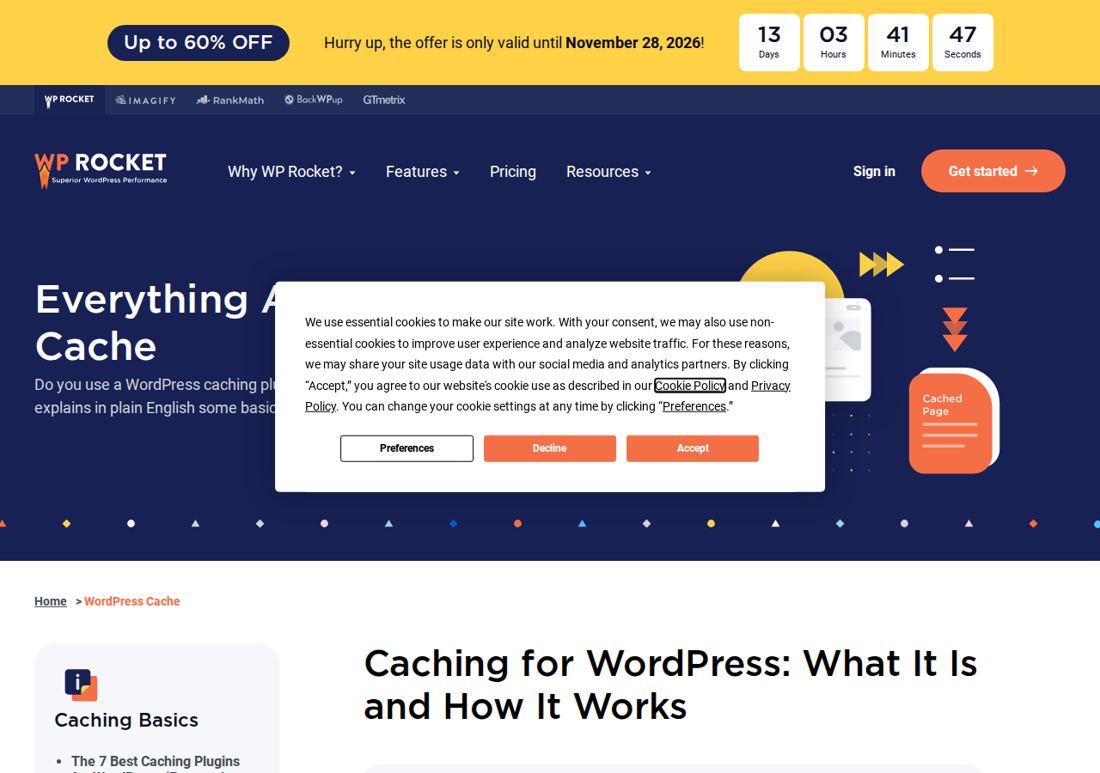
- wp-rocket.me/wordpress-cache/ - what page cache and preload change, read 13 November 2026
- wp-rocket.me/pricing/ - licence tiers and renewal prices, read 23 November 2026
How the settings actually behave
Four toggles do most of the work. File optimisation combines and minifies CSS and JavaScript, and it is the one most likely to break a theme - enable it last, test the site, and disable it if the layout shifts. Preload fills the cache before visitors arrive, and on a large site it should be limited to the sitemap so it does not hammer a shared host. Delay JavaScript postpones scripts until interaction, which is the biggest perceived-speed win and the biggest risk to analytics and forms. Lazy loading is on by default and should stay on.
The database tools are underrated: revisions, transients and orphaned metadata accumulate for years and slow down every query. Cleaning them once a quarter is not glamorous and it is measurable.
The cost of a plugin you forget about
A caching plugin is infrastructure, and infrastructure that nobody watches becomes a liability. Two habits keep it healthy: exclude cart, checkout and account pages from cache, and re-check the cache after any plugin or theme update. Most "WP Rocket broke my site" reports are a cache serving a page built with an old template.
A test you can run before buying
Run the same product page through PageSpeed Insights with your current setup, write down TTFB and LCP, then install the free trial equivalent - or ask a friend with the licence for a before and after. If TTFB does not move, the bottleneck is not PHP and no cache plugin will rescue the score.
The second measurement is server CPU time under load. On shared hosting, a cached page uses a fraction of the PHP time, and that is the number that decides whether your host starts throttling traffic. It does not appear in Lighthouse and it is the reason agencies buy caching for client sites on cheap hosting.
Who ends up keeping the subscription
In practice it is the site owner who touches WordPress twice a month and cannot afford an afternoon lost to debugging. Agencies keep it because a support ticket about a cache conflict costs more than the licence. Developers often cancel it after a year and move the caching to the host, which is the correct outcome for a site that outgrew shared hosting.
One last note on renewals: set a calendar reminder a week before the licence expires. The renewal is inexpensive, but an expired cache plugin leaves the site uncached and the difference on a shared host shows up as slow pages within a day.










Reader reviews
Loading reader ratings...