
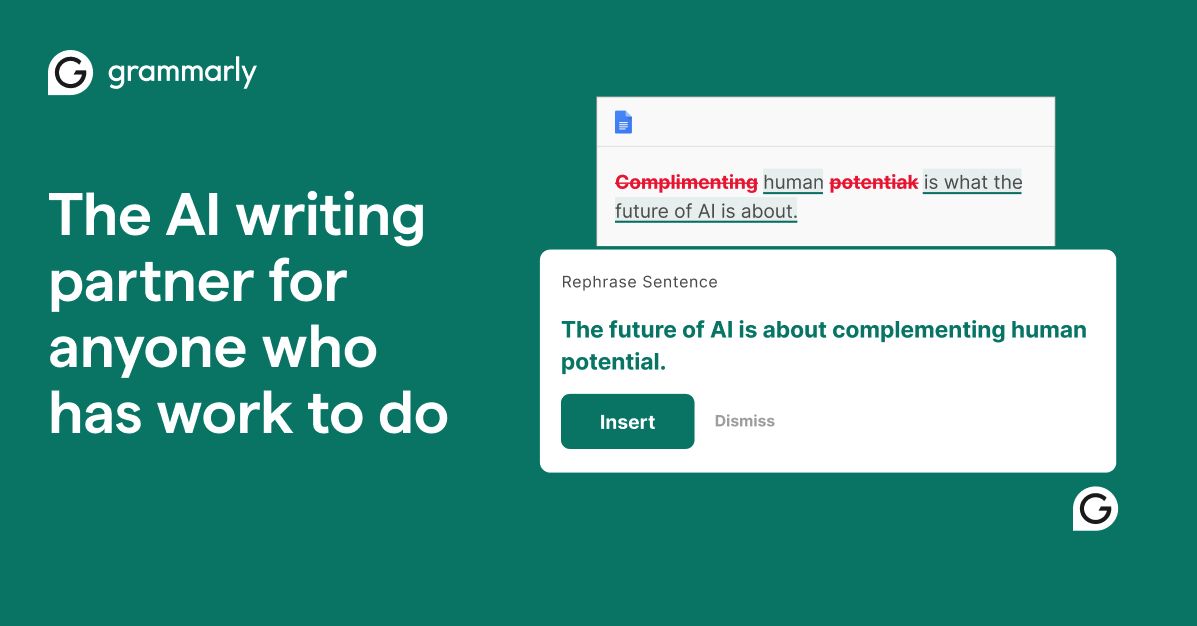
Grammarly is in this category by accident of history: it is a writing assistant that added AI features, not an AI writer. This Grammarly review is about whether that matters when you are choosing what to pay for - and it does, more than the feature lists suggest.
What Grammarly is
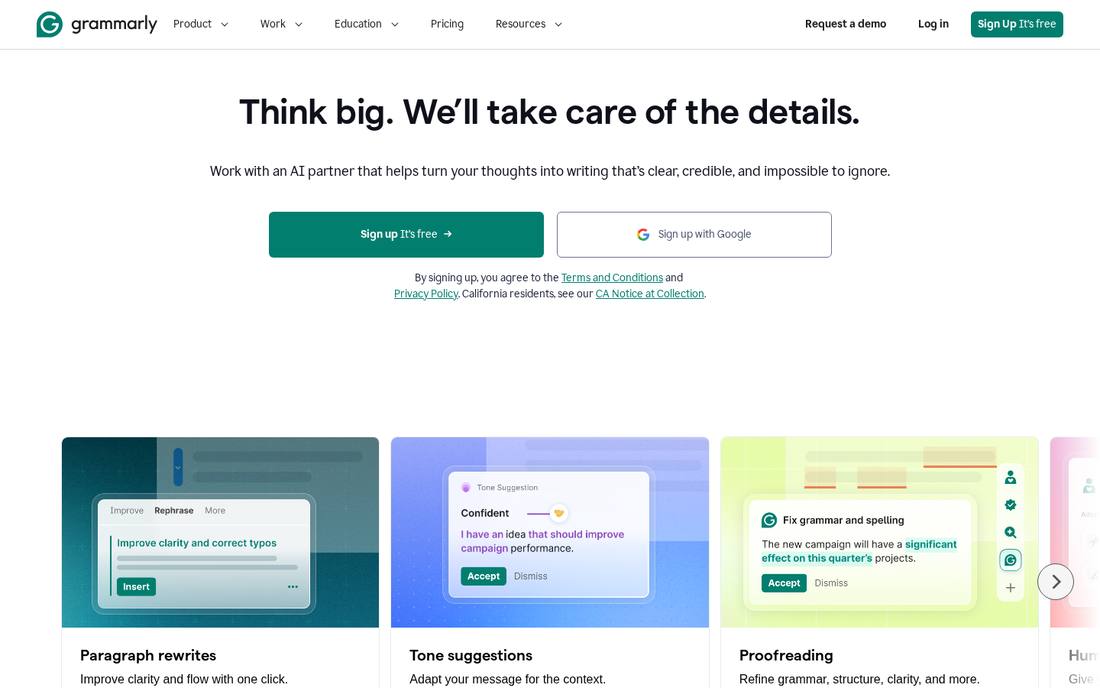
A browser extension, desktop app and web editor that checks grammar, spelling, punctuation, clarity and tone as you type. The free tier catches errors; the paid tiers rewrite sentences, suggest vocabulary, detect tone and add generative assistance. It runs inside Gmail, Google Docs, Word, LinkedIn and most places a text box exists.
That last point is the real product: it meets you where you already write. A content generator asks you to move to its workspace; Grammarly does not.
What you see before you sign up
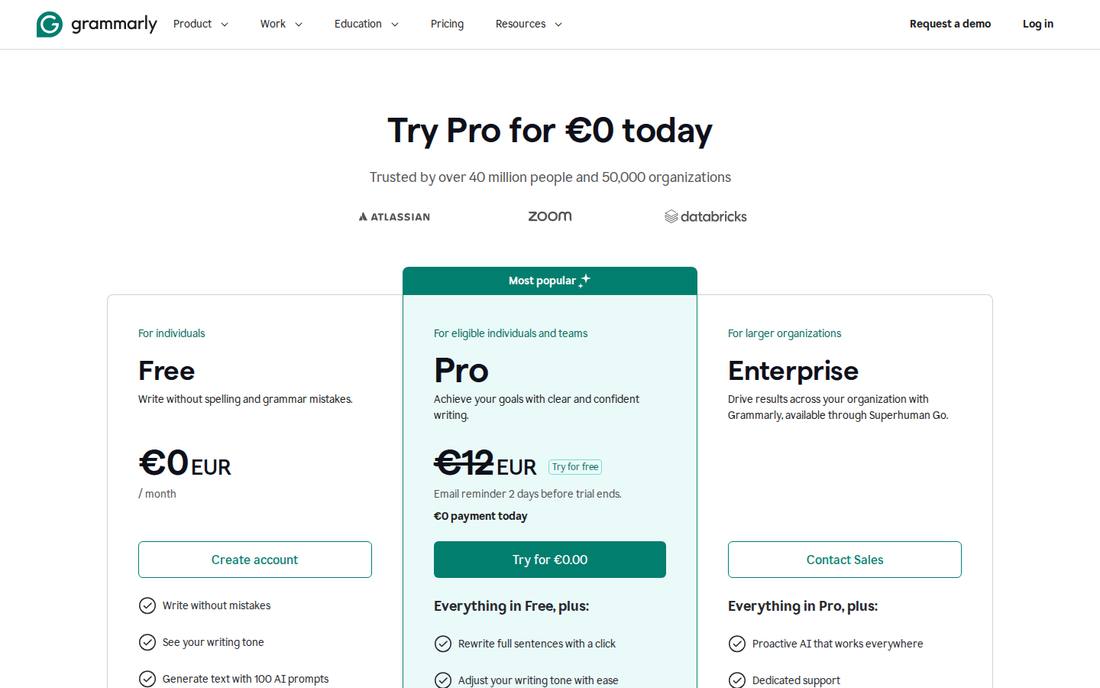
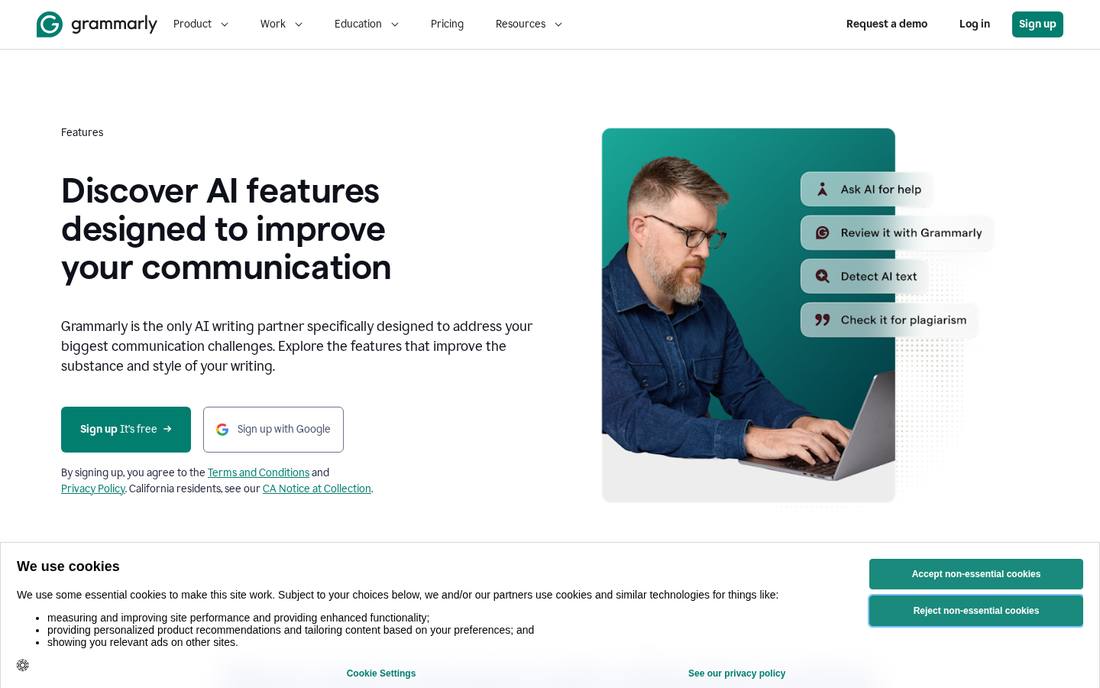
The plans page is unusually straightforward: Free, Pro and Business, with Pro priced in local currency - 12 EUR a month billed annually in our region. The feature page separates corrections from the generative layer, which is honest about what the product is. There is no attempt to sell Grammarly as a content engine.
How the main workflows work
The daily workflow is passive: you write, it underlines. The active workflow is rewriting - highlight a sentence, ask for a clearer version, pick from suggestions. The generative features sit in the same panel, which is convenient and slightly confusing: it is not obvious when you are fixing your text versus replacing it.
For non-native speakers the value is immediate and measurable in time saved. For native speakers writing short internal messages, the free tier is often enough.
Pricing, read carefully
| Plan | Price | Notes |
|---|---|---|
| Free | 0 | grammar, spelling, basic tone |
| Pro | 12 EUR/mo billed annually (our region) | rewrites, tone, generative help, plagiarism |
| Business | per seat, by quote | style guides, admin, controls |
Two things to know: the currency and price change by region, and annual billing is assumed for the figure above - monthly costs more. The free tier is a real product, not a trial, which is why this is the only tool in the group most people can evaluate without paying.
Who it is for, and who should skip it
It fits anyone who writes English professionally, especially non-native speakers, and teams that need a consistent house style. It fits people who write in ten different apps and will never move to a content tool.
Skip it if you need drafts, outlines or research - Grammarly will not write the article. Skip it if your problem is SEO rather than prose, or if your writing is already clean and you only want speed.
How it compares with the other four
It does not compete with Jasper, Copy.ai, Writesonic or Anyword on output: those generate, Grammarly edits. The honest comparison is cost per useful minute, and on that measure Grammarly wins for anyone whose bottleneck is polish rather than a blank page. Our reviews index groups the category, and the affiliate disclosure explains how we handle commission if we join a program.
What each tier actually includes
Grammarly's page is the clearest of the five about the free/paid line. Free covers correctness: spelling, grammar, punctuation, basic clarity and a limited number of tone and rewrite suggestions. Pro adds full-sentence rewrites, tone detection and adjustment, vocabulary improvement, plagiarism detection, and the generative assistance that arrived later. Business adds style guides, snippets, team-level admin and per-seat controls, and is the tier that makes sense when five people must follow one house voice. Enterprise adds security and compliance work we have not evaluated.
The practical read: the free tier is a real product that catches errors, and the paid tier is a rewriting tool. That distinction matters because most people upgrade wanting better sentences, not fewer typos - and that is exactly what Pro sells.
Where it sits in a real workflow
- Write as you normally do, in whatever app you already use.
- Fix the underlined errors as they appear - this is the passive layer, and it is where the free tier stops.
- For a sentence that reads badly, select it and ask for a rewrite; compare two suggestions rather than accepting the first.
- Before publishing, run the full document through the editor for consistency, not just correctness.
- In a team, keep the style guide open during review so corrections are not re-argued every week.
Note what is missing from that list: research, outlining, drafting. Grammarly assumes the text exists. That is not a limitation of the product so much as its definition.
Where it falls short
- It cannot tell you whether the argument is right, only whether the sentence is clean.
- Suggestions get cautious in technical writing. Domain terms and product names trigger false positives, and the fixes can flatten accurate phrasing.
- The generative layer competes with the correction layer in the same panel, which is convenient and occasionally confusing about which one changed your sentence.
- Price and currency vary by region - the 12 EUR figure is ours, and the USD price is different.
Alternatives at the same job
There is no true free alternative with the same coverage: LanguageTool is the closest and is weaker on fluency. Cheaper in the long run: reading your own text aloud, which catches most of what the underline catches. More expensive and different: a human editor, which is still the only thing that fixes structure rather than surface. For drafting rather than polishing, Jasper or Copy.ai answer a different question at five to ten times the price.
Questions we get
Is the free version enough for a blog? For grammar, often yes. For rewriting a clumsy paragraph, no. Does it work in Serbian? It supports several languages, but the paid rewriting quality is strongest in English - do not buy it for a language it treats as an afterthought. Will my text be used for training? That is a policy question answered in their terms, not in the product; read it if you handle client material. Does it slow the browser? On heavy pages the extension is noticeable; disabling it on CMS admin screens is a normal workaround.
What the paid upgrade feels like after a month
The pattern most people report, and the one the product design implies: the first week you accept every suggestion, the second week you start rejecting the cautious ones, and by the fourth week you only notice it when it is missing. That is a good sign for a tool - it means the value is in the habit, not in the novelty.
The habit is also why the free tier is a legitimate long-term choice. If 80% of what you need is correctness, the underline does that without a subscription, and the 12 EUR buys the remaining 20%: the rewrite button, the tone slider, and the plagiarism check you run before sending a pitch. Whether 20% is worth 144 EUR a year is a personal calculation, but it is at least an honest one.
Who should pay, in one paragraph
Pay if you write in English for a living and English is not your first language, or if you publish under a brand where a typo costs more than the subscription. Pay if you send proposals and the difference between confident and tentative phrasing changes the answer. Do not pay if your writing is already clean and your problem is speed, structure or ideas - Grammarly will not help with any of those, and the money is better spent on a drafting tool or on a course.
What we have not tested - and will
Research-based review: public pages, no account. Open questions:
- How often the paid suggestions are wrong or overly cautious
- Whether the generative features are good enough to draft a paragraph from a prompt
- How the browser extension behaves on slow pages and in CMS editors
- Real price in other regions, since the currency changes
- Whether plagiarism detection is worth the tier on its own
Bottom line
Grammarly Pro is the cheapest paid tool in this category and the easiest to justify: 12 EUR a month to stop making the mistakes you keep making. It is not a replacement for a writing tool, and any review that compares them as if they were equivalent is comparing two different jobs.
Sources
- grammarly.com/plans - plans and regional prices, read 13 November 2026
- grammarly.com/features - feature list, read 13 November 2026
- grammarly.com/affiliates - affiliate program page exists, read 13 November 2026






Reader reviews
Loading reader ratings...