
InVideo is the product people reach for when they need thirty videos and have no footage. This invideo review is about what that volume actually looks like on screen, how the credit system behaves, and why per-seat pricing changes the arithmetic for a small team. Repository: the short version is that it is the cheapest way to publish consistently in this category, and the one where every video carries the same library of clips.
What InVideo is
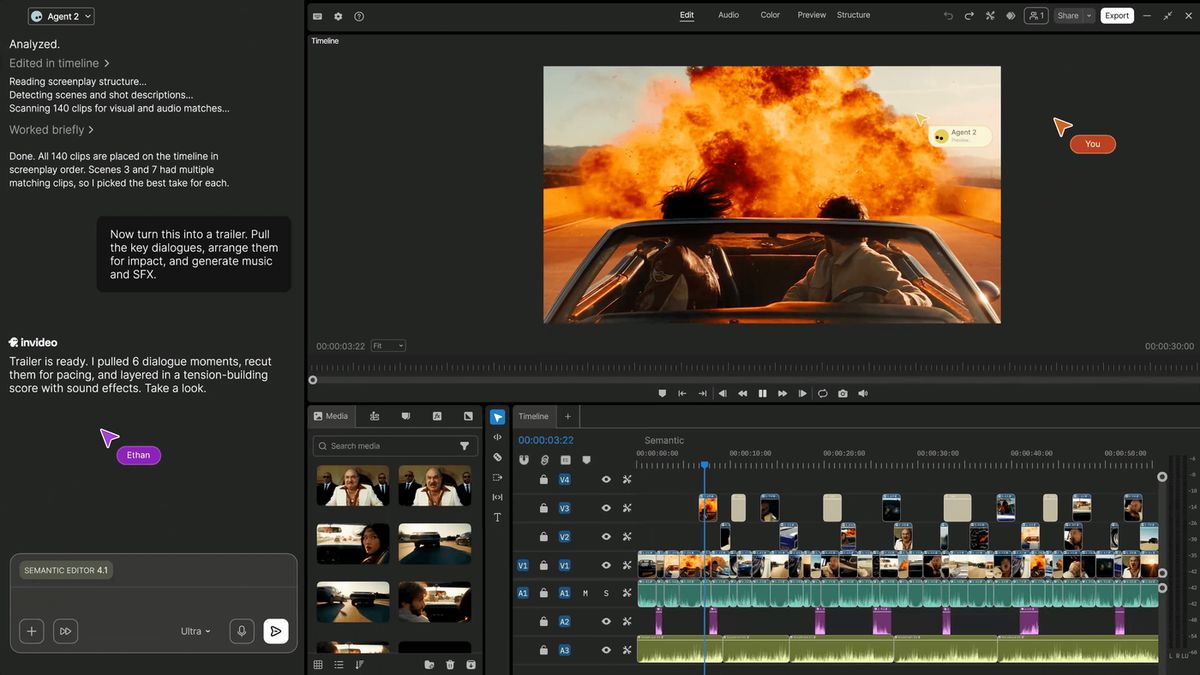
An editor with a generator inside it. You describe the video you want - topic, tone, audience - and InVideo proposes a script, a voiceover and a sequence of stock clips. From there it behaves like a normal editor: you can replace clips, trim shots, change the voice, add captions and re-render. That matters, because the prompt is a starting point rather than the product; the product is the timeline you fix afterwards.
Around it sits a stock library, a text-to-speech voice set, templates for the formats that get published most (explainers, listicles, product ads, faceless channel content) and export presets for the platforms.
What you see before you sign up
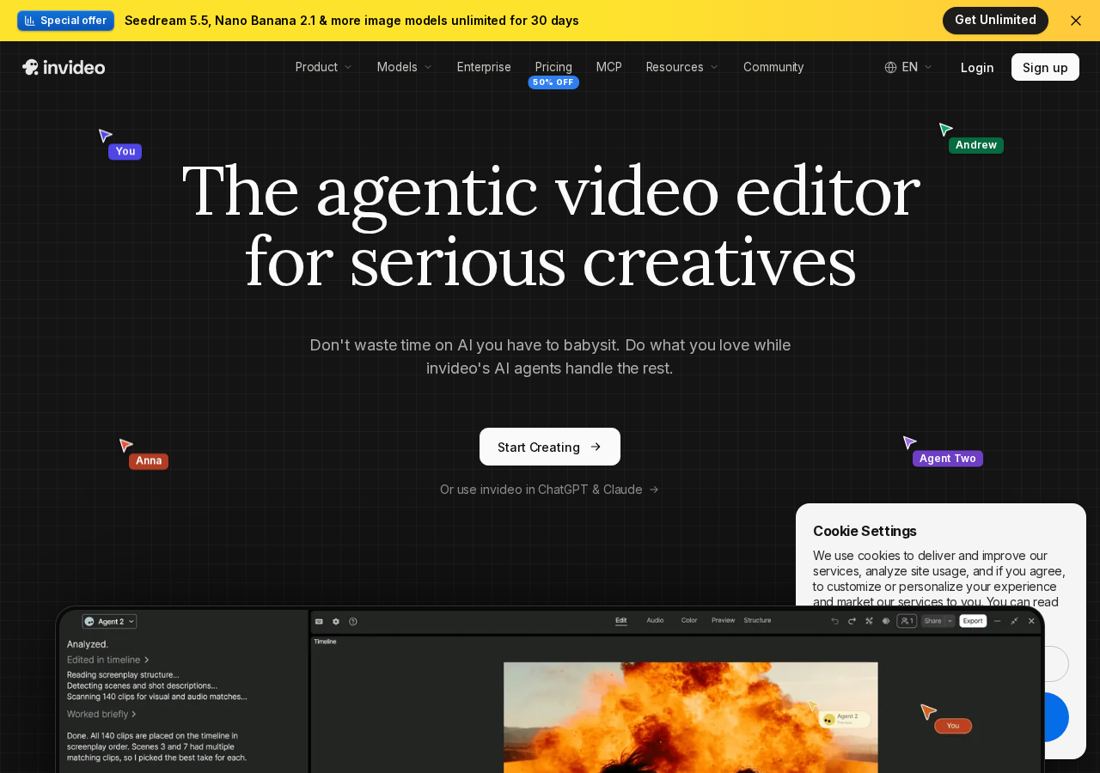
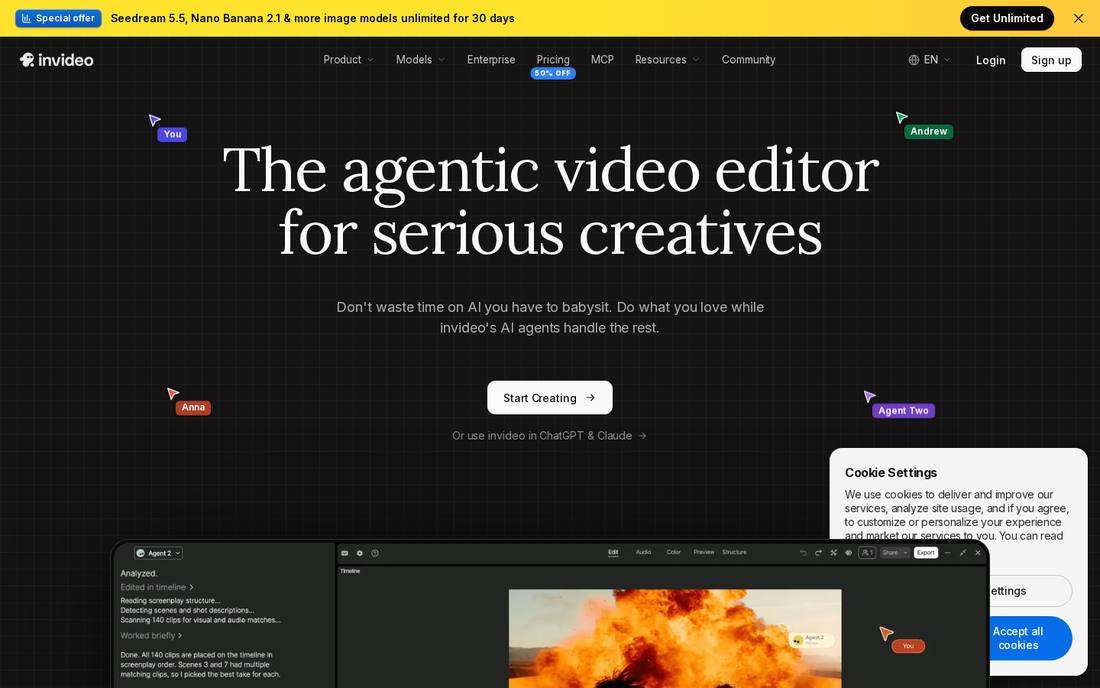
The homepage sells volume: make a video from a prompt in minutes. The examples are honest about what the output is - stock footage with narration, not a filmed ad - and that is the right expectation to set.
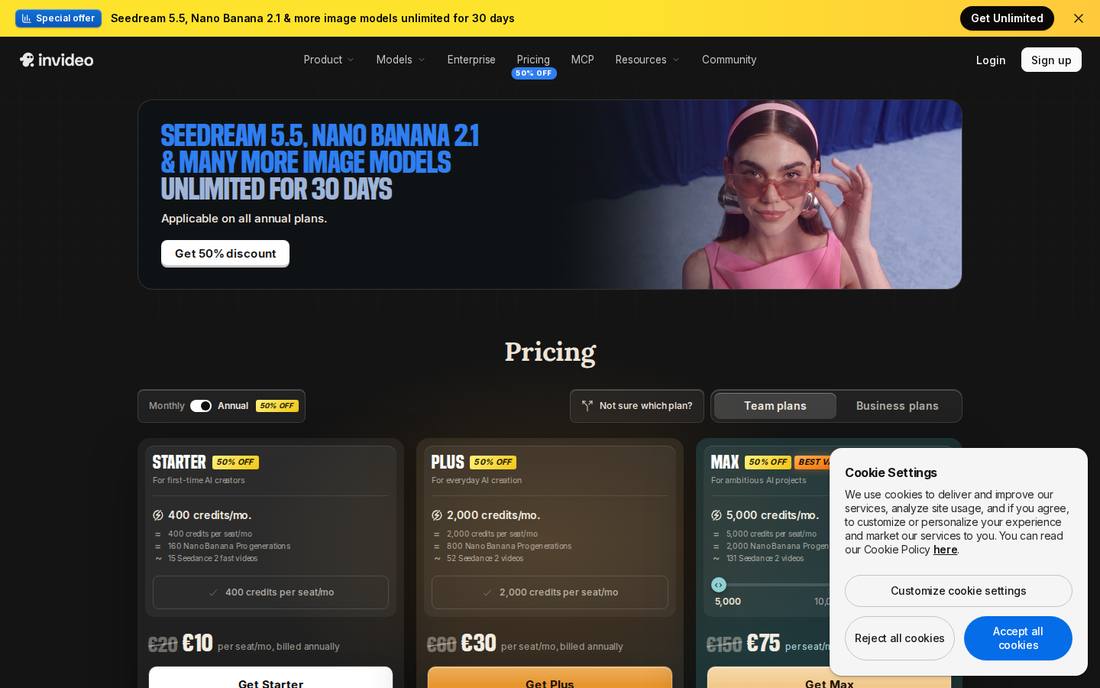
The pricing page is where InVideo differs from the rest of this comparison: prices are per seat, credits are per seat, and the yearly figure is roughly half the monthly one. A solo creator pays 10 EUR a month on annual billing; a three-person team pays 30. That is cheap enough to be an operational expense rather than a considered purchase, which is exactly the intent.
How credits behave
Credits are spent on generation and on stock assets, so a single finished minute can consume several credits before you are happy with it. Starter's 400 credits reads like a lot and behaves like a fortnight of daily publishing. Plus raises the allowance to 2,000 per seat, which is the tier to price if video is a channel rather than an experiment.
The practical rule is the same one that applies across this category: count finished minutes, multiply by three for revisions, and add the number of clips you swap. InVideo's revisions are cheaper than an avatar re-render because a new stock clip costs a fraction of a regenerated presenter, which is the hidden advantage of this approach.
What a real workflow looks like
Five moves. Prompt for a script and read it as a script, not as prose. Let the tool assemble a first cut. Replace every clip that does not match the sentence it illustrates - this is where most of the time goes. Generate the voiceover and fix the three words it mispronounces. Export, add captions, publish.
The second and third steps are the whole job. A first cut from a prompt is 60% right and 100% generic; the remaining work is what makes it watchable, and it is editing work with a familiar feel to anyone who has cut video before.
Where it fails
- The stock-footage tell. Viewers have seen the same library in a hundred ads; a clip of hands typing on a laptop reads as filler.
- Literal interpretation. Ask for "a team celebrating a launch" and you get confetti; the metaphor you wanted is not in the library.
- Voice quality. The voices are competent and recognisably synthetic in long form.
- Credit opacity. Generation and assets both consume credits, and the counter moves in ways that are hard to predict before your first month.
- No face. If the video needs a presenter, this is the wrong product; HeyGen and Synthesia do that and price accordingly.
Who it is for, and who should skip it
It fits small businesses publishing social video on a schedule, faceless YouTube channels, agencies producing many variations of one ad, and anyone who needs a video this afternoon and has no footage. It fits teams where the alternative is no video at all.
Skip it if the video is the product - a launch film, a brand piece, anything where craft is the point. Skip it if you need a person on screen explaining something; that is the avatar category. Skip it if you publish twice a year, because the free allowance plus one month of Starter is enough and a subscription would be waste.
How it compares with the other three
Against Pictory, the split is direction of travel: InVideo generates forward from a prompt, Pictory cuts backward from long recordings into clips. Against Fliki, both assemble stock and narration, and Fliki prices per user with a stronger multilingual voice list while InVideo prices per seat with a deeper editor. Against HeyGen, there is no overlap at all: one puts a person on screen, the other puts footage.
The category table is on /category/ai-video, and the procedure behind a future score is in how we test.
The economics per finished video
At 10 EUR per seat on annual billing with 400 credits, a solo publisher making eight one-minute videos a month is paying roughly 1.25 EUR per finished video plus their editing time. That is cheaper than licensed music and cheaper than a stock subscription, which is the honest reason this product exists.
The cost that does not appear on the invoice is the hour of clip replacement per video. Price your own time at anything realistic and the tool is no longer the expensive part - which is also the argument for buying the higher tier rather than fighting the credit counter.
Captions, languages and the detail that matters
Auto captions are included and are the single most valuable feature for social video, because most of it is watched muted. Check them before publishing: numbers and product names go wrong exactly as they do in transcription. The voice list covers many languages, and the practical advice is the same as everywhere else - have a native speaker listen once before you publish a translated version, because a synthetic voice mispronouncing a brand name is worse than no translation.
What we have not tested - and will
Research-based review: public pages plus our own captures, no account. Open questions:
- Credits consumed by one finished minute including three revisions
- How often the first cut needs every clip replaced
- Voice quality on a technical script with acronyms
- Export time and file size for a three-minute 1080p video
- Whether the same prompt twice produces meaningfully different footage
Bottom line
InVideo is the cheapest serious option in this category and the one with the lowest ceiling. Buy it to publish consistently, not to make something beautiful. Starter on annual billing is the right first step; move to Plus when the credit counter starts dictating your editing decisions.
If the video needs a face, buy HeyGen or Synthesia. If it needs to be cut from footage you already shot, buy Pictory. InVideo's promise is a finished clip from a sentence, and it delivers that with the caveats every stock-footage tool shares.
Sources
- invideo.io/pricing - seat prices, credits and annual discount, read 13 November 2026
- invideo.io/ai/ - editor and generation workflow, read 13 November 2026
- invideo.io/pricing/ - plan tiers and credit limits, read 23 November 2026
What it does not do
It does not make an ad that performs better than its script. The tool removes production cost, not the thinking that makes a video worth watching, and a channel built on it will live or die on the writing. It also does not give you a consistent visual identity: every prompt draws from the same library, so a brand that needs its own look ends up replacing the footage, which returns you to editing work with none of the savings.
Disclosure and how we will price this when we test it
We are not enrolled in InVideo's affiliate programme, so nothing on this page earns us a commission; when that changes, the affiliate disclosure explains exactly how it is marked and why it cannot move a score. The hands-on test we plan follows how we test and will be published on /review with the credit counter visible: the same three-minute script run through Starter, with every credit before and after recorded, and a count of how many stock clips had to be replaced before the video was publishable.






Reader reviews
Loading reader ratings...