
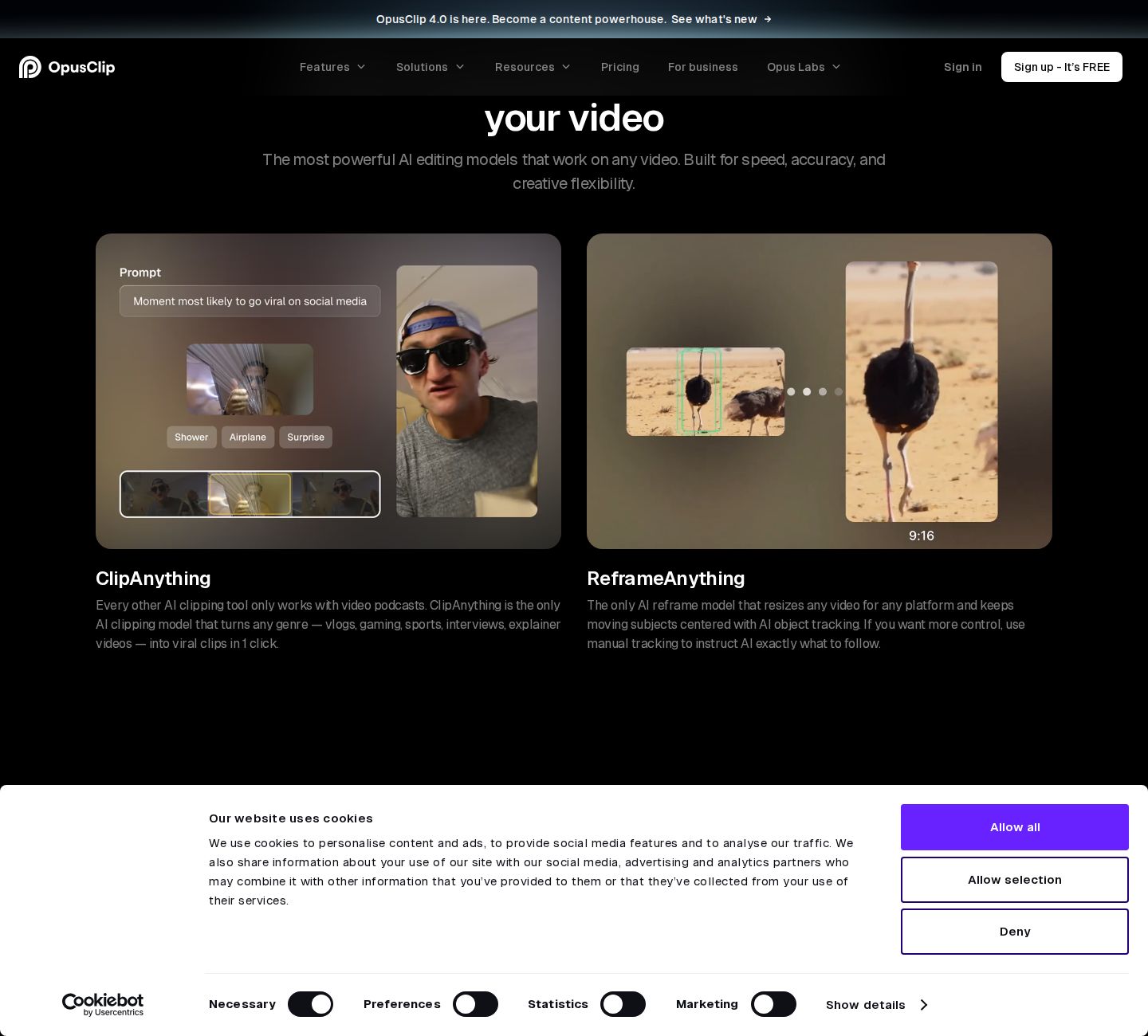
This Opus Clip review is about the narrowest tool in the video category: you upload a long recording, it finds the moments most likely to travel, and it cuts them into vertical clips with animated captions. Fifteen dollars a month for 150 clips is either excellent value or a subscription you forget, depending on whether you already publish short video.
Prices are from opus.pro/pricing, read 24 November 2026, USD. No account was created, so this is a research-based review with no score - the rule is in how we test.
What Opus Clip is
A repurposing tool with one job done deeply. Point it at a webinar, a podcast, an interview or a stream, and it returns a set of vertical clips, each with a score the product calls virality, animated captions in twenty-plus languages, and an option to publish directly to Shorts, TikTok or Reels.
That focus is the difference between it and a full editing suite: Pictory also cuts long video into clips and gives you a text-based editor, Opus gives you a ranked list and a much faster path to a posted clip. If your bottleneck is finding which ninety seconds of a two-hour recording is worth publishing, this is the tool that answers it; if your bottleneck is making a polished edit, it is not.
Pricing, precisely
| Plan | Price | What it includes |
|---|---|---|
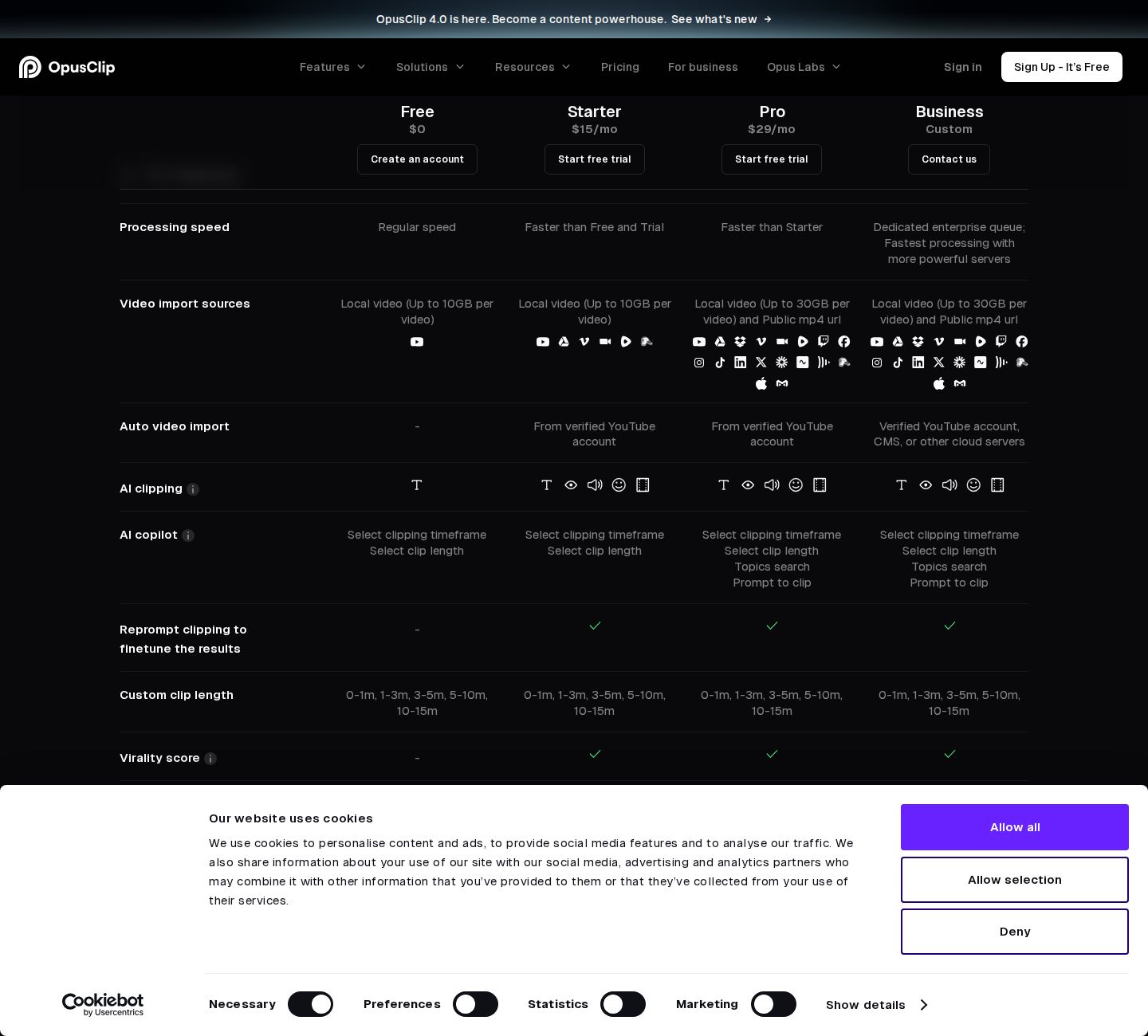
| Starter | 15 USD/mo, monthly only | 150 credits a month, AI clipping with virality score, captions in 20+ languages, 1 brand kit, watermark removed |
| Pro | 29 USD/mo, or about 14.50 USD/mo billed yearly | 3,600 credits over 12 months, unused credits roll over for two months, multiple brand kits, more exports |
| Business | quoted | for teams, higher credit packs |
The pricing detail worth understanding is the credit: one credit is roughly one minute of processed video, so 150 credits is two and a half hours of source material a month. A weekly podcast of ninety minutes consumes most of Starter on its own, before the clips are edited or re-rendered - which means the tier is sized for a fortnightly show or a few one-off recordings, not a daily streamer.
The Starter plan is monthly only, which is unusual and, honestly, sensible: the product is being sold to people testing whether short-form works for them, and a monthly commitment matches that uncertainty. Pro is where the annual discount appears, at roughly half the monthly rate.
What the virality score actually is
The number attached to each clip is a prediction, not a measurement, and the honest way to read it is as a ranking device: it puts the clips it thinks are most promising at the top so you do not watch two hours of footage to find them. In practice it is right about structure - a self-contained sentence with a hook, no context needed - and wrong about tone, which is why the first clip it surfaces is rarely the one you publish.
The useful workflow is to accept the ranking as a shortlist, watch the top five with sound off, and fix captions where they matter. That is thirty minutes for a week of shorts, against several hours of manual selection, and it is where the fifteen dollars pays for itself.
Animated captions are the second half of the product. They are generated with reasonable accuracy and styled to be readable on a phone; names, numbers and product terms are where they fail, and a wrong number in a caption is worse than no caption. Budget two minutes per clip for a caption pass - the same discipline any short-video tool requires.
Where it fails
- It is not an editor. Trimming, reordering, changing the background: possible, limited. A polished brand video needs VEED or a desktop editor.
- Credits are consumed by source minutes, so long recordings run the allowance down before any clip is approved.
- The score is a hint, not a verdict. Treating it as an algorithm to optimise for produces generic clips.
- Auto-posting is convenient and risky - publishing without a human check is how a caption typo reaches an audience.
- Brand kits are limited on Starter (one), which matters if you run more than one property.
How it compares
| Entry price | Unit | Editor | Best at | |
|---|---|---|---|---|
| Opus Clip | 15 USD/mo | credits (source minutes) | basic | finding and cutting the best moments |
| Pictory | about 12.50 USD/mo annually | credits | text-based editor | longer clips, story structure |
| VEED | 11 EUR/mo yearly | credits | full browser editor | editing and subtitles |
| Descript | 16 USD/mo yearly | transcription hours | deep text editor | editing by transcript |
The four overlap and none is redundant. Opus is the fastest path from long recording to posted short; Pictory is better when you want a templated clip or a script-to-video; VEED is where you go to make the edit; Descript is where you go if you think in the transcript.
Who should buy it
A podcaster or webinar host who publishes shorts. This is the core case: a library of long recordings, a need for clips, no editor on the team.
A consultant or coach using video as marketing. One recording becomes a month of posts, which is the only sustainable way to do short-form without a team.
A creator testing whether shorts work. Starter is monthly, so a two-month test costs 30 USD and answers the question.
Who should not
Someone who needs a finished, branded edit - the tool cuts and captions, it does not design. A daily streamer: 150 credits is a fraction of the source volume. And anyone whose recordings are mostly visual (demos, screencasts), because the selection logic listens to speech.
Questions people ask
What is a credit? Roughly a minute of processed source video; 150 credits a month is about two and a half hours.
Is Starter really monthly only? Yes, per the pricing page - the annual discount appears on Pro.
Does it remove watermarks? On Starter and above, per the feature list; the free trial outputs are watermarked.
Can it post directly to TikTok and Reels? Yes, with connected accounts - and auto-posting without review is how typos ship.
How accurate are the captions? Good on ordinary speech, weaker on names, numbers and technical vocabulary; budget a caption pass.
What we have not tested - and will
No recording was processed for this page. The measurements that would produce a score:
- Clips that survive a human review as publishable, from a 60-minute interview
- Whether the virality ranking correlates with actual views across twenty posts
- Caption accuracy on the technical vocabulary used in this category
- Credit consumption for a 90-minute podcast including re-renders
- Auto-post reliability to three platforms, including failed uploads
- Export quality and file size at Starter
- Whether the rollover rule on Pro is honoured in practice
Bottom line
Opus Clip is the fastest way to turn a long recording into short, captioned clips, and 15 USD a month with no annual commitment is a fair price for that. It is not an editor and it does not pretend to be; the score is a shortlist, not a strategy.
If you already record and do not publish shorts, this is the tool that removes the excuse. If you need a polished edit or you publish daily, look at VEED for the edit and expect a different price structure.
Every vendor link on this site is disclosed in the affiliate disclosure; a commission never changes a score. Our rules are in the editorial policy, and the rest of the reviews are in the review index.
A note on what these credits really buy
Every tool in this category prices in credits and every one defines the credit differently: Opus charges for source minutes processed, Pictory for AI usage across transcription and generation, VEED for exports and AI assets. Two plans at 15 USD can therefore differ by a factor of three in what they deliver, and the only way to compare is to convert each to the job you do - two hours of podcast a week, or forty short clips a month - before reading the price.
Sources
All pages read on 24 November 2026:






Reader reviews
Loading reader ratings...