
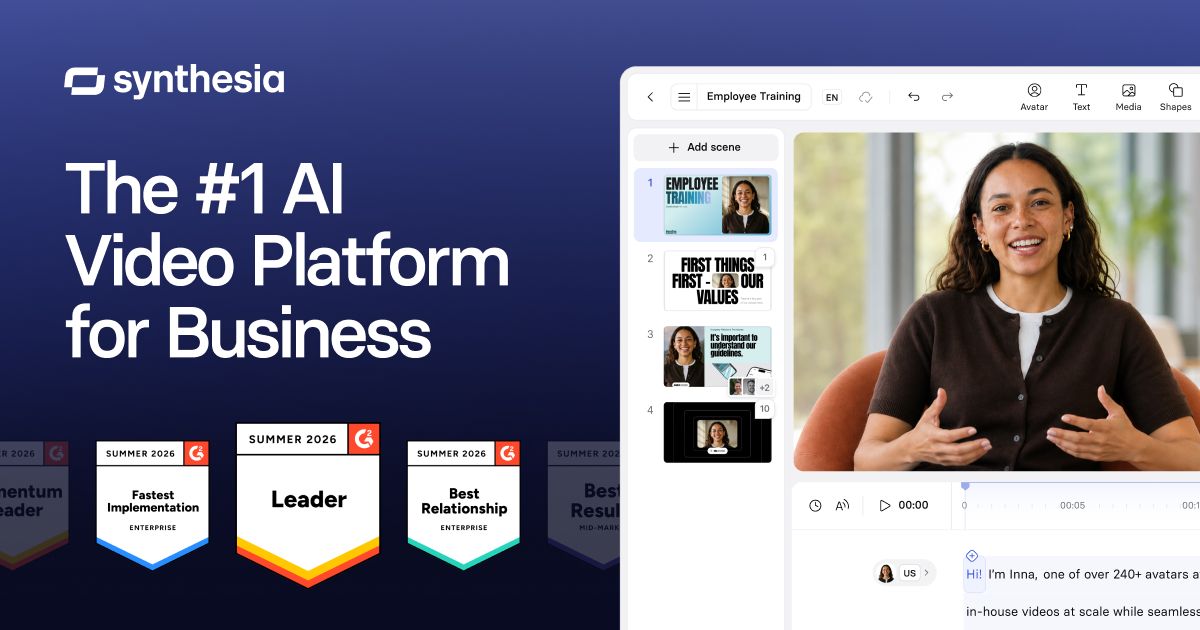
Synthesia is the tool that made "avatar video" respectable in corporate settings. This Synthesia review is about what that means in practice: why a training department picks it over HeyGen, what the credits actually buy, and where an avatar is still the wrong answer.
What Synthesia is
A generator of presenter-led video from a script. You pick a stock avatar or create one from your own footage, choose a voice and a language, paste the script, and get a video of a person speaking it. Around that sits the machinery companies need: branded templates, a shared workspace with editors and approvals, and export as a video file or as a SCORM package that drops into a learning management system.
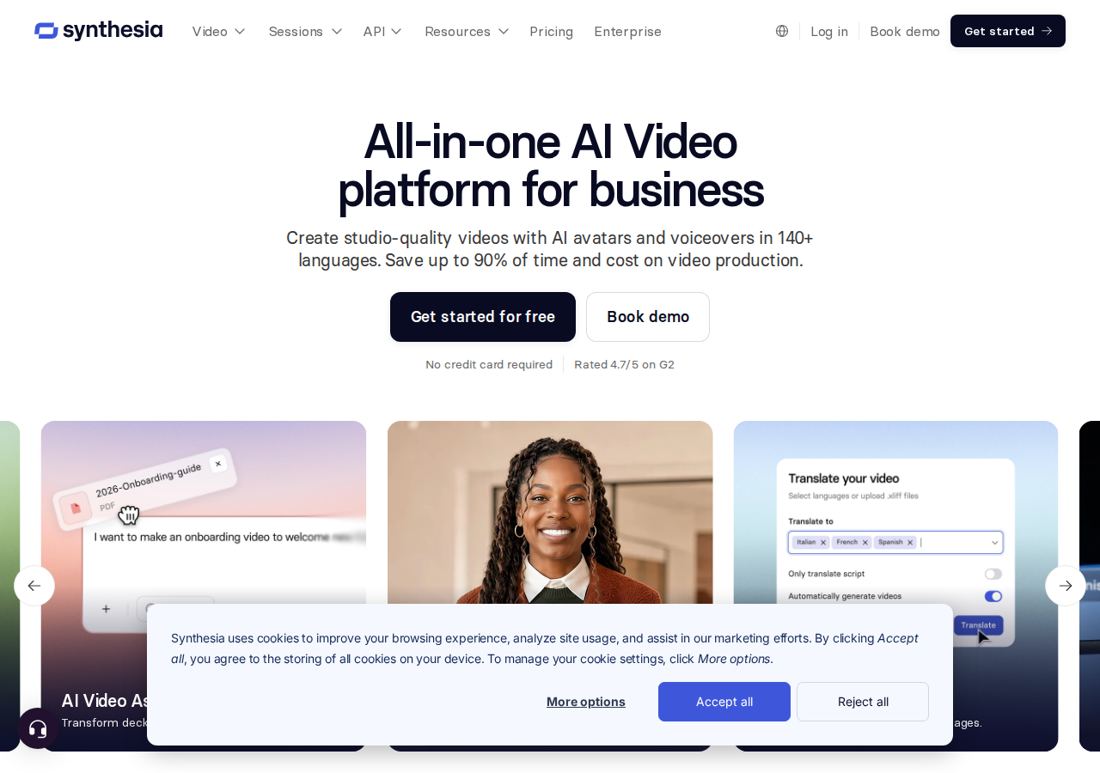
The language list is the second half of the product. One script becomes many videos in 140+ languages, each with an accent chosen per language, which is the capability that turns a single onboarding module into a library for a distributed workforce.
What you see before you sign up
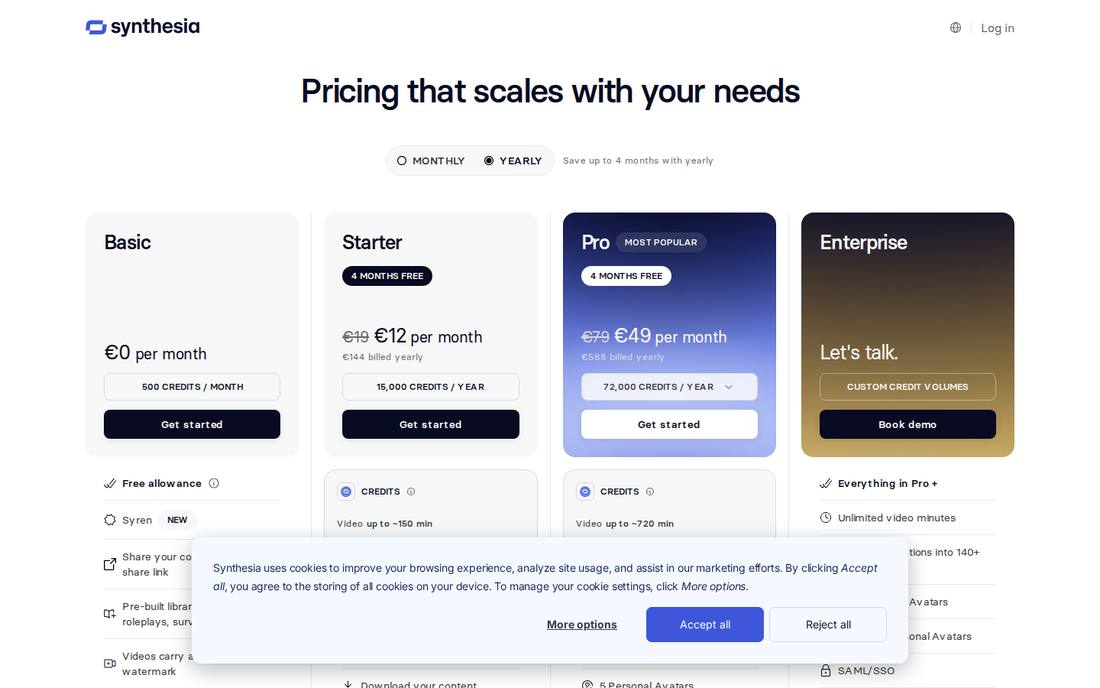
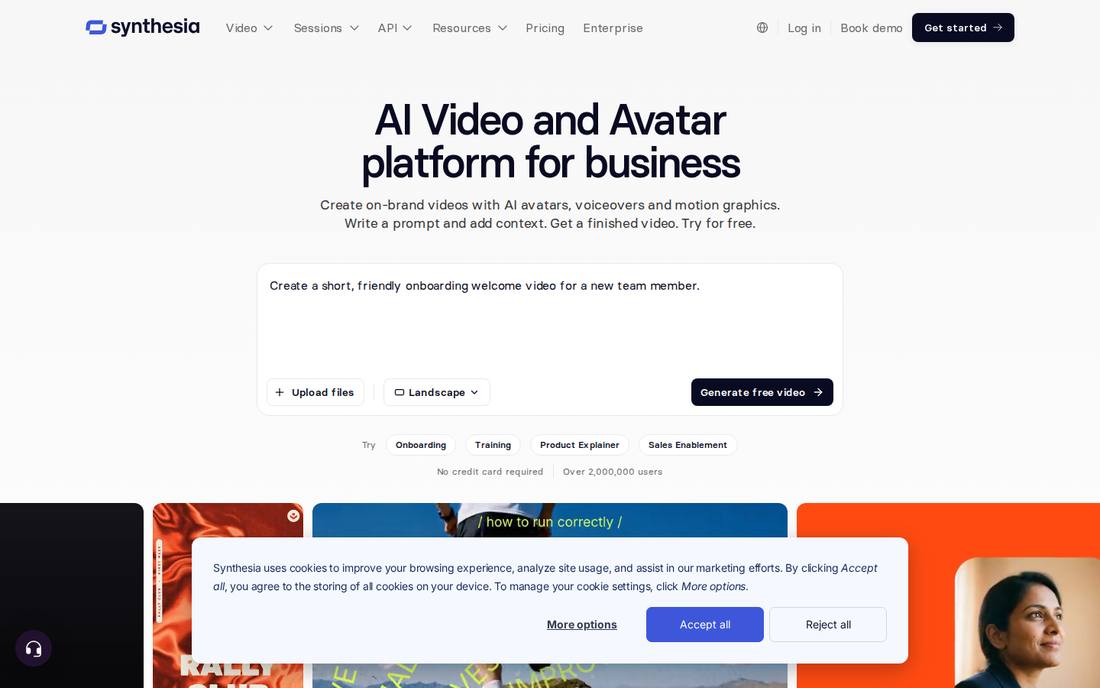
The homepage sells video for work, not video for reach: training, onboarding, internal comms. That positioning is honest and it explains the pricing. The pricing page is a three-tier ladder priced monthly, with the annual rate in large type and "4 months free" beside it - Starter 19 EUR a month or 144 EUR a year, Creator 79 or 588. That is a fair disclosure and easy to skim past, because the cheapest number on the page assumes a twelve-month commitment.
The affiliate page is public, and this review carries no affiliate link yet because we are not enrolled; the affiliate disclosure covers how that is marked.
What the credits buy
Synthesia counts credits per minute of finished video, and the arithmetic is friendlier than HeyGen's because a bad render can be fixed scene by scene instead of re-rendering the whole clip. Basic gives 500 credits, roughly ten minutes of video - enough for one short module and not enough for a course. Starter's allowance covers a small library; a compliance team publishing monthly will be watching the counter by mid-quarter and should price the next tier before they need it.
The practical rule: count finished minutes, double them for revisions, then add the localisations. A five-minute module in six languages is thirty minutes of output, not five, and the credits go accordingly.
How a real project runs
Five steps. Write the script as spoken text, because written prose reads badly when spoken. Pick the avatar; if it is a custom one, record the footage in consistent light and wardrobe. Lay out scenes in the template so the same brand furniture appears in every video. Choose languages and voices. Render, review, fix the two sentences where pronunciation broke, re-render those scenes.
The step that surprises people is pronunciation: product names, acronyms and non-English brand names need phonetic spelling in the script. Every tool in this category has the same problem and the same fix.
Where it fails
- Emotion is narrow. Measured authority reads well; humour, urgency and empathy read as a person reading a script.
- Long videos tire the viewer. Past five or six minutes an avatar holding a static frame loses attention faster than a human presenter cut with b-roll.
- Custom avatars are a production task. One recording session, matched lighting, no wardrobe changes between sessions, or the joins show across a series.
- Templates constrain more than they help once the brand has its own motion language; the best-looking Synthesia videos ignore the built-in layouts.
- SCORM export is the reason to pay and the place support questions start - formats, tracking and LMS quirks vary by system.
Who it is for, and who should skip it
It fits learning and development teams, HR onboarding, compliance training, customer education and any company translating the same module into many languages. It fits an organisation that already has a script and no camera.
Skip it if you publish social video for reach - HeyGen's creator tooling and Fliki's cheaper text-to-video fit better. Skip it if your video needs cinematography or real locations. Skip it if the audience is a handful of people; a screen recording with a human voice is cheaper and warmer.
How it compares with the other three
Against HeyGen, Synthesia is the corporate product: approvals, templates, SCORM and a stronger language story, at a lower entry price but a steeper ceiling. Against InVideo and Fliki the unit of output differs - those assemble stock footage and narration into a video, while Synthesia generates a presenter. If the requirement is "our trainer, in German, by Friday", only the avatar tools answer it.
The whole category is compared on /category/ai-video, and the procedure behind a future score is in how we test.
The localisation maths
The commercial case is rarely "we cannot film"; it is "we cannot film twelve times". One module in eight languages used to mean eight recording sessions or eight dubs with a mismatch between mouth and voice. At Starter pricing the same eight versions cost a month of subscription and a translation pass, and the presenter is identical in every one - exactly what a compliance officer wants and exactly what a viewer notices least.
Budget for a native reviewer per language, not for the tool. A script translated word for word becomes an avatar speaking stiff German, and no setting fixes that.
What we have not tested - and will
Research-based review: public pages plus our own captures, no account. Open questions:
- How many credits a four-minute module consumes across two revision rounds
- Lip-sync and pronunciation on the same 40-term technical script used elsewhere in this category
- Whether SCORM tracking survives a real LMS import
- Render time at Starter versus Creator volume
- How a custom avatar holds up across six videos recorded months apart
Bottom line
Synthesia is worth paying for when the video is internal, repetitive and needs to exist in several languages. Starter at 19 EUR a month is the honest starting point, and 144 EUR a year is the same plan with four months free - a real saving if you know you will use it, a trap if you are still testing.
If you want a presenter for marketing, compare HeyGen first. If you want stock footage assembled into a narrated clip, InVideo or Fliki. Synthesia's promise is narrower than its marketing and stronger than its demo: it removes the camera from corporate video, and it does that reliably.
Sources
- synthesia.io/pricing - tiers, credits and introductory prices, read 13 November 2026
- synthesia.io/features - avatars, languages, templates and SCORM, read 13 November 2026
- synthesia.io/affiliates - partner programme, read 13 November 2026
What it does not replace
It does not replace an instructional designer. The tool renders what you write; if the script explains badly, the video explains badly, faster and in nine languages. Teams that skip the design step produce a multilingual library of the same confusion, which is more expensive to fix than one bad video.
It does not replace b-roll or screen capture. A software tutorial still needs the product on screen, and Synthesia's templates accommodate a screen recording beside the presenter rather than doing the capture for you. Most serious training modules end up as a mix: avatar for the framing and the voice, screen capture for the task.
It does not replace accessibility work. Captions are generated, not audited, and a translated version is not an accessible version unless the caption track and the reading order were checked by a person.
The free tier, honestly
Five hundred credits is a real test drive: enough to see whether the avatar is convincing on your own script, not enough to publish anything with a watermark on it. Use it for one decision - is this avatar good enough for my audience - and make that decision in an afternoon. The credits, the languages and the SCORM export are pricing questions you answer after the answer to that is yes.
Who ends up owning it
In most companies the subscription is bought by learning and development and used by whoever writes the modules, and that split decides whether it succeeds. If the writer is the person who knows the compliance deadline, the tool pays for itself in one quarter. If the tool sits with a central team that takes requests, it becomes a queue, and the queue is slower than the camera it replaced.
The other ownership question is the custom avatar. Somebody in legal will ask who can use a departed colleague's likeness, and the answer needs to exist before the footage is recorded rather than after the person leaves.






Reader reviews
Loading reader ratings...