
This VEED review is about the browser editor that replaced installed software for a lot of small teams: 11 EUR a month on the Creator plan billed yearly, 6,000 credits a year, subtitles and AI tools included. It is cheaper than the dedicated clipping tools and does more of the actual editing - and the credit system is the part that decides whether it fits.
Prices are from veed.io/pricing, read 24 November 2026, in EUR with annual billing. No account was created, so this is a research-based review with no score - the rule is in how we test.
What VEED is
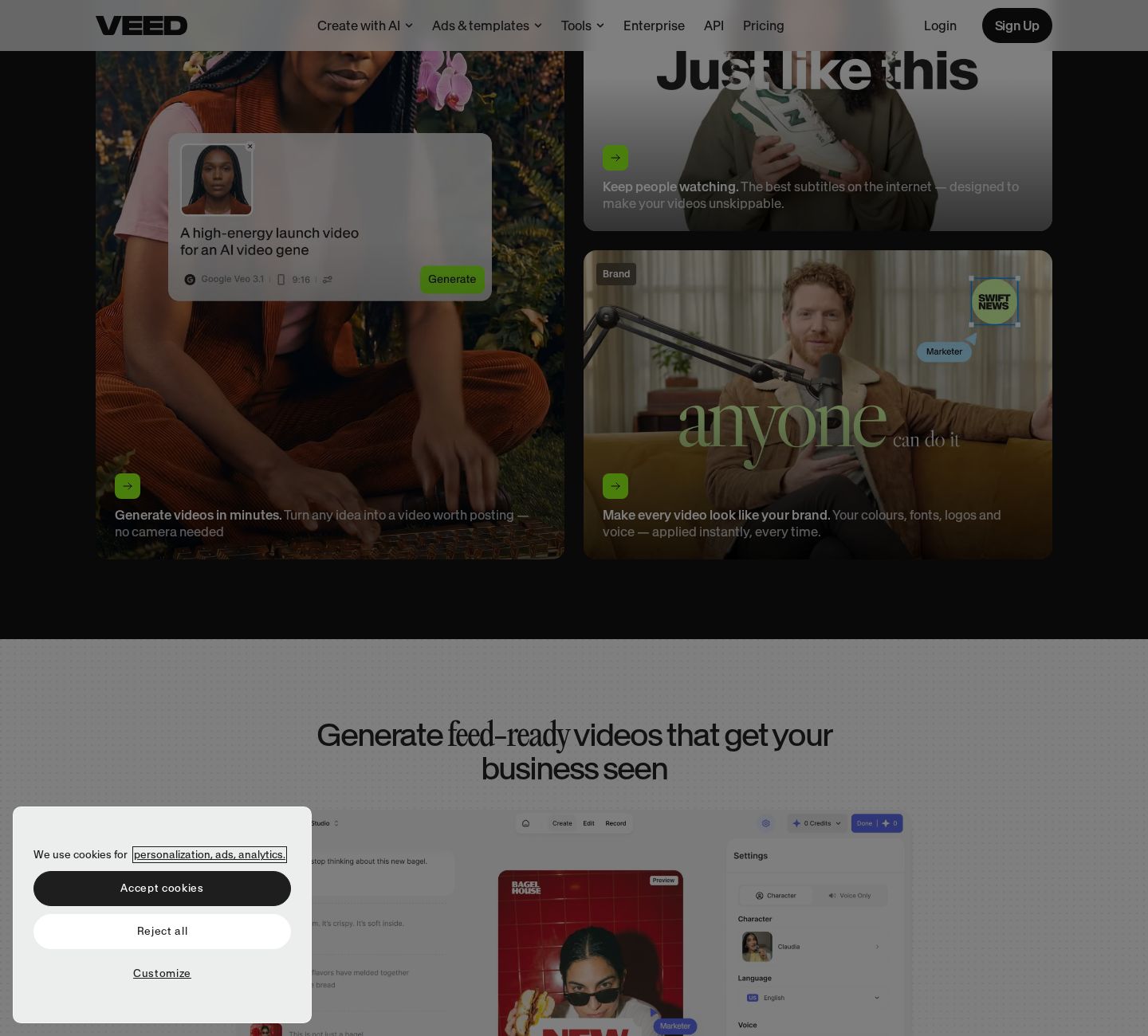
A video editor that runs in a browser tab. Import footage, cut it, add text and captions, record a screen, generate a talking-head video from a script, translate subtitles, export at 1080p. It is not a colour-grading suite and it does not try to be: the promise is that a non-editor can produce a clean social video in twenty minutes without installing anything.
The AI features are the current pitch and they are practical rather than magical: automatic subtitles, filler-word and silence removal, eye-contact correction, background removal, translation, and a talking video generated from text with a stock or cloned voice. The ones that matter daily are subtitles and silence removal, because they are the two chores that eat time in every short video.
Pricing, precisely
| Plan | Price | Credits | Notable |
|---|---|---|---|
| Free | 0 | limited | watermarked, capped exports |
| Creator | 11 EUR/user/mo billed yearly | 6,000 a year | 1080p without watermark, 1 brand kit, 1 voice clone, AI talking video up to 12 minutes |
| Pro | 23 EUR/user/mo billed yearly | 18,000 a year | 100x AI agent usage, longer talking videos, more assets |
Two things about this table decide most purchases. Credits are yearly, not monthly, so a project-heavy month can exhaust an allowance that looked generous when divided by twelve - and the product's own fine print describes estimates rather than guarantees for AI generation. And the per-user pricing means a two-person team pays twice for a tool where only one person usually edits.
The free plan is a trial in practice: watermarked exports make it unusable for client work, which is fine for evaluation and not for production.
What daily use looks like
Import, trim, add captions, adjust the caption style once and reuse it, remove silences, export. The subtitle editor is the reason people stay: click a caption to fix it, and the change ripples through the transcript rather than the timeline - a text-first editing model that Descript popularised and VEED implements well enough for short video.
Where VEED is genuinely better than the clipping tools is control. Opus Clip decides what the clip is; VEED lets you decide, then makes the boring parts fast. For a brand that needs a consistent look across a series, that is the difference between a tool you use weekly and one you use once.
The AI talking video is the feature most likely to be tested and least likely to be kept: a script becomes a presenter with a synthetic voice, useful for product explainers and training clips, conspicuous in anything where a real person would do.
Where it fails
- Browser performance. Long timelines stutter on a laptop with thirty tabs open; a 4K project is not the use case.
- Yearly credits. A busy quarter consumes an allowance that resets in January.
- Export quality caps. 1080p on Creator; 4K is on higher tiers, which matters if your clients deliver to broadcast.
- Per-user billing for a tool that is usually one editor plus reviewers.
- Not a clipper. It has long-video-to-clips features, but it is not what the product is built around - Opus or Pictory do the selection better.
How it compares
| Entry price | Credits | Editor | Best at | |
|---|---|---|---|---|
| VEED | 11 EUR/mo yearly | 6,000/year | full browser editor | editing and subtitles |
| Opus Clip | 15 USD/mo monthly | 150/month | basic | selecting clips from long video |
| Pictory | about 12.50 USD/mo annually | 24,000 | text-based | templated clips and script-to-video |
| Descript | 16 USD/mo yearly | transcription hours | deep text editor | podcast and interview editing |
Read as a group, these four cover the workflow: Descript to edit the long recording, Opus to find the shorts, VEED to finish and brand them, Pictory when you want a template rather than an edit. Most small teams need one and eventually buy two.
Who should buy it
A small team producing social video weekly. Eleven euros a month for a browser editor with subtitles and a brand kit is the cheapest professional-looking output in this category.
An agency that needs to hand edits to clients. Share a link, let them comment on the timeline without installing anything.
A business making training or explainer video from a script. The AI talking video covers the case where no one wants to be on camera.
Who should not
A production house doing colour work, multi-cam or 4K delivery - this is not that tool. Someone whose main job is repurposing podcasts: the selection tools are better at that. And anyone whose credit consumption is spiky, unless they buy the higher tier deliberately.
Questions people ask
Are credits monthly or yearly? Yearly on the Creator and Pro plans, so the allowance is a budget for the year, not a reset each month.
Can I export without a watermark? Yes, on paid plans; the free plan watermarks exports.
Is 4K included? Not on Creator - 1080p, with higher resolutions on higher tiers.
Does it include stock footage? Premium stock is included on Creator, which is the quiet reason the subscription pays for itself.
Can I collaborate? Sharing and comments are supported; seats are billed per user, so a reviewer who edits needs a seat.
What we have not tested - and will
No project was edited for this page. The checks that would produce a score:
- Export time and stability for a ten-minute 1080p project on a mid-range laptop
- Subtitle accuracy on accented speech and technical terms
- Credit consumption for a real week of social video, including AI assets
- Whether silence removal and eye-contact corrections look acceptable to a client
- Browser behaviour with a 100-clip timeline
- Talking-video quality across three voices, including a cloned one
- How the brand kit behaves when two people edit simultaneously
Bottom line
VEED is the best-value browser editor for small teams: 11 EUR a month billed yearly for 1080p exports, subtitles, stock footage and a brand kit, with AI features that are useful rather than decorative. The yearly credit allowance and per-user pricing are the two constraints to plan around.
If you need to make an edit, this is the cheapest credible tool in the comparison. If you need to find the clips in the first place, pair it with Opus Clip - the two together cost less than a single seat of desktop software used to.
Every vendor link on this site is disclosed in the affiliate disclosure; a commission never changes a score. Our rules are in the editorial policy, and the rest of the reviews are in the review index.
One practical warning about yearly credits
A yearly allowance is easy to spend badly: the first month of a new subscription is when everyone experiments, and experiments consume credits faster than production does. The habit that avoids the January problem is to keep AI-heavy work - talking videos, translations, background removal - for planned projects, and to do routine cuts, captions and silence removal in the early weeks while the allowance is intact.
Buying advice in one paragraph
If you are choosing today: take Creator, run one real project through it in the first week, and check the export time on your own laptop before you commit to a year. The plan is cheap enough that the trial is the subscription, and expensive enough in time that discovering a browser limitation at month three is worse than discovering it at day three.
Sources
All pages read on 24 November 2026:






Reader reviews
Loading reader ratings...