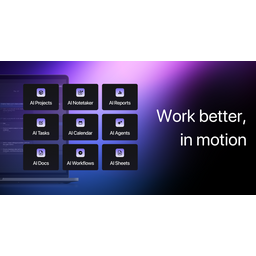
This Motion review is about the tool that schedules your day for you: 19 USD per seat a month, an AI that reorders tasks around deadlines and meetings, and a promise that you stop building a to-do list and start following a plan. It works for people whose problem is deciding what to do next, and it is expensive for anyone whose problem is something else.
Prices are from usemotion.com/pricing, read 24 November 2026, USD per seat with annual billing (33% saving over monthly). No account was created, so this is a research-based review with no score - the rule is in how we test.
What Motion is
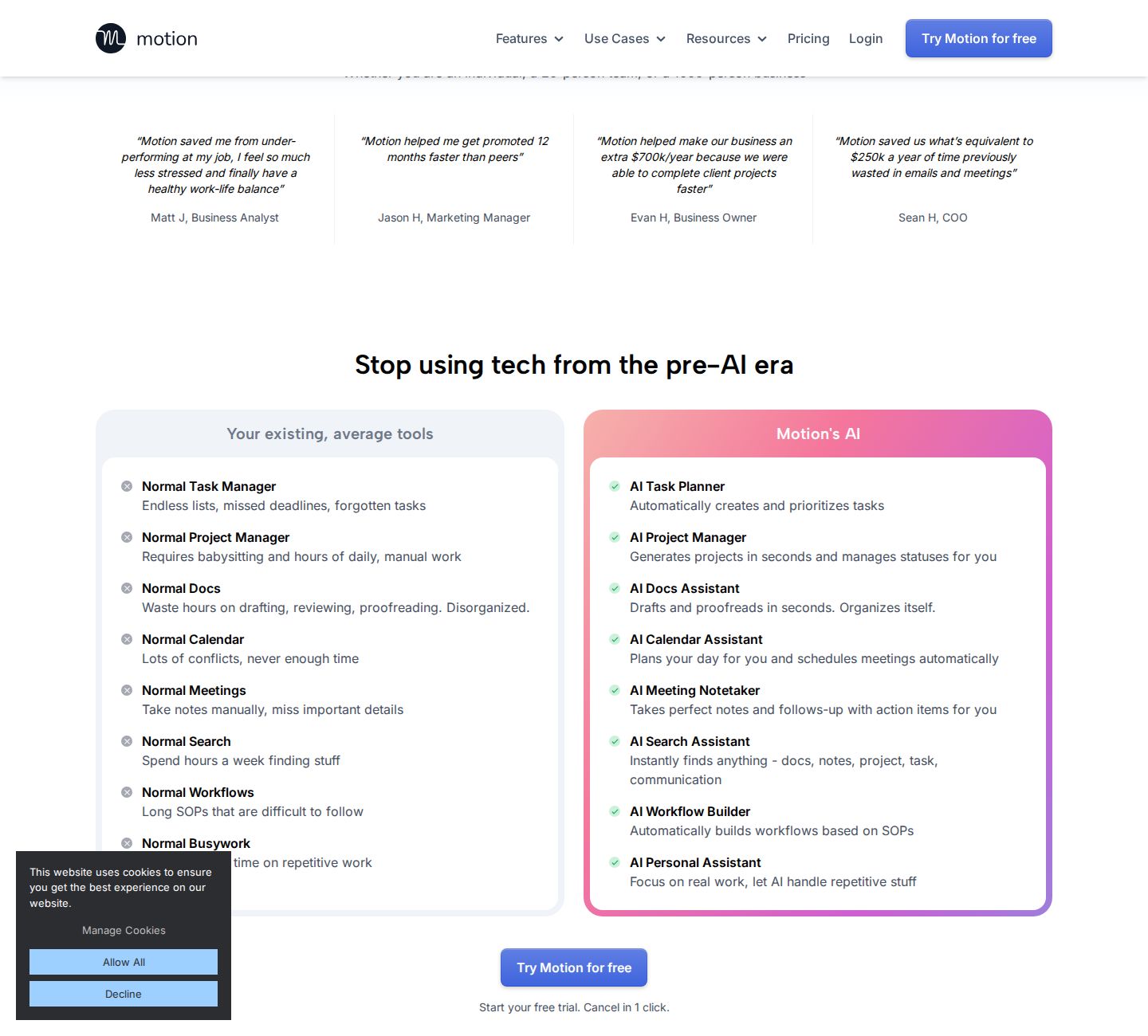
A task manager with a scheduling engine. You enter tasks with deadlines, durations and priorities; Motion places them in your calendar, moves them when a meeting appears, and tells you what to work on now. Projects, tasks and a team view sit around that core, with AI used to break a goal into tasks and to keep the schedule current.
The comparison that matters is with Reclaim AI, which we review separately: Reclaim defends focus time around an existing calendar, Motion generates the schedule from your task list. Reclaim is a guard, Motion is a planner - and the difference decides which one a person needs.
Pricing, precisely
| Plan | Price | For |
|---|---|---|
| Pro AI | 19 USD/seat/mo billed annually | professionals and small teams |
| Business AI | 29 USD/seat/mo billed annually | power users and complex needs |
| Monthly | about 33% more | the same plans without the annual commitment |
The price is the first honest obstacle: 19 USD per seat is roughly four times Todoist and more than Notion's Business tier. What it buys is not more features but a different relationship with your calendar - the machine decides when the work happens, and that either removes a daily decision or removes your control, depending on temperament.
Business AI adds capacity planning, projects and support, which is where a team starts: for a single professional, Pro AI is the whole product.
What it does well
The schedule is the product. Add a task with a two-hour estimate and a Friday deadline, and it appears in your calendar on the first open block that meets the deadline. A meeting lands, and the task moves. For someone who loses an hour a day deciding what to do next, that is the value, and it is measurable.
Deadline realism. Motion shows what is actually achievable and tells you when it is not - a task that cannot fit before Friday is flagged rather than silently missed. That is the feature people mention when they stay.
AI task breakdown. Describe a project and get a task list with durations as a starting point; edit it rather than build it. Competent, not magical, and it saves the blank-page minute.
Team capacity. On Business, seeing who is overbooked is the difference between a manager guessing and knowing.
Where it fails
- It takes over your calendar. Motion needs broad access and writes events into it; some people never accept that, and they should not buy it.
- Price per seat. 19 USD is a real budget for a freelancer, and the value depends entirely on whether the scheduling decision was costing you more.
- Estimate quality decides everything. Garbage durations produce a garbage schedule, and the tool cannot know that you always underestimate.
- Task management depth is modest compared with ClickUp or Notion: no documents, light structure.
- AI project planning is a draft, and a badly scoped project produces a confident, wrong plan.
How it compares
| Entry price | Unit | What it automates | Calendar access | |
|---|---|---|---|---|
| Motion | 19 USD/seat/mo annual | per seat | the schedule itself | writes to your calendar |
| Reclaim AI | about 10 USD/seat/mo | per seat | defends focus blocks | reads and writes |
| Todoist | 5 EUR/mo yearly | per user | nothing - you decide | none |
| ClickUp | 9 USD/user annual | per seat | workflows, not time | optional |
The three are not substitutes: Todoist remembers, Reclaim protects time, Motion plans the work, and Airtable is where the operational records live. A team that buys Motion without estimating tasks honestly has bought an expensive calendar trick.
Who should buy it
A consultant or agency owner with more work than hours. If the daily problem is which of twelve tasks to start, Motion answers it and the price is defensible.
A small team distributing project work. Business AI with capacity planning, once the team trusts the estimates.
Anyone who has tried time-blocking manually and given up after a week - the tool does the parts people abandon.
Who should not
Someone who guards their calendar jealously and does not want software writing into it. A freelancer with fewer than ten active tasks, where a list is enough. And a team that will not estimate durations: without them, the schedule is fiction with a monthly invoice.
Questions people ask
Does it take over my calendar? It reads and writes events, which is how the scheduling works; you can restrict it, and restricting it defeats the point.
Is the price per seat or per workspace? Per seat, and the annual commitment is what produces the 19 USD figure - monthly is about a third more.
Can I use it with Google Calendar and Outlook? Both, with two-way sync; conflicts are the thing to watch in the first week.
How is it different from Reclaim? Reclaim protects time around fixed commitments; Motion generates the schedule from tasks. They can be used together, expensively.
Does it work without AI? The scheduling engine is the core; AI adds breakdown and rescheduling suggestions.
What we have not tested - and will
The measurements that would produce a score, all needing an account:
- Hours saved per week for one person, measured against a manual calendar for a month
- Whether the schedule survives ten meetings being added in a day
- Estimate accuracy feedback loop: does it learn that tasks take you twice as long
- Calendar sync reliability with Google and Outlook under conflicting events
- Capacity planning usability on a five-person team
- Task structure ceiling: how it handles a 200-task project
- Whether disabling Motion leaves your calendar in a sensible state
Bottom line
Motion sells a decision, not a feature: for 19 USD a seat it decides when your work happens and keeps that decision current. For a professional whose day is a queue of competing tasks, that is worth more than the price; for a team that manages itself with a list, it is unnecessary.
Try Pro AI for a month with real estimates before buying seats for anyone else, and compare it honestly with Reclaim - they solve different halves of the same problem.
Every vendor link on this site is disclosed in the affiliate disclosure; a commission never changes a score. Our rules are in the editorial policy, and the rest of the reviews are in the review index.
One practical warning before you buy
Motion multiplies the value of good estimating and the cost of bad estimating. Before subscribing, time three real tasks with a stopwatch - one you think takes an hour, one you think takes ten minutes, one you dread. If the actual durations are within twenty percent, the schedule will be useful; if you are off by a factor of two, the first month will be spent rebuilding trust in a calendar that keeps inventing deadlines you cannot meet.
How to judge it in a month
Cancel the manual calendar for four weeks and follow whatever Motion proposes, including the reschedules you disagree with. Then compare the number of deadline misses with the month before. If the misses fell, the tool is doing its job; if they rose, either the estimates or the priorities are wrong, and both are fixable without buying another seat.
Sources
All pages read on 24 November 2026:
- Motion homepage: usemotion.com - AI scheduling, projects and tasks, capacity planning
- Motion pricing: usemotion.com - Pro AI 19 USD per seat per month billed annually, Business AI 29 USD per seat, annual billing saves about 33% against monthly










Reader reviews
Loading reader ratings...