
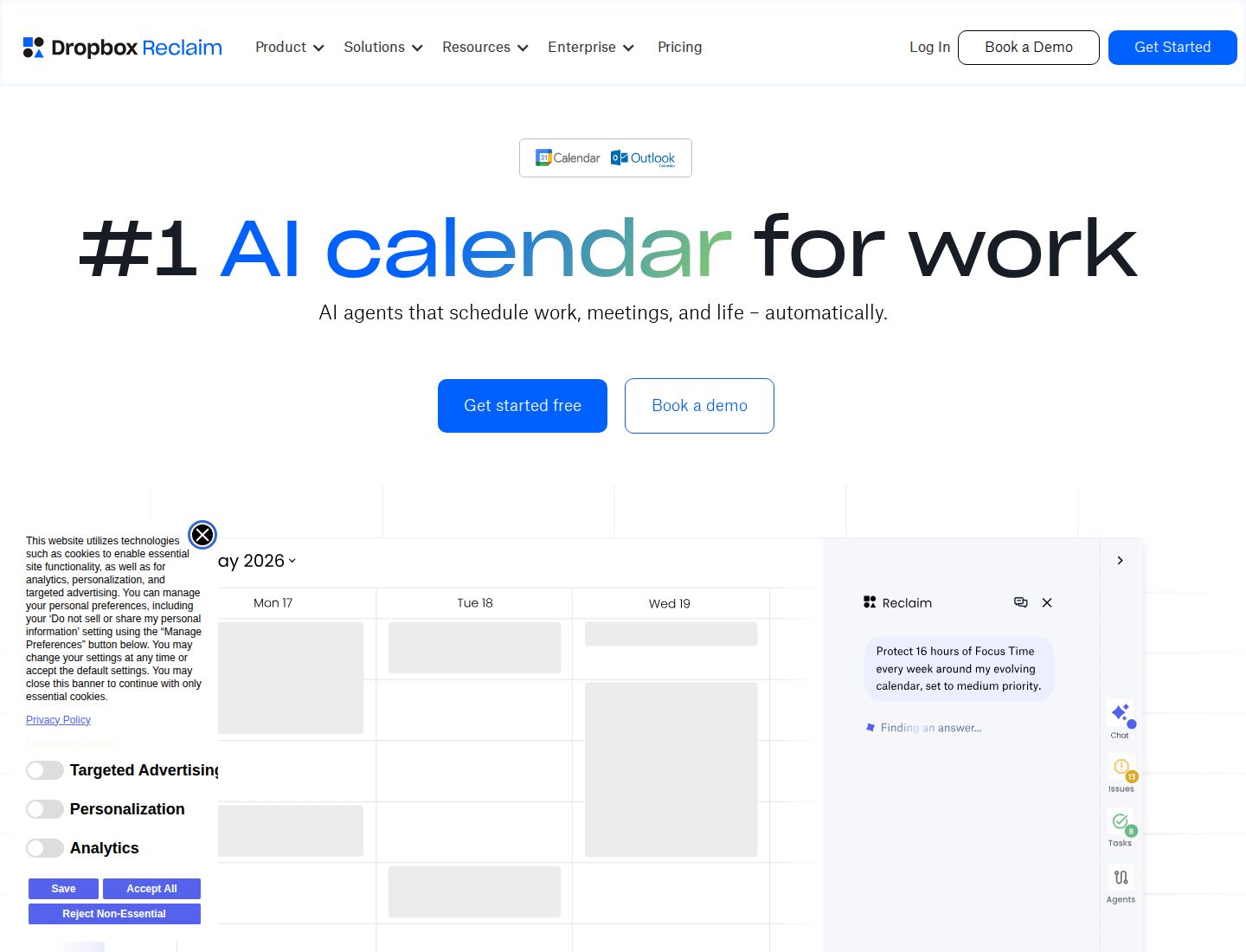
Reclaim.ai is an AI calendar that moves your flexible events around to protect the work you said matters - focus time, habits, buffer between meetings, tasks. It is the clearest example of a product category that only makes sense once your calendar is shared with other people: a single calendar needs no defence, a team calendar needs an algorithm with rules.
This reclaim.ai review records what the vendor's own pages and pricing table said on 17 November 2026, what the per-seat pricing actually comes to, and where the AI's judgement ends and yours has to start. No account was created for this page, so it is research-based and carries no score - the rule is explained in how we test.
What Reclaim is
The product is a layer on top of Google Calendar or Outlook. You give it rules once - "90 minutes of focus time, five days a week, in the morning", "15 minutes of buffer before every meeting", "gym on Tuesday and Thursday" - and it books those blocks into the empty slots, then defends them as new meetings arrive. When a meeting lands on top of a focus block, Reclaim moves the block rather than letting it disappear, which is the whole trick.
The features are all instances of that idea: Focus Time, Habits, Buffer Time, Tasks, Smart Meetings, Scheduling Links, Calendar Sync, Time Tracking and a Planner. The newer layer is the "AI Agent" model - each of those behaviours is an agent with its own settings, and the plans differ mainly in how many agents you get per seat.
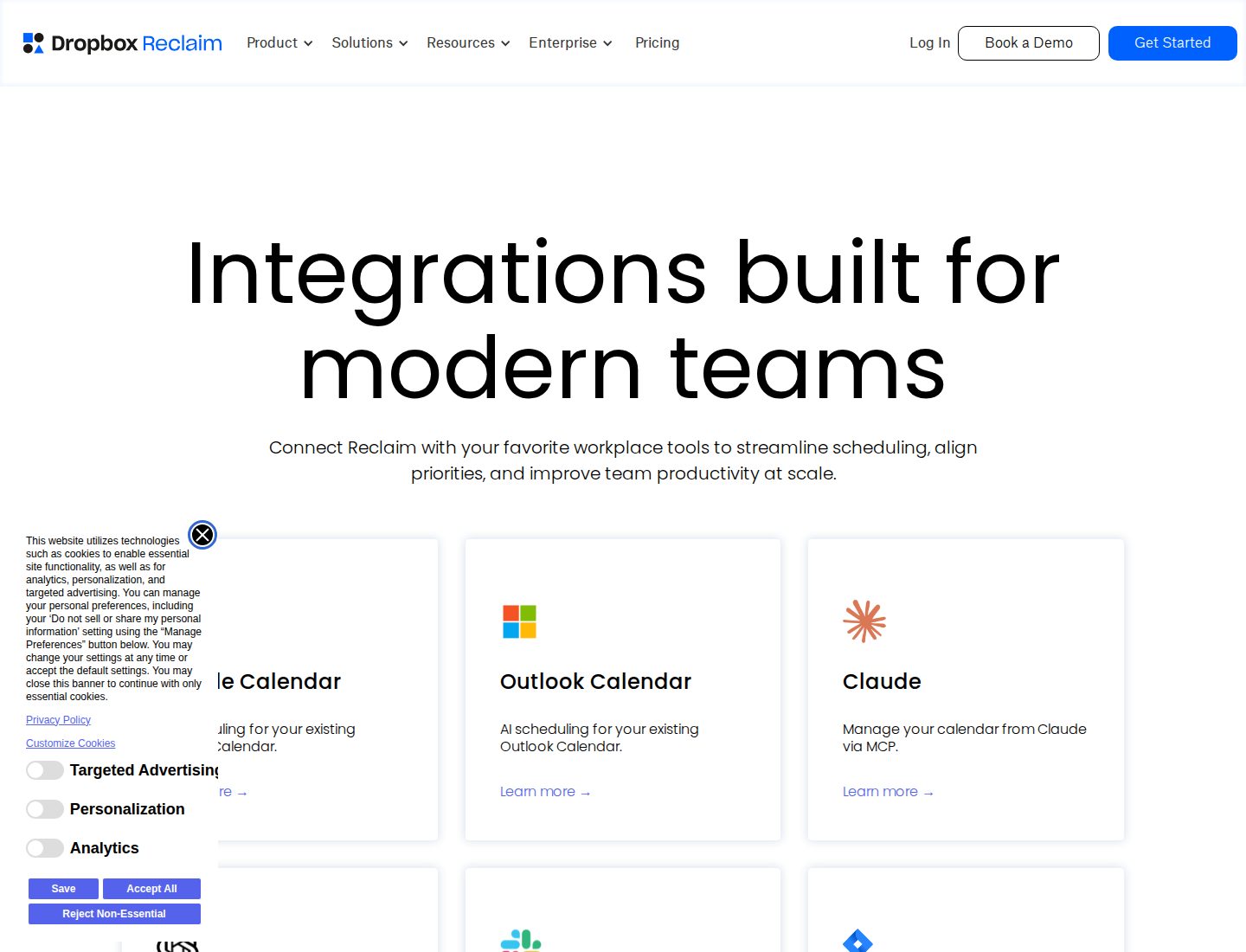
Integrations are the practical test of whether this fits you: Google Calendar, Outlook Calendar, Slack (status sync), Zoom, Google Tasks, Todoist, Asana, Jira, ClickUp, Linear and Raycast. If your work lives in none of those, the product has nothing to schedule around.
The free plan, documented
The free tier is not a trial and does not expire - that is worth stating plainly, because most calendar tools in this category gate everything useful behind a 14-day clock. On the free plan you get:
- 5 AI Agents (one per behaviour: focus time, habits, buffer, smart meetings, meeting quality)
- 1 user team, so it is a single-person product
- 1 calendar sync, which means one calendar connection rather than several
- 1 scheduling link
- 1-week scheduling range (scheduling links excluded from the limit)
- limited integrations and task recommendations
The limits that bite are the sync and the range, not the agents. One calendar sync is enough for a freelancer with a single Google account and too little for anyone balancing a work calendar against a personal one. A one-week scheduling range is fine for booking a meeting this week and useless for the "find 30 minutes in the next month" case that scheduling links exist for.
Pricing, and why the seat matters more than the tier
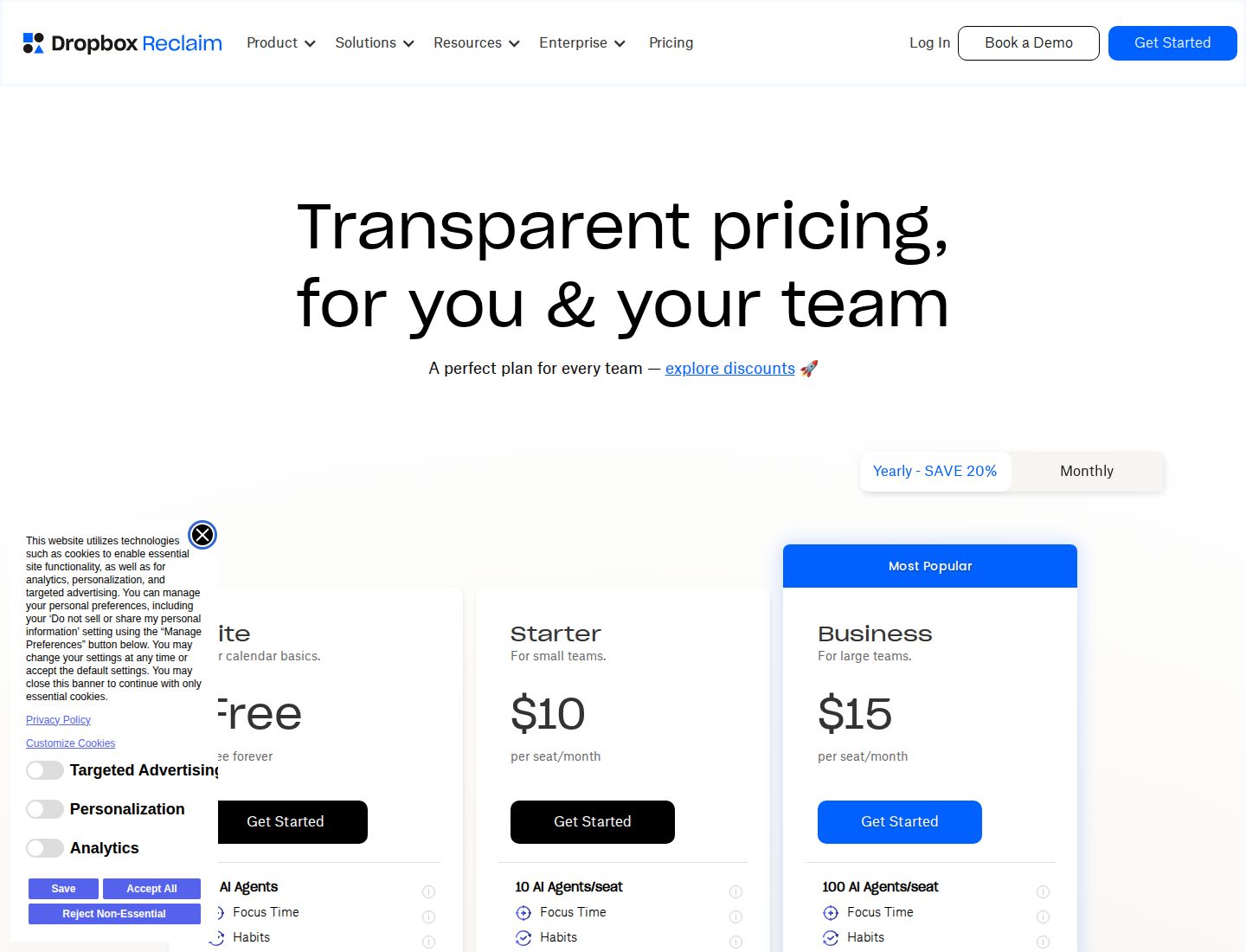
| Plan | Per seat/month | Seats | AI Agents/seat | Scheduling range | Syncs and links |
|---|---|---|---|---|---|
| Free | 0 | 1 | 5 | 1 week | 1 sync, 1 link |
| Starter | 10 USD | up to 10 | 10 | 8 weeks | 3 syncs, 3 links |
| Business | 15 USD | up to 100 | 100 | 12 weeks | unlimited, plus webhooks and Team OOO |
| Enterprise | 22 USD | contact sales | contact sales | contact sales | contact sales |
Yearly billing saves 20% across the paid plans. Student, nonprofit and startup discounts exist on the pricing page (50% for 12 months for students and educators, 20% for three years for nonprofits).
Two conclusions come out of that table. First, the jump from Starter to Business is 50% more per seat for a limit change, not a feature change - every behaviour is in every paid plan, and what you are buying above Starter is more agents, more seats, a longer scheduling window, and team-level features (out-of-office calendar, delegated access for assistants, webhooks). Second, cost scales with headcount immediately: a five-person team on Starter is 50 USD a month, which is the point where a small business asks whether the calendar problem is worth 600 USD a year.
What the AI actually decides, and where it stops
Reclaim is not a scheduler that finds a free slot once. It keeps re-deciding: every new meeting creates a conflict, and the product's value is in how it resolves that conflict without asking you. The rules you set are the whole product, which means the honest way to evaluate it is to ask what happens when the rules disagree - a team standup at 9am, a habit that wants 9am, and a focus block that was already moved twice this week.
The vendor's own pages list the outcomes it claims: +7.6 hours of focus time per week, +2.6 lunches defended, -4.15 hours of overtime, and percentage improvements in productivity and work-life balance. Those are vendor claims from aggregated user data, not measurements we ran, and they should be read as the shape of the benefit rather than a promise. A calendar tool cannot create time; it can only stop other people from taking the time you reserved, which is a real benefit and a smaller one than the numbers suggest.
Where the product stops is at the boundary of other people's cooperation. If your colleagues book over your blocks, if your clients use their own booking links, or if your employer's calendar policy is "whoever invites, wins", the algorithm defends a block that nobody else respects. Reclaim solves this for teams that all use Reclaim, which is why the Business plan adds Team OOO and delegated access rather than more AI.
How it compares
The comparison that matters is not features but what each tool is for. Calendly answers "when can we meet" and does it in one direction. Clockwise moves flexible meetings to create blocks of focus time across a team. Motion schedules tasks and projects, not just calendar events. Reclaim sits between them: it is a personal scheduling agent that scales into a team product, and its closest competitor in practice is a well-configured Google Calendar plus discipline.
We have not reviewed Calendly, Clockwise or Motion, so we are not quoting their prices here. What can be said without their numbers is structural: Reclaim is the only one of the four whose free tier is permanent, and the only one where the paid ladder is priced per seat with agent counts as the unit.
Who it fits, and who should skip it
It fits the person whose week is being eaten by meetings and who wants a rule-based defence rather than another todo app: a founder, a consultant with 15 client calls a week, an engineer protecting two deep-work blocks a day. It fits teams that already share calendars and are willing to standardise on one tool, because the team features only pay off if everyone is inside them.
It stops making sense if you work alone and your calendar is yours - the free plan covers that, and paying 10 USD a month for more agents you will not configure is not an upgrade. It also stops making sense if your meetings are booked by other people through their own systems, where the defence has nothing to defend. And for a team under five seats, the per-seat maths deserves a second look against simply blocking focus time by hand.
Questions we get
Is there a free plan? Yes, permanent, with one calendar sync, one scheduling link, five AI agents and a one-week scheduling range.
Does it need Google Calendar or Outlook? Yes - it is a layer on top of a calendar you already use, not a calendar of its own.
Will it move meetings other people created? It moves flexible events according to your rules; fixed meetings are the ones it works around. Whether a given meeting is treated as flexible is a setting, and getting those settings right is the actual work of adopting the product.
Does it work without a team? Yes, and the free plan is aimed exactly at that.
Is there an affiliate programme? Yes, listed in the site footer. We have applied to it and it is pending at the time of writing, so no link on this page earns anything today.
What we have not tested - and will
This page is research-based. No account was created and no calendar was connected, so nothing here is a measurement of behaviour. Open questions, in the order they would change the verdict:
- Whether the AI's re-scheduling respects the priority rules it promises when three of them conflict at once
- How often it moves a block without notifying the owner, and how the notification looks in Slack
- What happens to a focus block when a colleague with no Reclaim account books over it
- Whether time tracking is accurate enough to bill clients from, or only to look at
- Real behaviour of the one-week scheduling range on the free plan, which is the limit most likely to push an individual to pay
- Whether the 20% yearly discount stacks with the startup or nonprofit discounts
- What Team OOO and delegated access actually change for an assistant managing four calendars
- Whether "100 AI Agents per seat" on Business is a meaningful limit or marketing arithmetic
When we have run it against a real calendar for a month - including the case where the rules fight each other - this page becomes a tested review with a score and a stated test period. Until then it stays labelled research-based and the list above is the honest boundary of what it knows.
Bottom line
Reclaim is the most coherent product in the "AI calendar" category: one idea, applied consistently, with a free tier that is actually free. The pricing is honest in the sense that the ladder is published per seat with clear limits, and the free plan is not a countdown.
The decision is arithmetic, not enthusiasm. One person: stay on free until the single calendar sync or the one-week range becomes the thing that annoys you. A team of five: 50 USD a month on Starter is 600 USD a year, and the question is whether the focus time it defends is worth more than that - which is a question about your meeting culture, not about the software.
Every vendor link on this site is disclosed in the affiliate disclosure; a commission never changes a score, and no vendor saw this page before publication. Our editorial rules are in the editorial policy, and the rest of the reviews are in the review index.
Sources
All pages read on 17 November 2026:
- Reclaim homepage: reclaim.ai - product surface, integrations, vendor claims (+7.6h focus time, -4.15h overtime), free-forever positioning
- Reclaim pricing: reclaim.ai - Free / Starter 10 USD / Business 15 USD / Enterprise 22 USD per seat, limits per tier, yearly 20%, discount programmes
- Reclaim pricing: reclaim.ai/pricing - plan prices and limits, read 23 November 2026
- Reclaim integrations: reclaim.ai - Google Calendar, Outlook, Slack, Zoom, Todoist, Asana, Jira, ClickUp, Linear, Raycast








Reader reviews
Loading reader ratings...