

SEOPress is the French answer to the question every site owner asks after the first renewal invoice: why does an SEO plugin cost more than the hosting? The free version is generous, PRO is 49 EUR a year for one site, and the whole product is built without the module sprawl of its competitors. This SEOPress review covers what is free, what PRO adds, and at what volume the price advantage disappears.
What SEOPress is
A WordPress SEO plugin from France, developed by the company behind MailerPress and HappenBoard. It handles titles and meta, sitemaps, schemas, redirects, social meta, breadcrumbs, Google Analytics and Matomo, image SEO and a content analysis panel. The settings are split into tabs rather than modules, which makes the plugin feel smaller than it is.
The free plugin is a complete product: on a single site with modest needs you can run it for years and never see a paywall. PRO is an add-on licence, not a separate download.
What the free version does
We installed the free build on a clean WordPress site and checked the menu rather than the marketing page:
- Titles, meta descriptions, robots directives, canonical URLs
- XML sitemaps, with per-post-type controls
- A redirect screen in the free build, with 301, 302, 307, 410 and 451 types
- Structured data support for the standard page types — off by default: on our install the plugin output no JSON-LD until the schema module is enabled
- Open Graph and Twitter card output
- Google Analytics and Matomo tracking options
- Content analysis with a per-post score
- Import tools from Yoast, Rank Math, All in One SEO and half a dozen others
For a blog or a brochure site, that covers the job. The gaps appear when you need location data, news or video sitemaps, or a redirect manager that handles bulk imports and 404 monitoring.
Where the paid version starts
SEOPress PRO is 49 EUR a year for one site, 59 EUR for five sites and 149 EUR for unlimited sites (prices read 13 November 2026, ex VAT). The vendor states that renewal is at the same price, which matters: several competitors discount the first year and charge list price afterwards.
PRO adds, per the vendor's feature list:
- Local SEO, including Google Business data and multiple locations
- WooCommerce SEO and EDD support
- Google News and video sitemaps
- A redirect manager with 404 error monitoring
- Automatic and manual schemas beyond the predefined types
- An analytics dashboard inside WordPress
- A site audit and AI-assisted writing tools
- White-label mode for agencies, and support by email
The unlimited-sites licence at 149 EUR is the line that makes SEOPress interesting for agencies. Five client sites on Yoast Premium would cost 594 EUR a year; here it is 59 EUR.
Pricing, read carefully
| Licence | Sites | Price per year |
|---|---|---|
| PRO | 1 | 49 EUR |
| PRO | 5 | 59 EUR |
| PRO | unlimited | 149 EUR |
Three details: prices exclude VAT, the vendor offers a 14-day money-back guarantee, and the renewal price is the same as the first year — unusual in this market and worth checking on the invoice when it arrives. The jump from one site to five costs 10 EUR, so buying the single-site licence only makes sense if you are certain you will never add a second site.
How it compares with the other four
Against Rank Math, SEOPress is cheaper at the top end for agencies (149 EUR unlimited versus a per-site model priced by client sites and keywords) and more expensive per site at the bottom (49 EUR against a free tier that already includes more schema types). Against Yoast Premium, SEOPress is less than half the price for one site and includes local SEO, news and video, which Yoast bundles at 118.80 EUR.
Against The SEO Framework, the free tiers are close: both ship redirects, sitemaps and schema without payment. TSF's free plugin is more opinionated about what it outputs; SEOPress gives you more switches and more ways to break things.
Against All in One SEO, SEOPress wins on price at every tier below 100 sites and loses on the reporting and client-management features that AIOSEO's top tiers include.
If you want the full picture of how we rank these products, the Rank Math review carries the same comparison axes, and how we test explains why none of these pages carry a score yet.
What you see in the admin
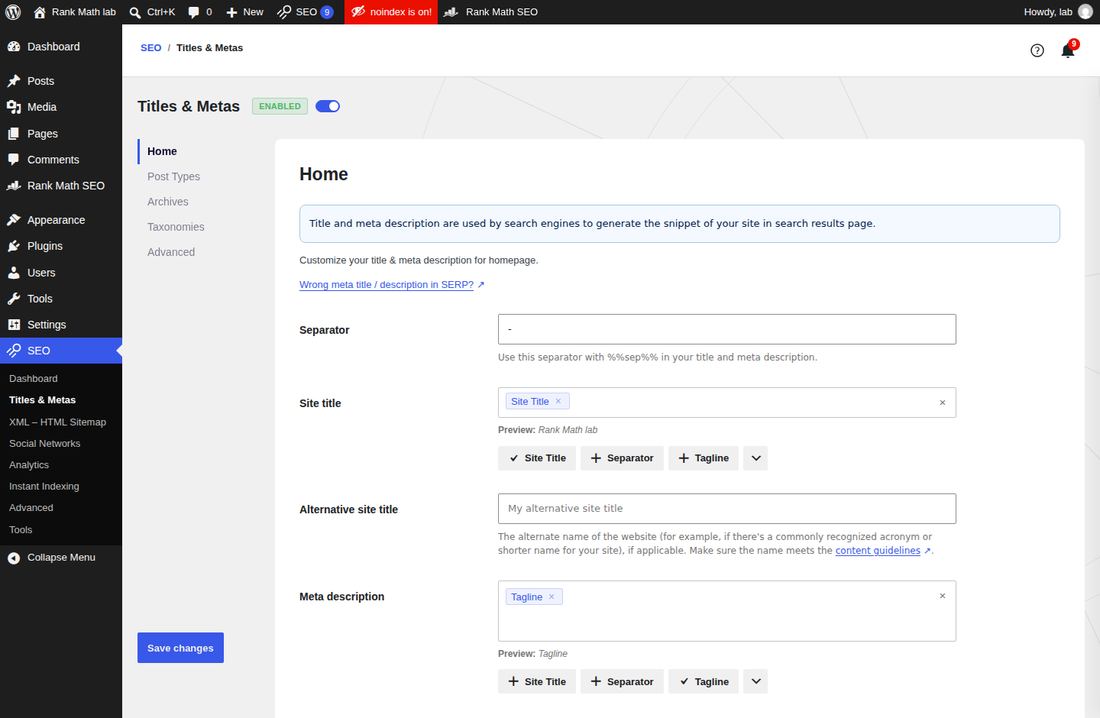
SEOPress splits its settings into tabs rather than modules: Dashboard, Titles and Metas, XML and HTML sitemaps, Social networks, Analytics, Advanced, and Tools. Each tab groups the switches for one area, and the plugin keeps a small on/off list per feature, so most of the configuration is "enable this, fill in that".
On the post editor the meta box has three parts: a Google snippet preview with title and description fields, a social preview, and a content analysis panel that scores the post against a focus keyword. The analysis is less talkative than Yoast's - fewer checks, less explanation - and it does not try to teach SEO terminology while you write.
One detail that matters in practice: SEOPress stores its settings in a small number of options, which is why the plugin is light, and why the free build can output metadata without building an index table like Yoast does. The trade-off is that some advanced features (schema beyond the predefined set, the site audit) live in PRO rather than in a module you can switch on.
How the core features behave
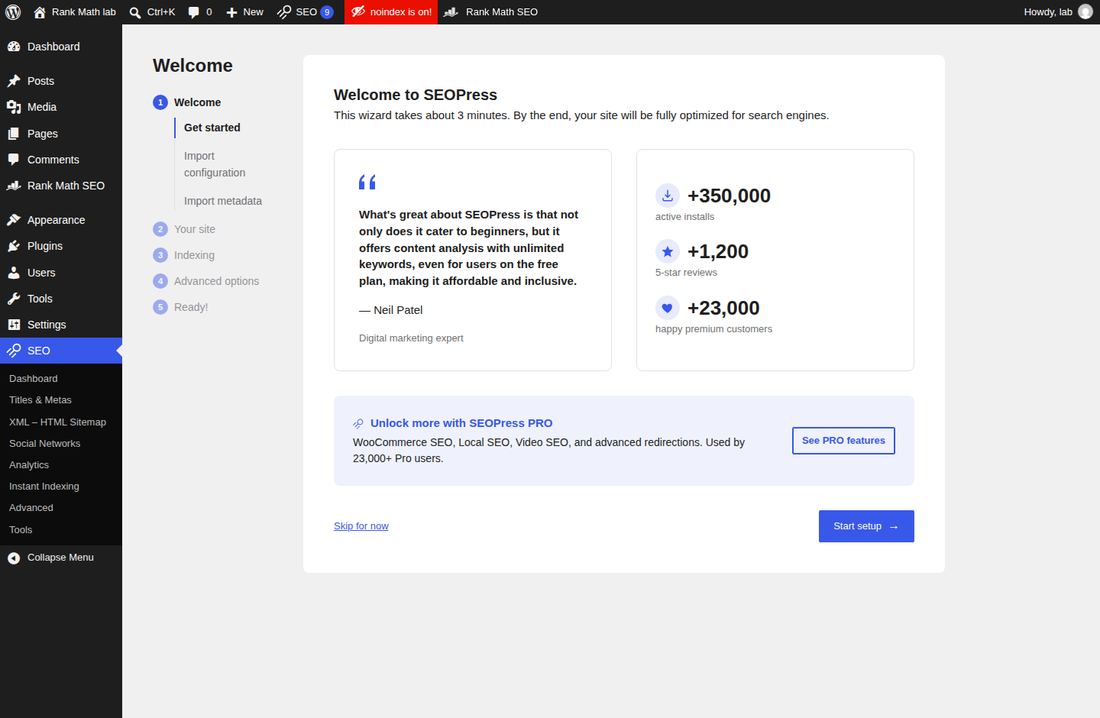
Metadata worked out of the box: description, Open Graph title and image, and Twitter card were all present on our test post, with no wizard completed. That is the pattern across the free plugins except Yoast.
Schema is where the defaults surprised us. On a fresh install the plugin emitted no JSON-LD at all. We enabled the rich-snippets module and it still emitted nothing: in the free build the schema is selected per post rather than generated automatically, and the vendor lists automatic schemas among the PRO features. A site can run SEOPress for a year without realising it outputs no structured data. Our score reflects that, and the PRO block explains what changes.
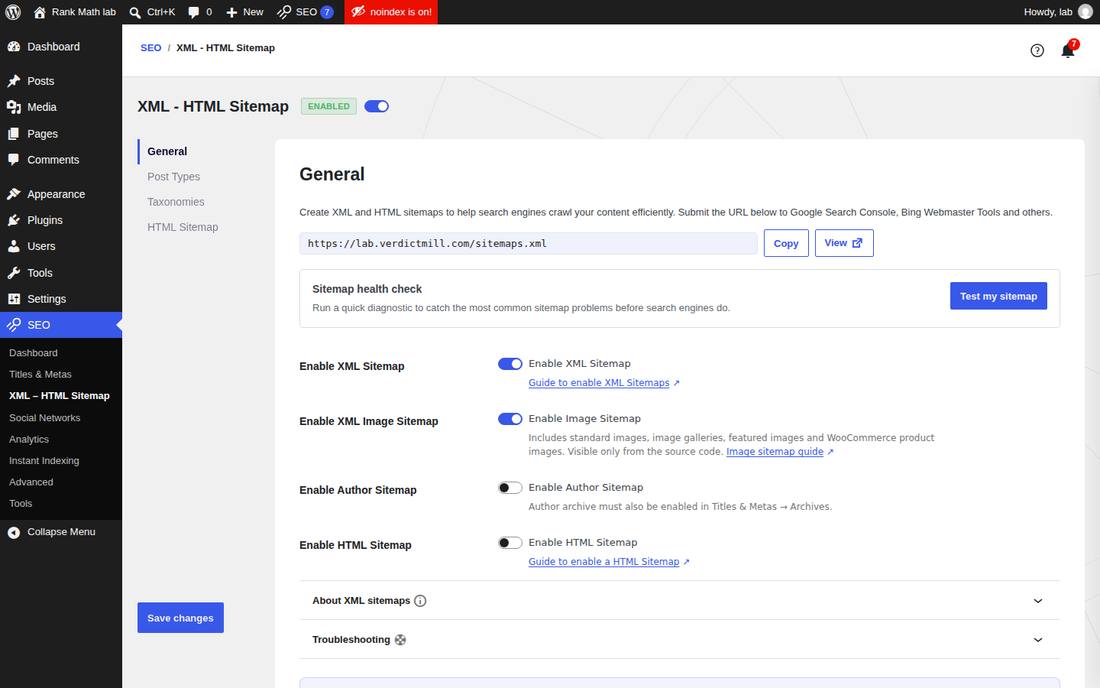
Sitemaps appeared at /sitemap_index.xml with three child sitemaps. Redirects are in the free build as a screen with the standard 301/302/307/410/451 types; the fuller manager with 404 monitoring is PRO. Content analysis, image SEO and breadcrumbs all work without a licence.
Who it is for, and who should skip it
It fits the site owner who wants a complete SEO plugin for one small yearly fee and does not want to think about modules: metadata, sitemaps, redirects and a redirect log for 49 EUR a year with local SEO and WooCommerce support included.
It fits agencies managing several client sites on a budget - five sites for 59 EUR is the cheapest legitimate multi-site licence in this comparison - and it fits anyone who dislikes being upsold on every screen, since the free plugin has no dashboard ads.
Skip it if you want schema out of the box without touching settings, if you need rank tracking inside WordPress (SEOPress sells that as a separate Insights product at 99 EUR per year per site), or if you want the most polished editor-side writing guidance.
Moving from another SEO plugin
The Tools tab includes an import tool that covers Yoast, Rank Math, All in One SEO, The SEO Framework, SmartCrawl, Slim SEO, Squirrly, SureRank, SEO Ultimate, WP Meta SEO and Premium SEO Pack - the longest importer list of the five plugins. Titles, descriptions, social settings and sitemap options come across. Redirects do not: export them from the old plugin first, then re-import as a CSV into the redirect screen.
Common questions
Why does the pricing jump from 1 to 5 sites for 10 EUR? Because the licence is priced to keep agencies on the product; the single-site tier exists for people who only have one site.
Does the renewal really stay at the same price? The vendor states it does, which is unusual in this market. Check the invoice in year two - that is the number that matters.
Is schema missing or just off? Off by default. Enable the schema module and the output appears; it is the first thing to check after installing.
Does it slow the site? It was the lightest of the five on our test: +2,130 bytes and TTFB of 141 ms, the slowest TTFB we recorded, which says more about request variance than about the plugin.
What we measured
This page is now based on a test, not only on documentation. On 13 November 2026 we installed the free version on a clean WordPress 7.1 site with no caching layer, published one article with a featured image, changed no settings and ran three requests per page. The figures below are medians. Only the free build was installed: paid tiers are described from vendor documentation, not measured. We do not own licences for them, and we would rather say that than imply a test we did not run.
| Metric | Result |
|---|---|
| HTML size, article page | 73,256 bytes (+2,130 vs no SEO plugin) |
| Time to first byte | 0.141 s |
| JSON-LD blocks / schema types | 0 / 0 — the free build does not emit schema automatically; automatic schemas are listed as a PRO feature |
| Article fields present | not emitted on a default install |
| Meta out of the box | description: yes · og:title: yes · og:image: yes · twitter:card: yes |
| Sitemap | /sitemap_index.xml, 3 child sitemaps |
Score: 2.9 / 5. The rubric is published on /methodology: output quality 35% (schema validity, type coverage, Article completeness), cost 25%, weight and reliability 15%, workflow 15% (what works before you touch a setting), support 10%. A low score on this page means the defaults did not do the job, not that the plugin cannot.
What we have not tested yet
- What changes when the schema module is switched on — one toggle away, but not a default
- Redirect chains and query strings in the free redirect screen
- Behaviour with a caching plugin in front
- Whether the PRO site audit produces actionable findings
Bottom line
Use the free version if you need titles, sitemaps, schema and simple redirects. It is one of the two free builds worth installing (the other is The SEO Framework), and it does not nag you to upgrade on every screen.
Buy PRO if you run a local business, publish news or video, or manage several client sites. At 149 EUR for unlimited sites it is the cheapest credible option in this category, and the same-price renewal makes it cheaper than it looks in year two.
Sources
- seopress.org/pricing/ - licence tiers, prices and PRO feature list, read 13 November 2026
- seopress.org - product page and feature list, read 13 November 2026
- WordPress.org plugin listing for SEOPress — version and install base, read 13 November 2026
- Our own install: free plugin activated on a clean WordPress 7.1 site, 13 November 2026








Reader reviews
Loading reader ratings...