

The SEO Framework takes the opposite approach to every other plugin in this category: it gives away the machinery and sells support, extensions and multi-site convenience. There is no dashboard advertising a Pro version, no locked toggle with a padlock next to it, and no wizard. This the seo framework review asks the only question that matters for a free plugin — is anything important missing?
What The SEO Framework is
A WordPress SEO plugin maintained by CyberWire B.V. in the Netherlands, distributed from WordPress.org and from the vendor's own site. It outputs metadata, robots directives, canonical URLs, sitemaps, breadcrumbs, Open Graph and Twitter cards, and a schema graph that covers the common entity types, including local business.
The design goal is stated on the vendor's own site: no ads, no tracking, no upsells, and no settings you did not ask for. The plugin has one settings screen per area and a per-post meta box, and that is the whole interface.
What the free version does
Checked on our install of the free build, not from the marketing page:
- Titles, descriptions, robots directives and canonical URLs, with generated defaults you can override per post
- 301 redirects built into the free plugin, with a redirect manager screen
- XML sitemaps for posts, pages and taxonomies
- A schema graph generated automatically — on our install it emitted WebSite, WebPage, BreadcrumbList, Organization and supporting types; Article was not among them out of the box
- Breadcrumbs, with a shortcode for themes
- Open Graph and Twitter card output, plus Fediverse tags
- Migration tool to import settings from other SEO plugins
- No dashboard ads, no upgrade banners inside the admin
That is a genuinely unusual free tier. Two of the three things people normally pay an SEO plugin for — schema and redirects — are here without a licence, and the third, sitemaps, is standard.
Where the paid plans start
The vendor sells Pro, Business and Agency tiers, all billed yearly in USD:
- Pro — $7 per month, paid yearly, 2 sites
- Business — $17 per month, paid yearly, 20 sites
- Agency — $27 per month, paid yearly, 200 sites
What the money buys is not the core plugin: it is the Extension Manager, which unlocks extensions and the API services behind them (SEO checkups, dictionary lookups for synonym support, location services), plus private support. Pro includes 5,000 API requests a month, Business 50,000, Agency 500,000.
Support levels matter more than they look: the free plugin gets public support at level 2 (documentation and community), while paid tiers add private level-1 support, which is billing and installation help handled by the vendor.
The 2-site minimum on Pro is deliberate — the vendor says it is to accommodate staging sites, and frames it as buy one get one free.
Pricing, read carefully
| Plan | Sites | Price |
|---|---|---|
| Free | unlimited | 0 |
| Pro | 2 | $7/month, paid yearly ($84/year) |
| Business | 20 | $17/month, paid yearly ($204/year) |
| Agency | 200 | $27/month, paid yearly ($324/year) |
Prices in USD, read on 13 November 2026. The vendor states a 30-day refund window on the last transaction, including renewals. API requests are shared across all connected sites and reset monthly, Amsterdam time — if you rely on the extensions heavily, the request limit is the real ceiling, not the site count.
How it compares with the other four
On free tiers, TSF and SEOPress are the two that give you redirects and schema without paying; TSF is the more restrained of the two, SEOPress the more configurable. Rank Math's free build has more schema types and a module system, but no rank tracking. Yoast and All in One SEO both put redirects somewhere behind a licence or a heavier admin.
On paid tiers, TSF is the cheapest per site at low volume ($84 for two sites against 118.80 EUR for one on Yoast) but the least feature-complete: there is no rank tracking, no local SEO module and no AI content tooling. You are buying the plugin's discipline, not a suite.
For a developer who wants to configure SEO in code and never open a dashboard again, that is the right trade. For an agency that needs to show a client a rank-tracking report, it is the wrong one.
If you want to see how we evaluate these trade-offs, how we test documents the procedure, and the Rank Math review uses the same comparison table.
What you see in the admin
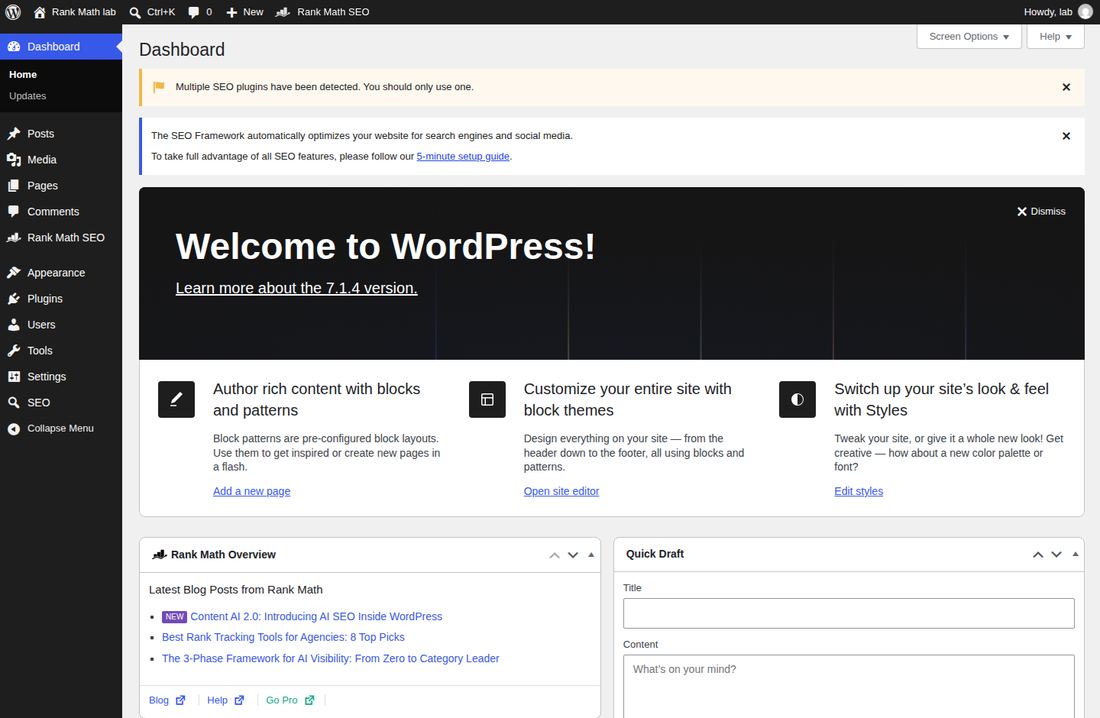
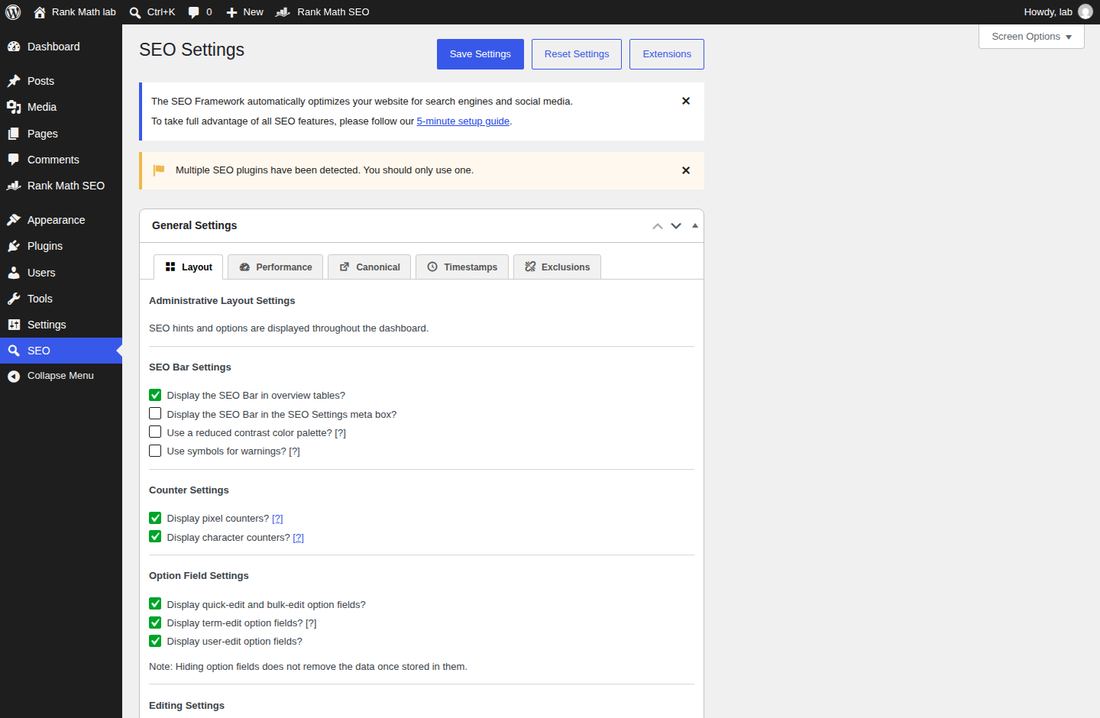
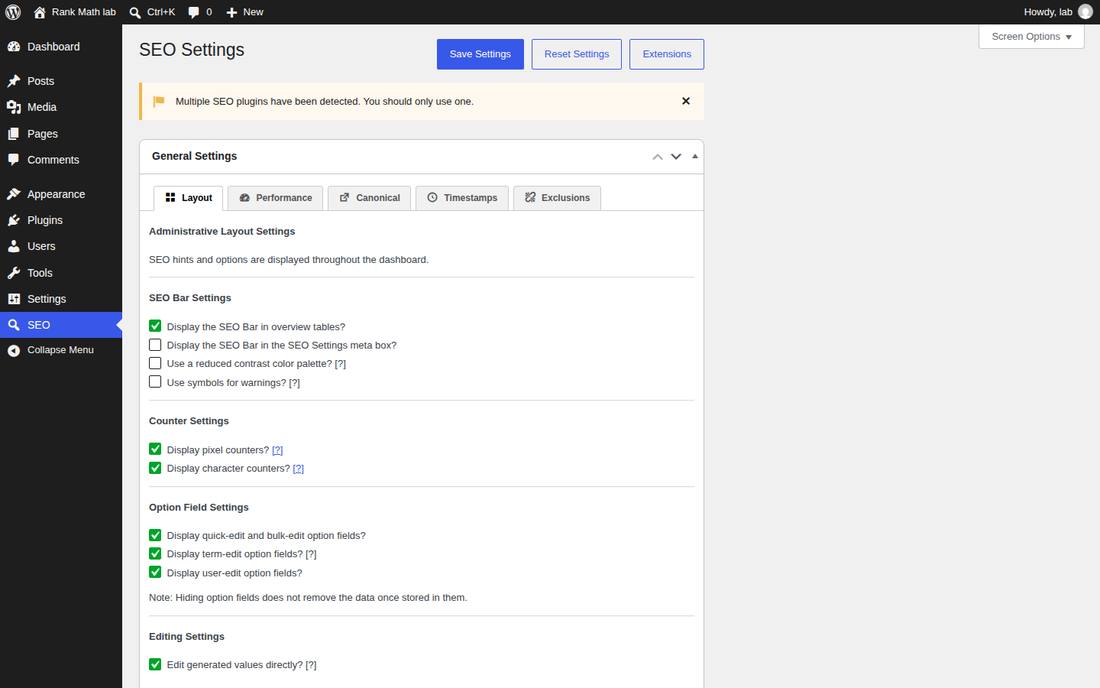
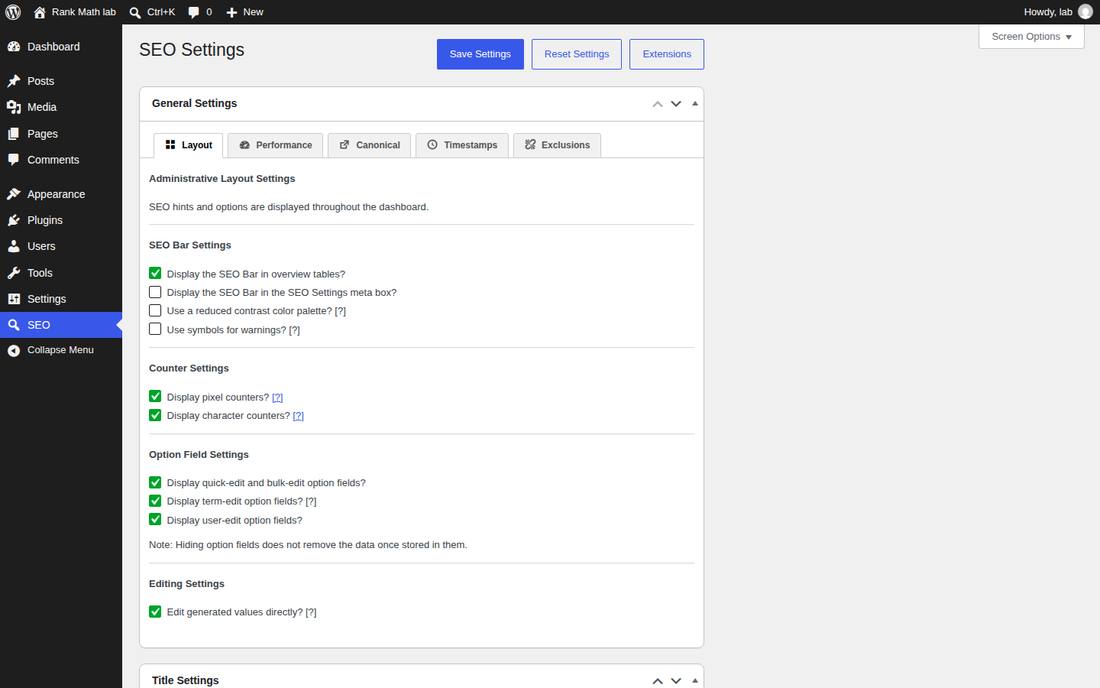
The plugin adds one top-level menu and one settings screen with a handful of tabs: general and metadata, schema, sitemap, robots, and social. There are no dashboard widgets, no notifications asking for a review, and no upgrade banners - the vendor treats that as a selling point, and it is visible in the interface rather than only in the copy.
On the post editor the meta box is compact: title, description, robots settings, canonical URL, social title and description, and a schema tab where the entity type can be overridden per page. Everything else is generated from templates, and the templates are written in plain language rather than variable syntax wherever possible.
Paid features are delivered by a separate plugin, the Extension Manager, which connects the site to the vendor's API and unlocks extensions. That separation is why the core plugin stays free and small: the extensions live outside it, and the API budget (5,000 requests a month on Pro) is what you actually buy.
How the core features behave
Metadata was complete out of the box on our test - description, Open Graph title and image, Twitter card - without opening a settings screen.
Schema is a graph rather than a pile of separate blocks: one JSON-LD block containing WebSite, WebPage, BreadcrumbList, Organization and supporting types, eight in total on our test post. The surprise is what was missing: no Article entity for a published post. TSF can output Article, but in our default install it did not, which is the kind of detail a comparison table never shows.
Sitemaps are at /sitemap_index.xml with four child sitemaps, and the news sitemap is a paid extension. Redirects are in the free plugin, with a manager screen for 301s. Breadcrumbs are available as a shortcode for themes, and the plugin deliberately does not style them - that is the theme's job.
Who it is for, and who should skip it
It fits developers and technical site owners who want correct output, a small footprint and no interaction with the plugin after setup. The vendor's own positioning - no ads, no tracking, no upsells - describes a product for people who read changelogs.
It also fits an agency that wants to standardise metadata through code, because the plugin exposes filters for almost everything and does not fight you.
Skip it if you need to show a client a rank tracking dashboard, if you sell local services and want a local SEO module, or if you want an editor-side assistant that explains SEO while someone writes.
Moving from another SEO plugin
The importer covers Yoast, All in One SEO, SEOPress and Rank Math. It brings titles, descriptions, robots settings, social settings and schema settings. Redirects should be exported separately before switching, because the import focuses on metadata rather than the redirect table.
A practical note: TSF writes its own options with a distinct prefix, so running it alongside another SEO plugin is possible for a staging comparison, but never on production - duplicate meta tags are the usual result.
Common questions
Why is the minimum two sites? The vendor says it is to cover a staging site, and prices it as buy one get one free.
Do I need the Extension Manager to use the plugin? No. The plugin works alone; the Extension Manager is for paid extensions and API services.
What are API requests used for? SEO checkups, dictionary lookups and location services - features that need data from outside your site.
Does it slow the site? It had the fastest TTFB of the five (76 ms) and a +3,238 byte page, which is in the middle of the range.
What we measured
This page is now based on a test, not only on documentation. On 13 November 2026 we installed the free version on a clean WordPress 7.1 site with no caching layer, published one article with a featured image, changed no settings and ran three requests per page. The figures below are medians. Only the free build was installed: paid tiers are described from vendor documentation, not measured. We do not own licences for them, and we would rather say that than imply a test we did not run.
| Metric | Result |
|---|---|
| HTML size, article page | 74,364 bytes (+3,238 vs no SEO plugin) |
| Time to first byte | 0.076 s |
| JSON-LD blocks / schema types | 1 / 8 |
| Article fields present | none — the graph carries WebPage, not Article, out of the box |
| Meta out of the box | description: yes · og:title: yes · og:image: yes · twitter:card: yes |
| Sitemap | /sitemap_index.xml, 4 child sitemaps |
Score: 3.7 / 5. The rubric is published on /methodology: output quality 35% (schema validity, type coverage, Article completeness), cost 25%, weight and reliability 15%, workflow 15% (what works before you touch a setting), support 10%. A low score on this page means the defaults did not do the job, not that the plugin cannot.
What we have not tested yet
- Whether Article markup appears once the schema settings are opened and saved
- Redirect manager behaviour on chains and query strings
- What the paid extensions add, since we did not licence them
- Behaviour with a caching plugin in front
Bottom line
Install it if you want a small plugin that outputs correct metadata, schema and sitemaps, with redirects, and no commercial nagging. It is the best free option in this comparison for people who know what they are doing.
Pay for Pro only if you need private support or the extensions, and accept that you are buying discipline rather than features. If you need rank tracking or local SEO modules, SEOPress at 49 EUR or Rank Math at its Business tier will serve you better.
Sources
- theseoframework.com/pricing/ - plans, prices, extension and support matrix, read 13 November 2026
- theseoframework.com - product description and design principles, read 13 November 2026
- WordPress.org plugin listing for The SEO Framework — version and install base, read 13 November 2026
- Our own install: free plugin activated on a clean WordPress 7.1 site, 13 November 2026








Reader reviews
Loading reader ratings...