
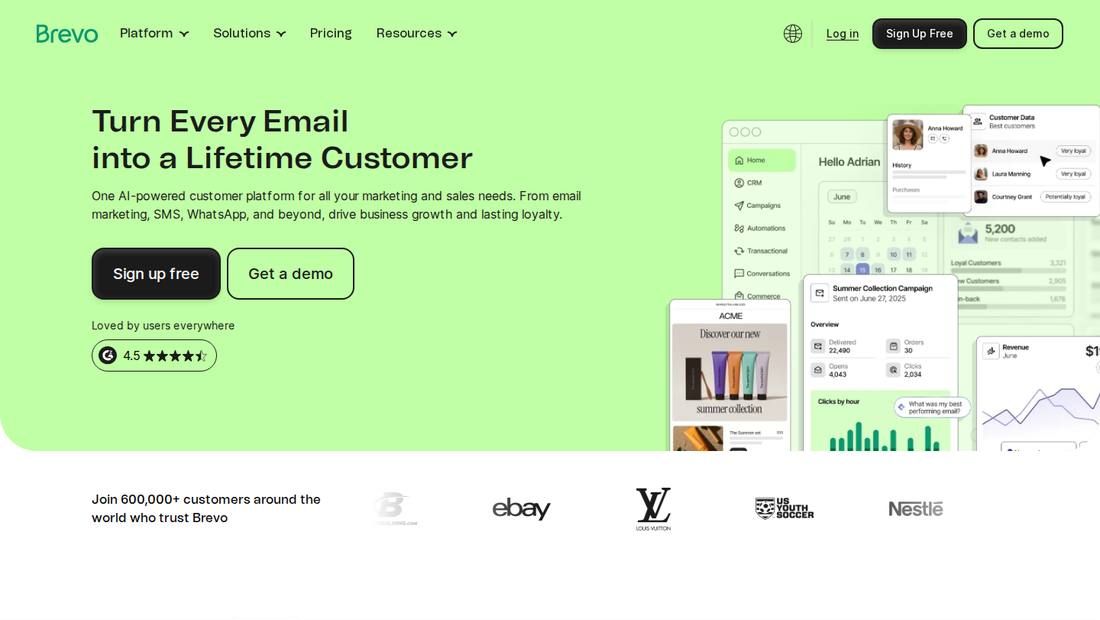
Brevo is the email platform that charges for what you send, not for how many people you know. This brevo review is about why that distinction matters, what the free tier actually covers, and the point at which the pricing model stops being a bargain.
What Brevo is
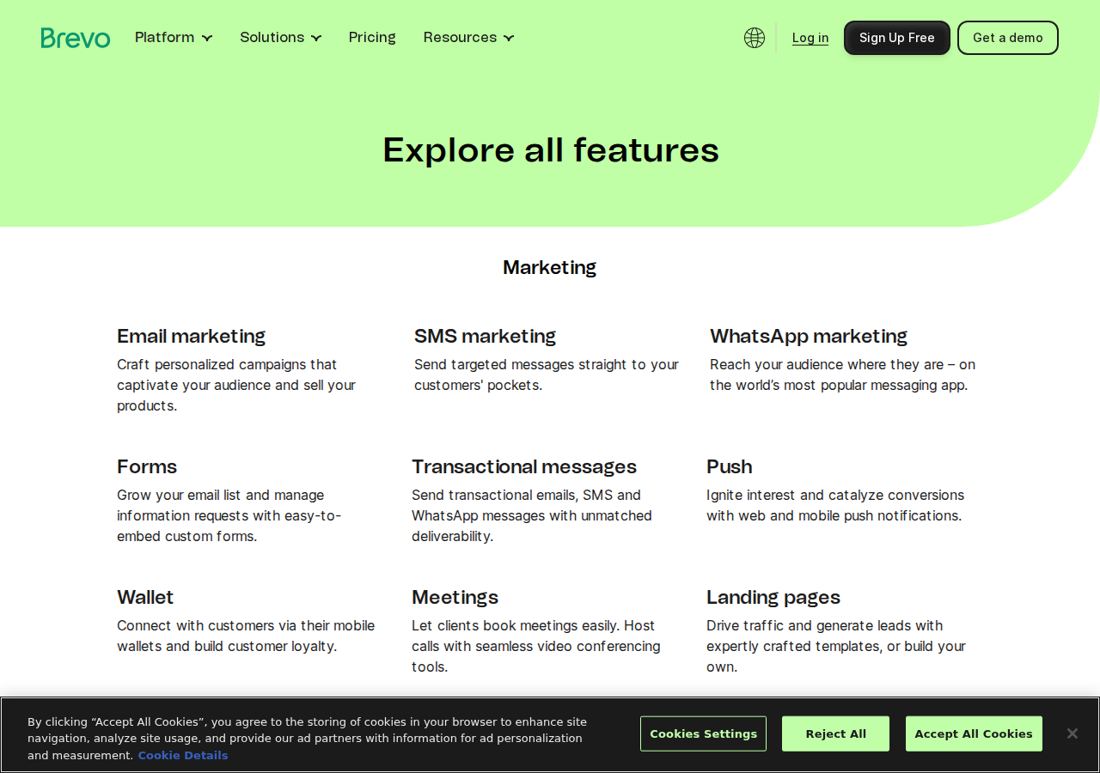
An email marketing platform that grew into a small CRM. At the centre is campaign email: build a template, segment a list, send, read the report. Around it sit automation workflows, transactional email over an API or SMTP, SMS and WhatsApp credits, landing pages, and a contact database with deals and pipelines.
The important structural fact is the pricing unit. Brevo counts emails sent per month and treats contacts as unlimited. Competitors count contacts, which means a large, quiet list costs money even when you never mail it.
What you see before you sign up
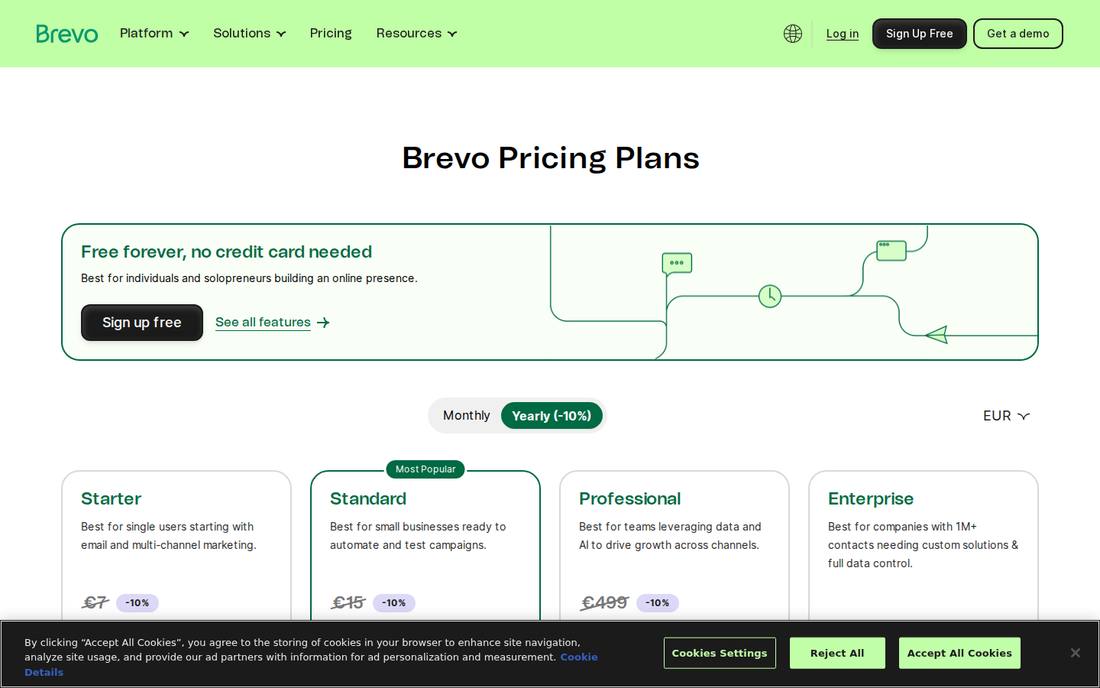
The pricing page is dense and honest: plans are labelled by monthly email volume, with promotional prices shown against list prices, and a free tier stated as 300 emails a day with unlimited contacts. The number to read carefully is not the monthly price but the volume attached to it.
We are not enrolled in Brevo's affiliate programme, so nothing here earns a commission; the affiliate disclosure explains how that is marked if it changes.
What the free tier actually covers
Three hundred emails a day is 9,000 a month, and it does not expire. For a newsletter with 800 readers sent weekly - about 3,200 emails a month - the free tier is enough indefinitely, with Brevo's logo on the footer. That is the most generous permanent free plan in this comparison and it is the reason to start here rather than with a trial.
What free does not give you is automation depth, A/B testing or send-time optimisation. Those arrive with the paid tiers, and the jump from free to Starter is small enough that most sites make it in the first quarter.
The arithmetic of volume pricing
Starter at around 7 EUR for 20,000 emails is 0.35 EUR per thousand. A contact-priced competitor charging 10 USD for 500 subscribers is 20 USD per thousand subscribers, regardless of how often you mail them.
The comparison flips at scale: a 100,000-contact list mailed once a month sends 100,000 emails, and volume pricing gets expensive while contact pricing does not. Brevo is a small-list product that happens to be cheap for large lists only if you rarely mail them.
Where it fails
- Automation is younger than ActiveCampaign's. Workflows work, but the branching and scoring depth is not the same league.
- Deliverability depends on your own setup. Shared IPs by default; a dedicated IP arrives on higher tiers, and warming it is your job.
- The interface shows its CRM ambitions. Five products in one menu means the email screen is not the whole app any more.
- SMS and WhatsApp are credits, so the headline price is not the monthly bill.
- Templates are functional, not beautiful. Designers will export from elsewhere.
Who it is for, and who should skip it
It fits a small business with a list under 20,000 that mails weekly, a site newsletter that wants transactional email from the same account, and anyone whose list is large but quiet. It fits a budget where 300 free emails a day genuinely removes a cost.
Skip it if you need enterprise-grade automation, scoring and CRM logic - that is ActiveCampaign. Skip it if you want a polished editor and templates out of the box - MailerLite is friendlier. And skip it if you mail the same 50,000 people several times a month; volume pricing becomes the expensive model.
How it compares with the other three
Against MailerLite, the split is pricing model and polish: MailerLite is prettier and counts subscribers, Brevo is cheaper for frequent small sends and includes SMS. Against Mailchimp, Brevo is cheaper at almost every tier and less polished, and it does not sell a website builder you did not ask for. Against ActiveCampaign, Brevo is the simpler product at a third of the price, and the gap is automation depth rather than deliverability.
The category is compared on /category/email, and the test procedure behind a future score is in how we test.
Transactional email, which is the hidden reason to pick it
Most small sites need two kinds of mail: a newsletter and the password reset. Brevo does both from one account, with an API and SMTP relay on the same plan. That removes a second vendor, a second set of DNS records and a second bill - a practical saving that rarely appears in comparison tables.
The caveat is reputation: newsletter blasts and transactional mail share a domain, so a bad campaign can hurt delivery of password resets. Use a subdomain for bulk mail if that risk matters to you.
What we have not tested - and will
Research-based review: public pages plus our own captures, no account. Open questions:
- Inbox placement for a 500-recipient campaign on the shared IP
- How much of a workflow's logic survives without paid automation
- Real cost of a 20,000-email month including SMS credits
- API throughput for transactional sends
- Editor quality for a designer-built template
Bottom line
Brevo is the best value in this category for a small list, and the free tier is genuinely usable rather than a demo. Start free, move to Starter when you need automation, and watch the volume line rather than the contact count.
If you outgrow it, you will know exactly why: automation depth, or a list large enough that volume pricing stops being a bargain.
Sources
- brevo.com/pricing/ - plans, volume allowances and promotional prices, read 13 November 2026
- brevo.com/features/ - campaigns, automation, API and CRM, read 13 November 2026
- brevo.com/partners/affiliates/ - affiliate programme, read 13 November 2026
Deliverability: what you have to do yourself
Brevo will verify your domain and give you DKIM and SPF records; pasting them into DNS is on you, and skipping it is the single most common reason a new account lands in spam. The second step is list hygiene: remove hard bounces, never import a purchased list, and send the first campaign to your most engaged segment.
Brevo shows reputation and blocklist status in the dashboard, which is more than most competitors at this price. Reading it monthly is the difference between catching a problem early and discovering it after a launch.
What the editor feels like
Drag-and-drop with a reasonable block set, and a template library that is competent rather than inspiring. Building a clean newsletter takes twenty minutes the first time and five thereafter once you save your own template. Personalisation tokens work; conditional content is limited compared with enterprise tools.
For a text-first newsletter - the kind this site would send - the editor is more than enough. For a designer-led brand email, export from a design tool and keep the template simple.
Migration from another platform
Imports work from CSV and from the major competitors, with tags preserved if you map them. The part that does not migrate is automation: workflows are rebuilt by hand. Budget an afternoon if you have three or four automations, and run both systems in parallel for one send before switching over.
Who ends up staying
The accounts that stay are the ones sending a weekly newsletter to a list under 10,000: the bill is a rounding error, transactional mail is included, and nobody has to think about contacts. The accounts that leave are the ones whose list grew past 50,000 and whose sending frequency did not fall - the volume model turns against them, and a contact-priced competitor becomes cheaper at exactly the moment revenue matters most.
A practical first-month plan
Import the list, verify the domain, send a plain-text welcome to the ten most engaged subscribers, then send the first real campaign to the engaged half. Read the report, remove bounces, and only then connect a form. That sequence keeps reputation clean while you learn the tool, and it takes an afternoon rather than a week.
The short version
If your list is small and you mail often, Brevo is the cheapest serious choice and the free tier is real. If your list is large and you mail rarely, check the volume maths before assuming it is cheap.














Reader reviews
Loading reader ratings...