

Mailchimp is the name everybody knows, which is both its advantage and the reason people overpay. This mailchimp review is about what the free plan covers, where the price ladder turns, and why the brand no longer means the cheapest option.
What Mailchimp is
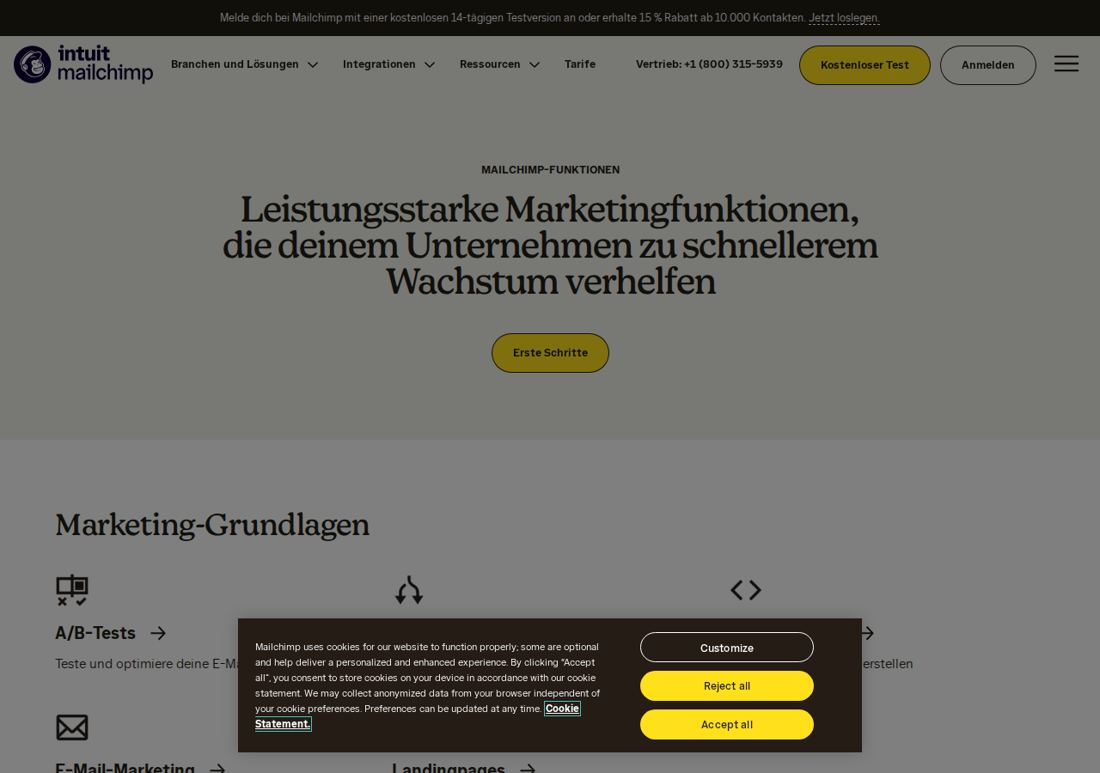
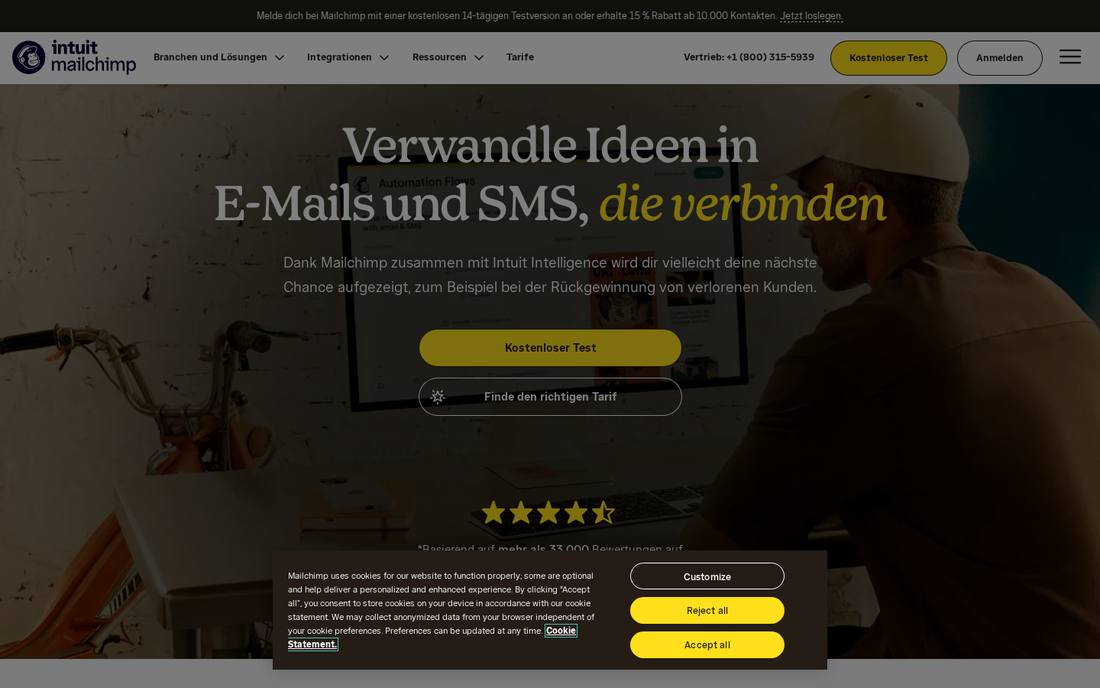
An all-in-one marketing platform: email campaigns, customer journey automation, landing pages, forms and popups, a simple website builder and a CRM-lite contact view. Around that sit integrations with shops and CMSs, a content studio, and reporting that is clearer than most competitors'.
The positioning has shifted over the years from email tool to small-business marketing suite, and the pricing followed: you are paying for a suite even if you only send newsletters.
What you see before you sign up
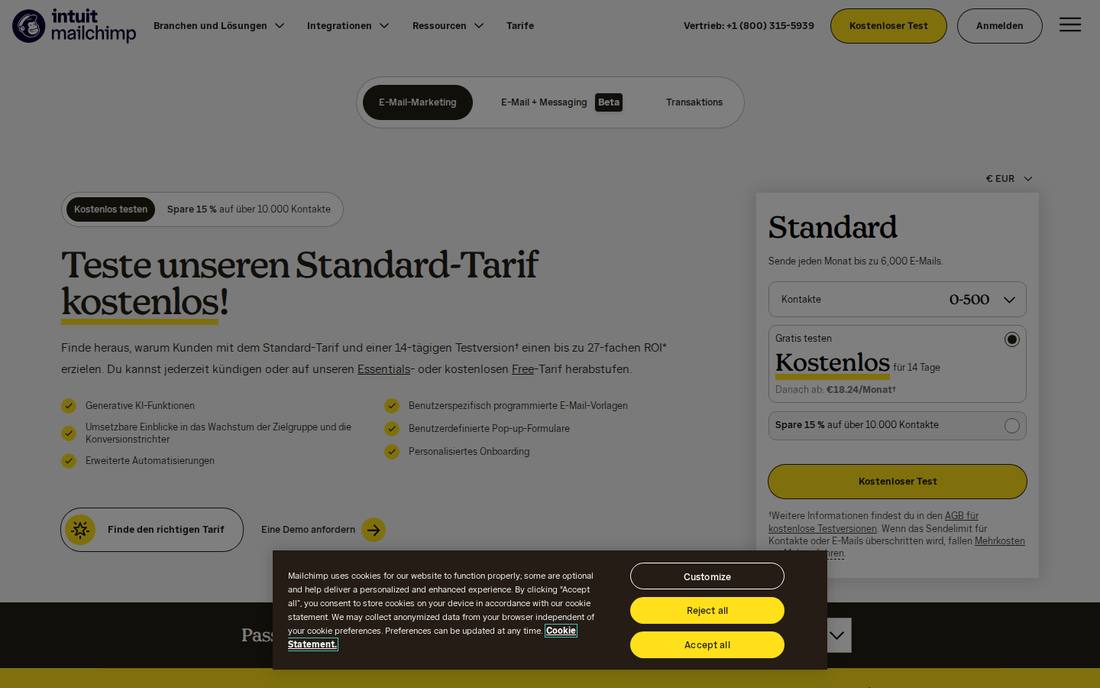
The pricing page is a contact-band table with three tiers, monthly and annual prices, and a free plan at 500 contacts. It is well presented and easy to misread: the number in the headline is for the smallest band, and every band above it costs more per contact.
Our captures were served in German at EUR prices, which is worth noting because the same plan costs different amounts in different regions - check the price from the country you will pay from.
We are not enrolled in any affiliate programme for this product, so nothing here earns a commission; the affiliate disclosure explains how that is marked if it changes.
The free plan, compared honestly
Five hundred contacts and a thousand emails a month is half of MailerLite's free allowance and a fraction of Brevo's sending volume. It is enough to run a small list at fortnightly frequency and not enough to grow quickly. The branding stays on every email until you pay.
For a new site the free plan is a fine way to learn the tool. It is not a way to run a business, and the upgrade arrives sooner than people expect.
Where the price ladder turns
At 500 contacts the entry tier is competitive. At 2,500 it is roughly double a volume-priced competitor. At 10,000 it is several times more, and the emails you send do not matter - you pay for people who exist in the list, whether or not you mail them.
That is the single most important fact in this review: Mailchimp prices the list, not the sending. If your list is large and quiet, you are paying for storage.
Where it fails
- Contact-based pricing at scale. A quiet 10,000-person list costs many times what a volume-priced sender charges.
- Feature gating inside tiers. A/B testing and send-time optimisation sit on Standard, not Essentials.
- The suite you did not ask for. Website builder and content tools add surface area without adding value for a newsletter.
- Deliverability is shared-IP by default, with dedicated IPs on higher plans only.
- Support quality depends on the tier; chat on entry, phone on Premium.
Who it is for, and who should skip it
It fits a small business that wants one login for email, a landing page and a basic website, and a shop already integrated with Mailchimp through its platform. It fits anyone who values polish and integrations over price.
Skip it if the list is larger than a few thousand and the budget matters - Brevo or MailerLite are cheaper at that size. Skip it if you need deep automation logic; ActiveCampaign is the specialist. And skip it if you only need transactional email, which is a different product entirely.
How it compares with the other three
Against MailerLite, Mailchimp is the bigger brand with a smaller free tier and higher prices at every band, and a more capable automation builder. Against Brevo, the pricing philosophies are opposites: contacts versus sends, polish versus value. Against GetResponse, Mailchimp has the better editor and GetResponse the webinars; both sit in the middle on price.
The category is compared on /category/email, and the test procedure behind a future score is in how we test.
What the editor and reporting actually give you
The editor is the best in this comparison for a non-designer: blocks behave, mobile preview is accurate, and the template library is large. Reporting is where Mailchimp still leads - comparative reports across campaigns, click maps, and audience growth that reads clearly without exporting anything.
If you learn from numbers, that reporting is worth something. If you send and forget, it is decoration.
The migration question
Leaving Mailchimp is easier than people fear: contacts and tags export cleanly, templates export as HTML, and automations are rebuilt by hand. The one thing that does not travel is history - open and click data from past campaigns stays behind, which matters if you segment on engagement.
Export a CSV with engagement fields before you switch, so the new platform starts with a warm segment rather than a cold list.
Deliverability and setup
Domain authentication is mandatory and well explained. Shared IPs are standard, and reputation is generally good because of the volume Mailchimp handles - the trade-off is that one bad list on a shared IP affects everybody, which is why the abuse team is strict about imports.
The economics of the free plan
Five hundred contacts covers the first six months of a new site comfortably. The moment the list passes 500, the bill starts, and it rises with every band. Plan the jump: a list growing at 100 a month crosses into a paid tier in the first quarter, and the invoice is the first real cost of the newsletter.
What we have not tested - and will
Research-based review: public pages plus our own captures, no account. Open questions:
- Inbox placement for 1,000 recipients on the shared IP
- Whether the journey builder handles a four-branch sequence without add-ons
- Real price at 2,500 and 10,000 contacts in EUR and USD
- Editor time for a 600-word newsletter with three images
- How much of the reporting is usable without a shop integration
Bottom line
Mailchimp is a good product at an increasingly high price. Start on the free tier, learn the editor, and re-check the maths the moment the list passes a thousand contacts - that is where the brand premium starts to cost real money.
If you want polish and reporting, pay for it. If you want the cheapest way to send a weekly newsletter, Brevo or MailerLite will save you the difference every month.
Sources
- mailchimp.com/pricing/marketing/ - tiers, contact bands and regional prices, read 13 November 2026
- mailchimp.com/features/ - campaigns, journeys, landing pages and reporting, read 13 November 2026
- mailchimp.com/affiliates/ - affiliate programme, read 13 November 2026
The customer journey builder
Journeys are Mailchimp's automation product and they are good: a visual canvas with triggers on purchase, click, date or tag, conditions that branch, and a goal that removes people when they convert. The depth sits between MailerLite and ActiveCampaign - enough for a welcome series, a win-back and a simple abandoned cart, not enough for scoring or complex multi-product logic.
The practical advice is the same as everywhere: build one journey well, measure it, and only then add the second. A journey nobody maintains is a machine that emails the wrong people forever.
Segmentation, which is Mailchimp's quiet strength
Groups, tags, engagement segments and a query builder for combining them. Sending to the engaged third of a list improves deliverability measurably, and Mailchimp makes that segment easy to define and reuse. That single habit - mail the people who open - does more for inbox placement than any technical setting on this page.
Who renews, and who leaves
The accounts that renew use the suite: a landing page, a journey, a shop integration and monthly reporting from one login. The accounts that leave are newsletters whose lists grew past a few thousand and whose bill tripled for the same twenty emails a month.
If you are the second kind, leave before the renewal - the export is 20 minutes and the savings are annual.
The short version
Free until 500 contacts, excellent editor and reporting, and a price that rises with the list rather than with the sending. Pay for it if you use the suite; leave if you only send a newsletter.
One last practical note: check the price in your own currency and country before committing. The same plan is sold at different regional rates, and the difference over a year is often larger than any discount being advertised on the page.














Reader reviews
Loading reader ratings...